New Bring your forScore library, markings and all See how

Scan a paper score and start writing on it.

Choose Scan Score and photograph the score. Marcato straightens each page, names the score from its title and opens it, ready for your pencil.

An iPhone scanning a page of music. Each page is scanned and cleaned.
page 1 of 3

How it works.

The camera flattens a page on a music stand.

A photocopied score never sits flat on the stand. Choose Scan Score from the + menu, or the Scan tab on iPhone, and the camera finds the edges and flattens each page. Save turns them into one score.

  • Edges found for you
  • Perspective straightened
  • As many pages as the score
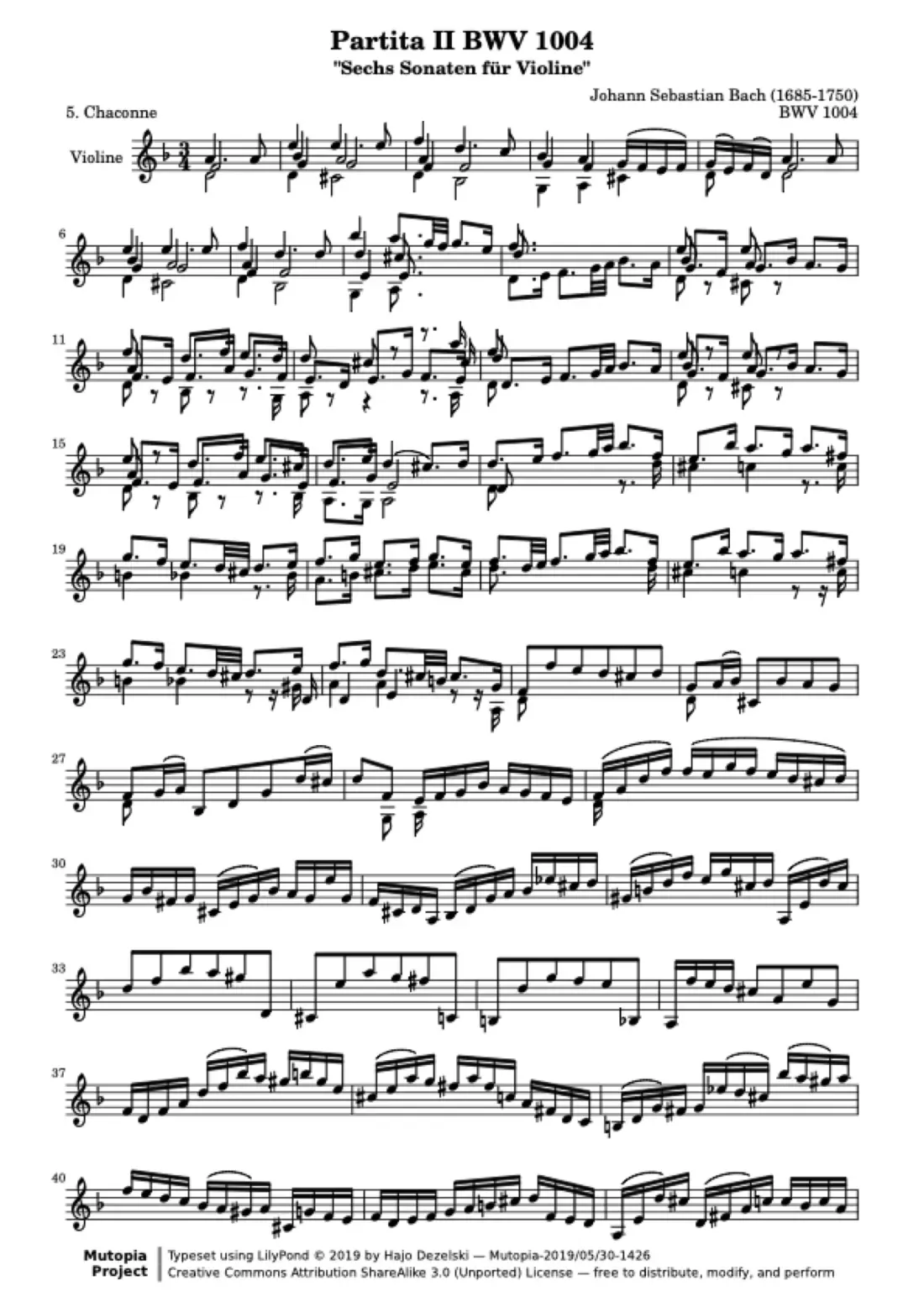
A scanned page of sheet music, straightened and cropped

It names the score and files it for you.

A scanner app leaves you a file called Scan 14. Marcato reads the title off the first page and makes that page the cover. Scan from a folder or setlist and the score lands there, open and ready to mark.

  • The title read from the page
  • The first page as its cover
  • Into a folder or setlist
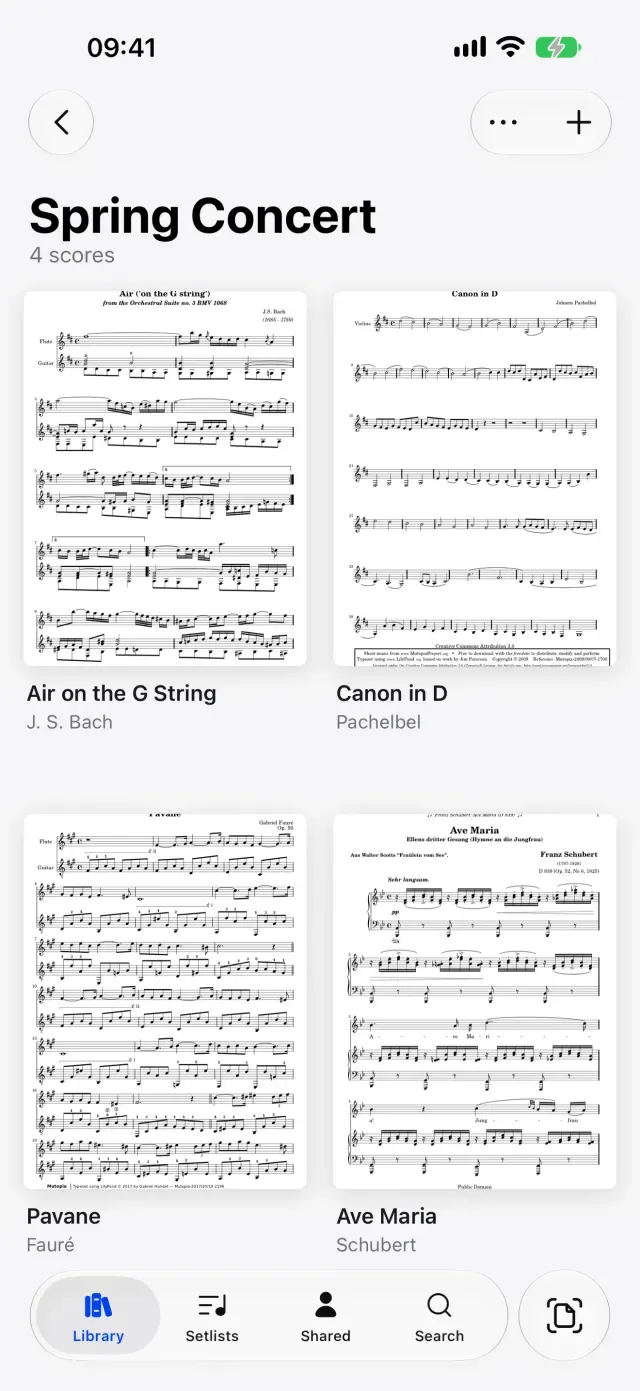
A folder of scores in Marcato on iPhone

And all the little things.

  • No export step

    No review screens, and no PDF to go looking for afterwards.

  • Missed a page

    Add Pages, then Scan Pages, adds more to the end as one undoable step.

  • From Photos

    Pictures of the pages already in Photos become one score, in the order you pick them.

  • On iPad too

    Scan Score is in the + menu on iPad and the Scan tab on iPhone.

  • Ready to mark

    A scanned score takes ink, layers and stamps like any other.

  • On every device

    Scan on your iPhone and the score is on your iPad, synced.

Scan Sheet Music questions.

Do I need a separate scanner app?

No. Scanning is built into Marcato, and the scan lands in your library as a score, ready to open.

Can I scan a score with several pages?

Yes. Keep shooting page after page, then tap Save. Every page goes into one score in the order you scanned it.

Can I add pages to a score I already scanned?

Yes. Open the score's menu, choose Add Pages, then Scan Pages or From Photos.

Goes well with.

Marcato on iPhone. Your library and a scanner in your pocket.

An iPhone in a music bag's front pocket. The iPhone lifts out of the pocket.
in the pocket

Import PDFs. Brings in PDFs, whole folders and forScore.

PDF pages filing into a folder. Pages glide into the folder.
411 scores

Staff Paper. Blank manuscript paper to write music on.

Staves drawing onto blank manuscript paper. Each staff rules across the sheet.
staff 4

Put your first score on the shelf.

Open a PDF, move your forScore library or scan the score on your stand. You don't need an account to start.

For iPad and iPhone with iPadOS 26 or iOS 26.