
























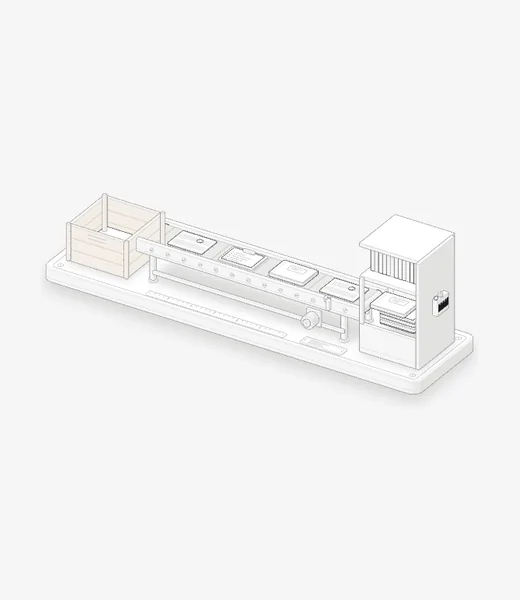
Keep the old library. Moving copies your scores into Marcato. Nothing in the app you came from is changed or removed.
Bring your library, markings and all.
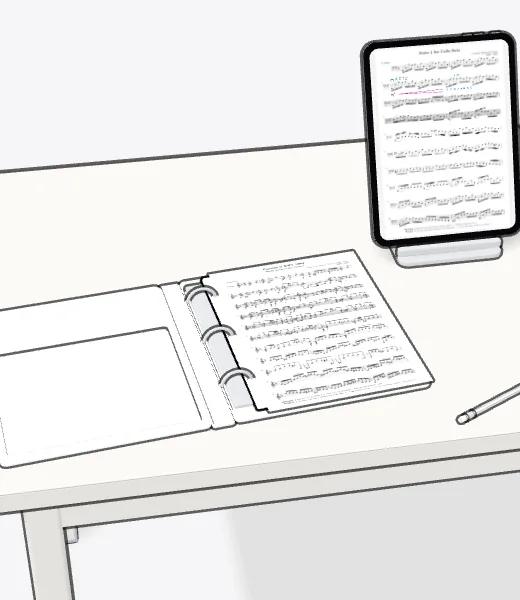
A forScore library moves over in minutes, setlists and markings included. A folder of PDFs or the binder on your stand comes too.
Where your music is now.
- From forScore Your forScore library, markings and all
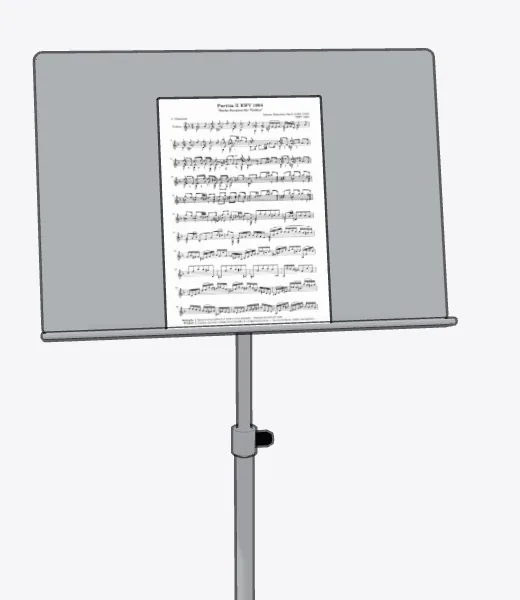
- From Paper From binder to iPad, one score at a time
- From a Folder of PDFs Every PDF in a folder, its folders kept
- From MobileSheets Coming soon Until then, bring a folder of its PDFs
- From Newzik Coming soon Until then, bring a folder of its PDFs
- From Piascore Coming soon Until then, bring a folder of its PDFs
Compare before you move.
- Marcato vs forScore Ink that stays sharp, and where forScore does more
- Marcato vs Newzik Two ways to share a score with your ensemble
- Marcato vs MobileSheets Every platform, or made for iPad and iPhone
- Marcato vs Piascore A free IMSLP reader, or a shelf you mark up
- Marcato vs Goodnotes A notebook app, or one built for the stand
- Marcato vs Paper The binder on your stand, compared
Before you move.
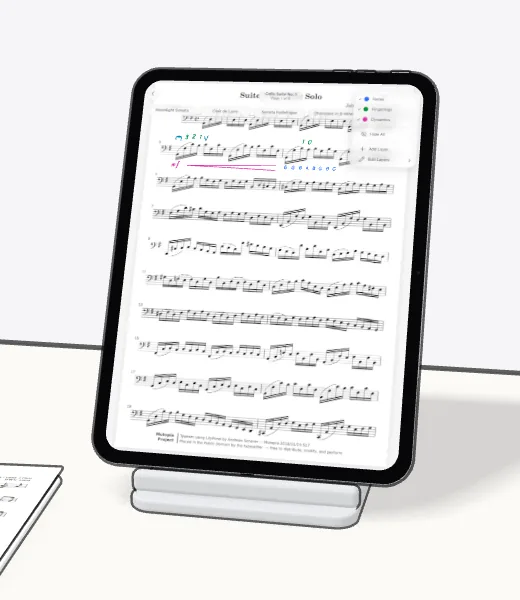
Markings come along. From a forScore archive, every marking arrives looking as it did, on a layer you hide like any other.
Folders stay folders. A folder of PDFs keeps its subfolders, so the way you sorted things is the way you find them.
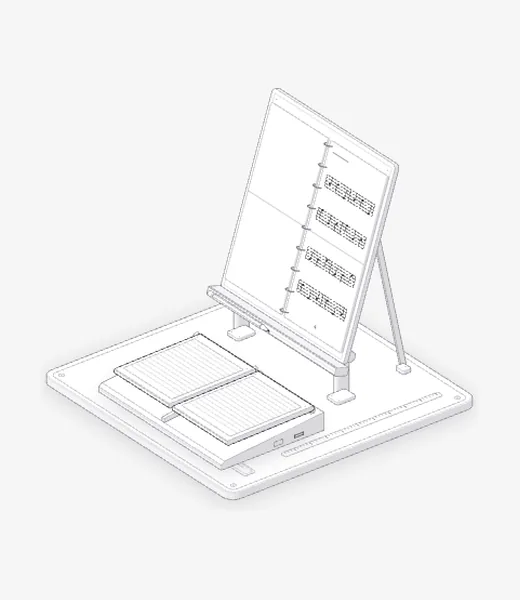
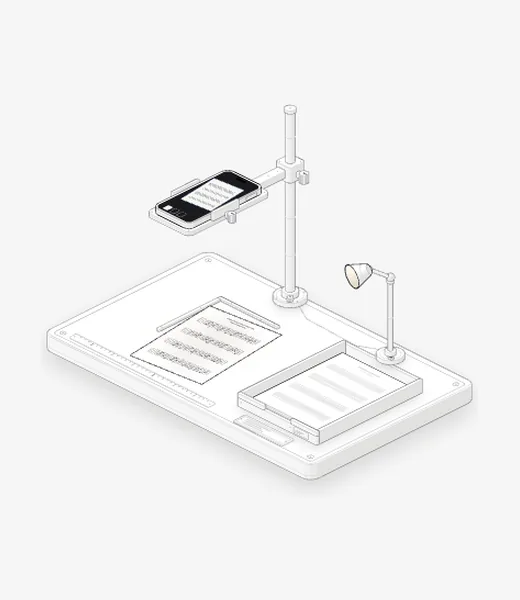
Paper works too. Scan a score with your iPhone or iPad camera. Marcato reads the title off the page and puts it on your shelf.

Put your first score on the shelf.
Open a PDF, move your forScore library or scan the score on your stand. You don't need an account to start.
For iPad and iPhone with iPadOS 26 or iOS 26.