
























The notes come in after the preview.
The director cuts 16 bars and adds a vamp before the next show. Mark the change on the shared book, and the player reading it has it at call, with nothing to reprint or hand out.
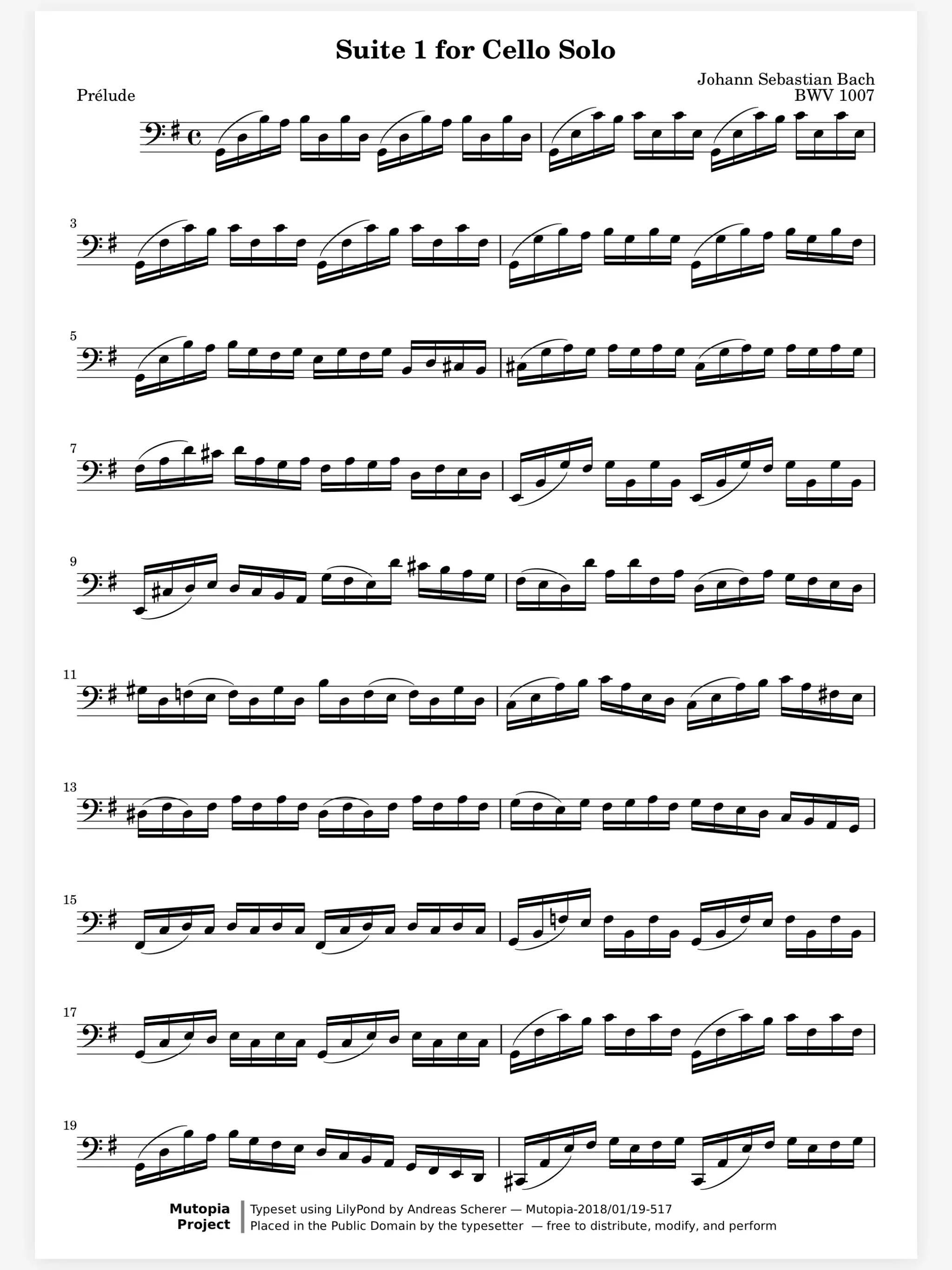
On the page
Learning
In a section
Leading and playing out
Move to Marcato
Keep the show's books in a group the whole pit sees. Mark tonight's cut and each player's book shows it, on iPad, iPhone or in a browser.

The director cuts 16 bars and adds a vamp before the next show. Mark the change on the shared book, and the player reading it has it at call, with nothing to reprint or hand out.
Find the new number after the reorder. Name each number with a bookmark, from the overture to the bows. The Pages sheet lists them in show order, and Go to Page lands on any page number at once.
Switching from flute to clarinet on the turn. A doubler has no hand free for the page. A Bluetooth pedal, a face gesture or a nod with AirPods turns it, and half-page turns show what comes next before you get there.
Make the pit a group and it becomes a folder everyone in it sees. Drop in Reed 1, Keys 2 and the rest, and each player opens their own book from it.
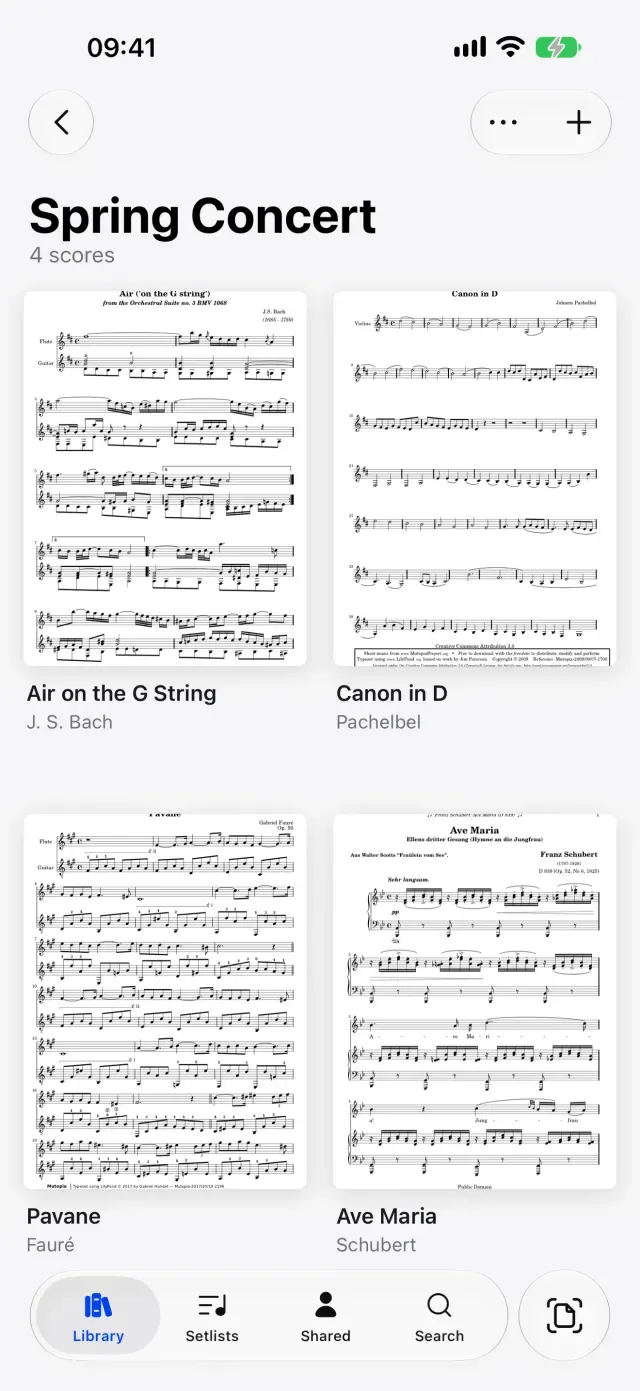
Share Scores. Share a score that keeps updating.
Hands-Free Turns. Turn with a face gesture, AirPods or Watch.
Apple Pencil. Pencil ink that stays sharp at any zoom.
Staff Paper. Blank manuscript paper to write music on.
Scan Sheet Music. Turns paper sheet music into a score you can mark.
No. A shared book opens in Marcato on iPad or iPhone, or in the web viewer in any browser, with its markings.
Yes. Share it, or export a PDF with the layers you choose, so the sub gets the cuts without your own reminders.
Choose Add Page in the More menu and staff paper goes right after the page you are on, ready to write on.

Open a PDF, move your forScore library or scan the score on your stand. You don't need an account to start.
For iPad and iPhone with iPadOS 26 or iOS 26.