
























30 staves in small print.
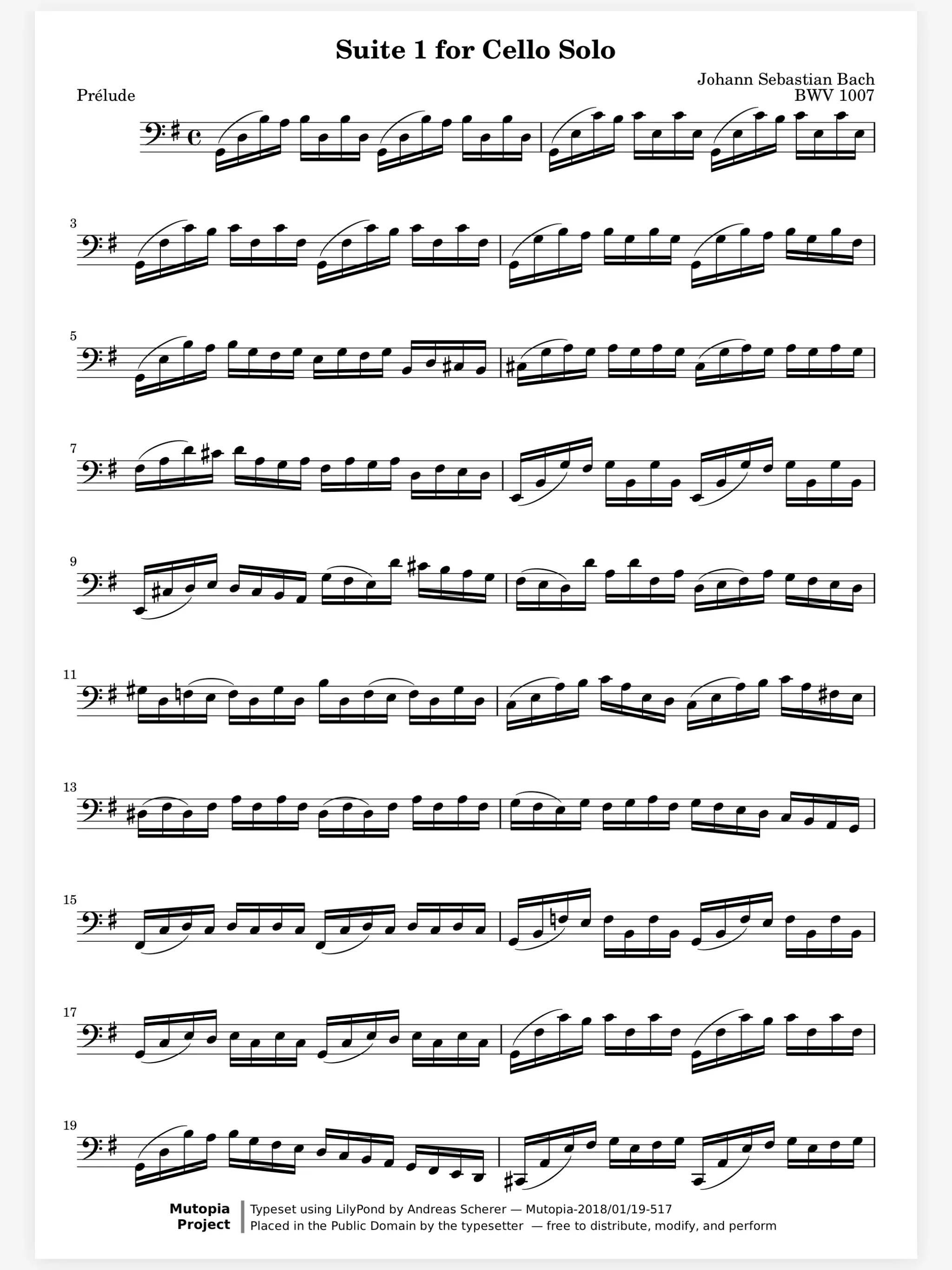
A crowded score page is where a missed entry starts. Pinch up to 8× and the music and your markings are drawn again at that size, never blurred. Double tap a system to zoom straight to it.
On the page
Learning
In a section
Leading and playing out
Move to Marcato
Pinch into the bassoons in a crowded tutti and your markings stay as sharp as the print. In a live session, every page turns when yours does.

A crowded score page is where a missed entry starts. Pinch up to 8× and the music and your markings are drawn again at that size, never blurred. Double tap a system to zoom straight to it.
Letter B before the orchestra has found it. Name each rehearsal letter with a bookmark and the Pages sheet lists them in order. Touch and hold a bar to flag it for the note you want to give, where only you see the flag.
The same symphony with two orchestras. The student orchestra in March, the community orchestra in June. Keep each one’s cuts and cues on a layer of its own, and show only the layer for the group in front of you.
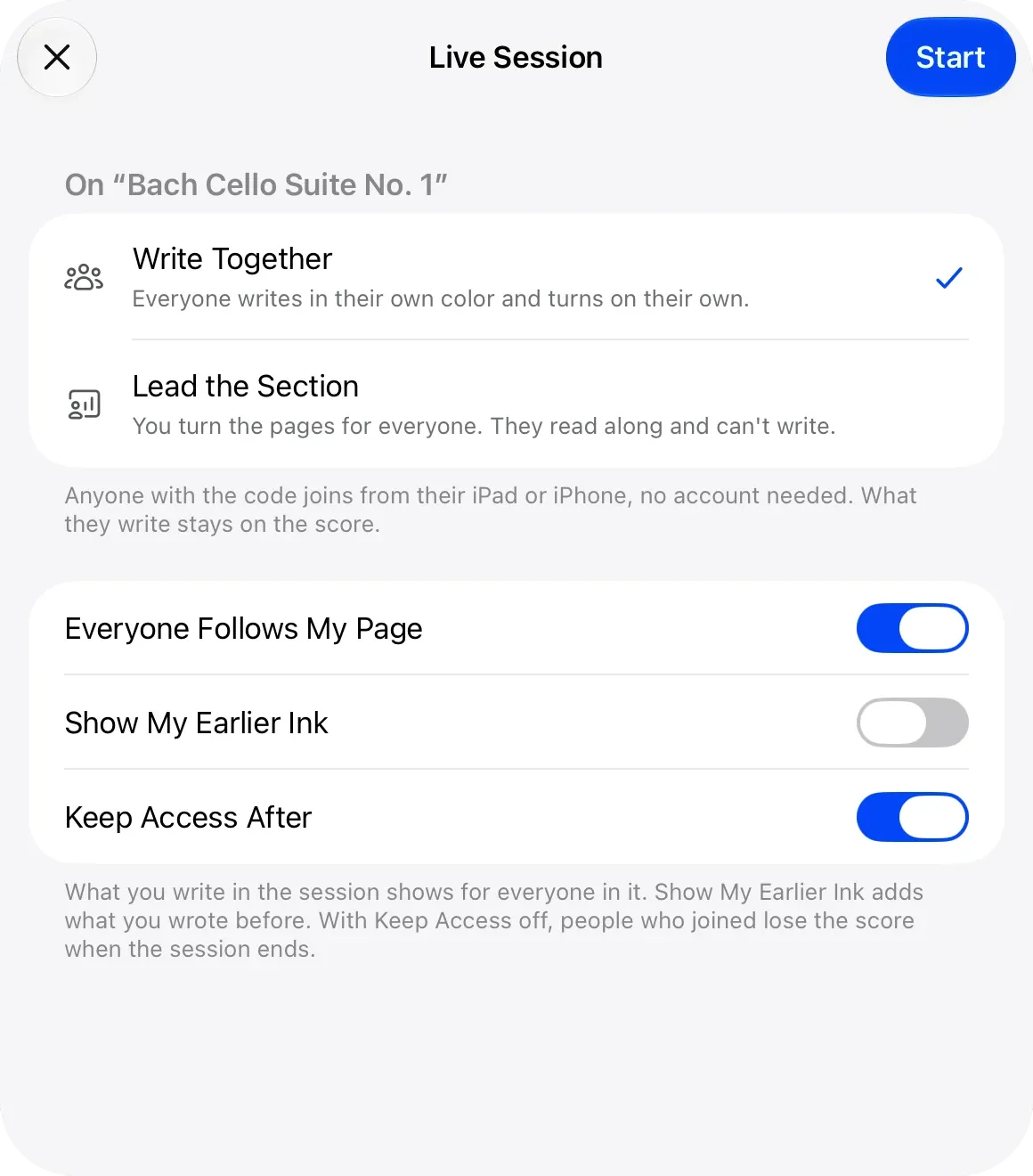
In a choir rehearsal everyone reads the same octavo. Start a live session with Lead the Section and every singer’s page turns when yours does. They join with a code or a QR code, no account needed.
A clean page that turns the moment you ask.
Live Sessions. Write on the same page as your teacher, live.
Apple Pencil. Pencil ink that stays sharp at any zoom.
Share Scores. Share a score that keeps updating.
Yes. Zoom up to 8× on any system, and in landscape two pages sit side by side. Your markings are drawn again at every size, so they stay sharp.
Yes. Each open score is a tab under the toolbar, up to 12, and they are still there the next time you open the reader.
No. They join a live session with a code, a link or a QR code, from an iPad, an iPhone or a web browser. Starting a session needs you to sign in.
Yes. Share a score and every change you make reaches them, or export a PDF with only the layers you choose.

Open a PDF, move your forScore library or scan the score on your stand. You don't need an account to start.
For iPad and iPhone with iPadOS 26 or iOS 26.