
























A fingering at 8×, still one clean line.
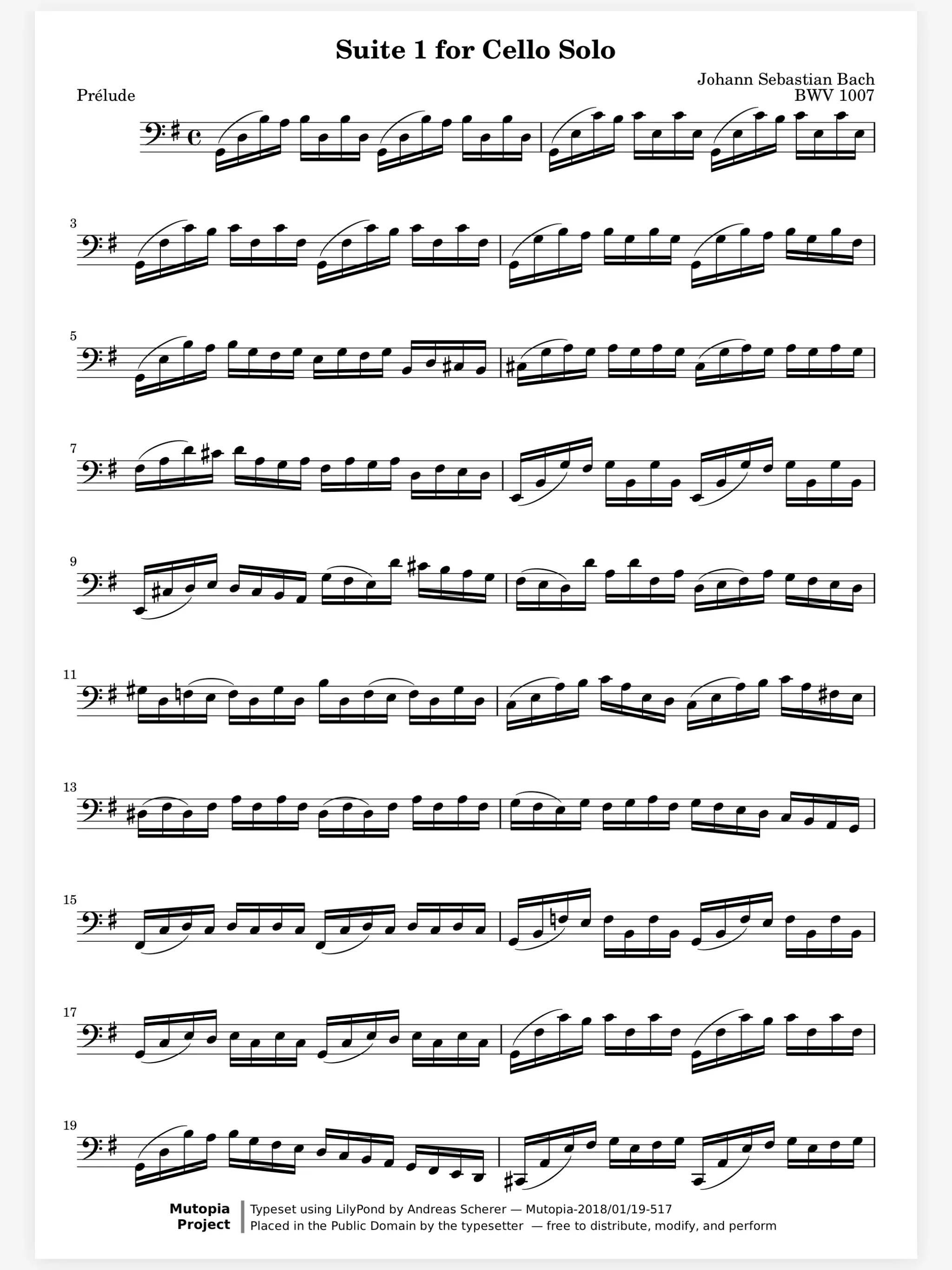
A marking saved as a picture goes soft and jagged when you zoom in on a fast passage. Marcato draws the page and every stroke again at the zoom you are at. Zoom to 8× and a fingering is still one clean line.
On the page
Learning
In a section
Leading and playing out
Move to Marcato
Most sheet music apps save your markings as pictures, so they blur up close. Marcato keeps every stroke as ink, sharp at any zoom on iPad and iPhone.
A marking saved as a picture goes soft and jagged when you zoom in on a fast passage. Marcato draws the page and every stroke again at the zoom you are at. Zoom to 8× and a fingering is still one clean line.
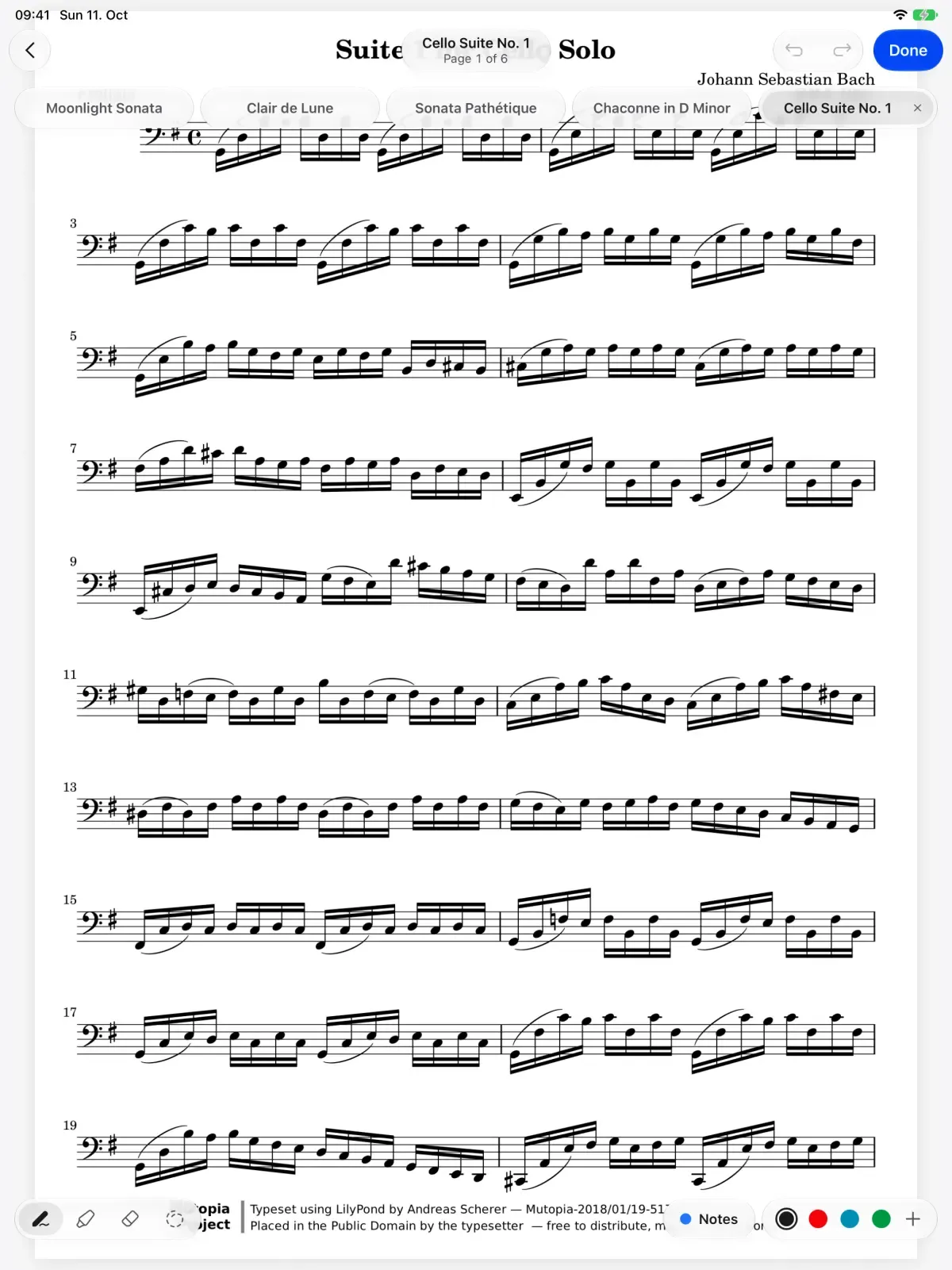
In rehearsal there is no time to find a drawing mode. Touch the page with Apple Pencil and the tools appear as the stroke starts, even with the toolbar hidden. A finger still turns the page, so a stray touch never leaves a mark.
Tap a tool again to set its width, with a live sample of the line. The eraser takes a whole stroke, part of one, or only what the tip touches. The lasso moves, resizes, copies and recolors your ink.

Double-tap and squeeze do what you chose in Settings, like switching to the eraser.
On iPads that support it, the nib shows where it will land before it touches.
Undo and redo are kept per score, even after you close it or quit the app.
A stroke that runs off the edge stops at the paper, never on the facing page.
Turn on Pencil sounds and you hear your marks go on as you write.
Every tool, layer and color works on iPhone, in a narrower toolbar.
Some apps save your markings as pictures of the page, and a picture gets soft when you zoom in. Marcato keeps each stroke as ink and draws it again at the zoom you are at, up to 8×.
No. Apple Pencil writes whenever it touches the page, and the tools appear as you start. Tap Done when you want them out of the way.
Yes, while the tools are showing. If Only Draw with Apple Pencil is on in your iPad's settings, a finger only turns pages and scrolls.
Any Apple Pencil that works with your iPad. Double-tap needs the second generation or Pro, and squeeze needs Apple Pencil Pro.
Layers. Keep each kind of marking on its own layer.
Ink Cleanup. Turns scribbled marks into engraved symbols.
Live Sessions. Write on the same page as your teacher, live.

Open a PDF, move your forScore library or scan the score on your stand. You don't need an account to start.
For iPad and iPhone with iPadOS 26 or iOS 26.