New Bring your forScore library, markings and all See how

Every turn lands at once, however you turn.

A tap, a swipe, an arrow key or a Bluetooth pedal. Each one shows the next page at once, and you choose which pedal keys do what.

A page-turn pedal under an iPad. The pedals turn the page half by half.
page 4 · lower half

How it works.

Tap, swipe, pedal or keyboard.

At a gig your hands are busy and the stand is a step away. Tap the outer thirds of the page, swipe, or press a key. A Bluetooth pedal works like a keyboard, sending arrow keys, Page Up, Page Down or space.

  • Tap the left or right third
  • Arrows, Page Up, Page Down, space
  • Pedals that act as a keyboard
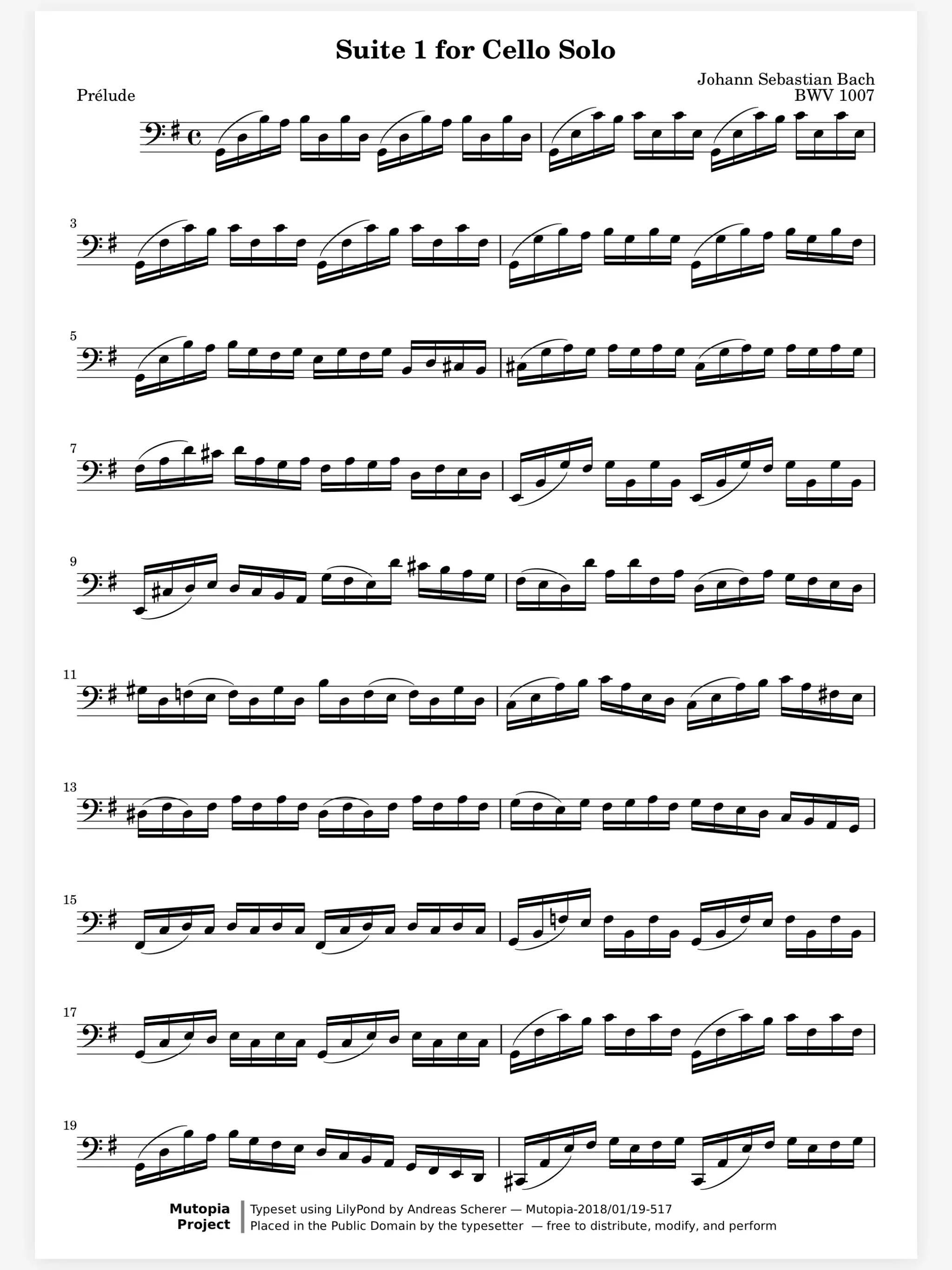
A score open in the Marcato reader with the toolbar hidden

Straight into the next piece.

Between pieces in a concert there is no time to look for the next score. Play a setlist and the last turn of one score opens the first page of the next. Its title shows for a moment, so you know where you are.

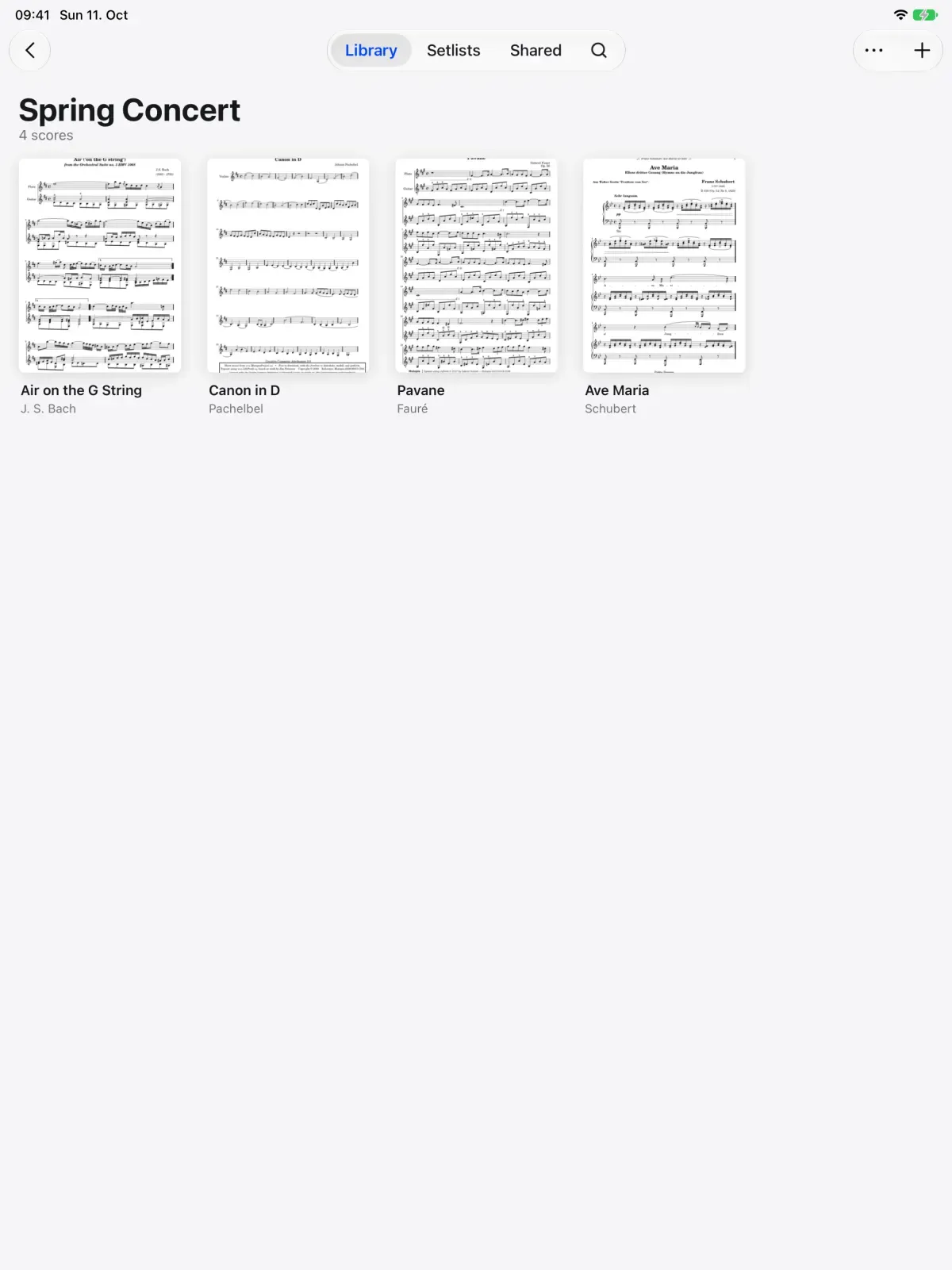
A Spring Concert folder in Marcato with its scores

Set the pedal up your way.

Pedals do not all send the same keys. In pedal settings, choose which keys turn forward and back, and let a double press turn a half page for the turns that land mid-phrase.

  • Your forward and back keys
  • Double press for a half page
  • Whole, half or continuous turns

And all the little things.

  • Instant

    Turns never animate, so a tap and a pedal can never disagree about where you are.

  • While zoomed

    Edge taps and pedals still turn when you are zoomed in, and the next page lands fitted.

  • The toolbar stays out

    Turning never brings the toolbar back, so a gig with a pedal stays full screen.

  • A Pencil never turns

    Only a finger turns pages, so writing near the edge never flips the page.

  • Pages ahead of you

    The next pages are drawn before you reach them, so a long score turns without waiting.

  • No hands at all

    Face gestures, AirPods head gestures and Apple Watch taps turn the page too.

Page Turning questions.

Which Bluetooth page turner pedals work?

Pedals that act as a keyboard and send arrow keys, Page Up and Page Down, or space.

Can I change which keys my pedal uses?

Yes. In pedal settings, choose which keys turn forward and back, and whether a double press turns a half page.

Does Marcato have half page turns?

Yes. Choose Half Pages under Turning in Display Settings, or set a double press on your pedal to turn a half page.

Can I turn pages without touching anything?

Yes. Besides a pedal, you can turn with a face gesture, a head gesture with AirPods or a tap on Apple Watch.

Goes well with.

Hands-Free Turns. Turn with a face gesture, AirPods or Watch.

An iPad on a stand with AirPods and an Apple Watch. A nod or a tap turns the page.
page 4

Reader. A clean page that turns the moment you ask.

An orchestral music stand. The desk tilts and rises.
desk 18°

Setlists. Plays a concert straight through, in order.

A setlist played on iPad. Each new score lands on the screen after the last page of the one before.
Piece 1 of 4

Put your first score on the shelf.

Open a PDF, move your forScore library or scan the score on your stand. You don't need an account to start.

For iPad and iPhone with iPadOS 26 or iOS 26.