
























The old method book is still on the shelf.
Coming back after 20 years starts with the music you already own. Scan the pages you play with your phone, and Marcato straightens them, names the score and files it, ready to mark.
On the page
Learning
In a section
Leading and playing out
Move to Marcato
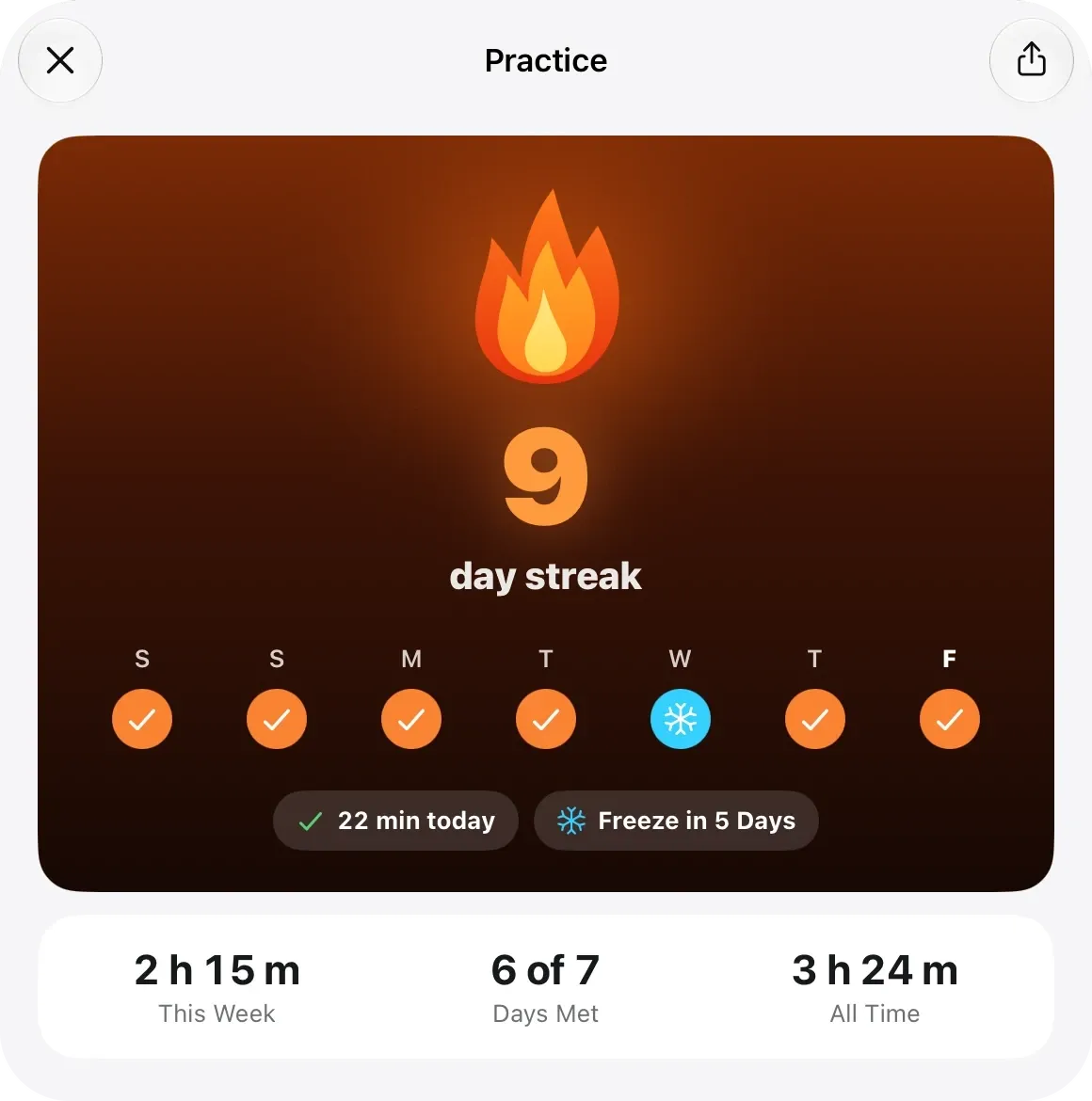
Open the piece you are learning and play. Marcato counts the minutes toward a daily goal you set, with rest days for the evenings you can’t.
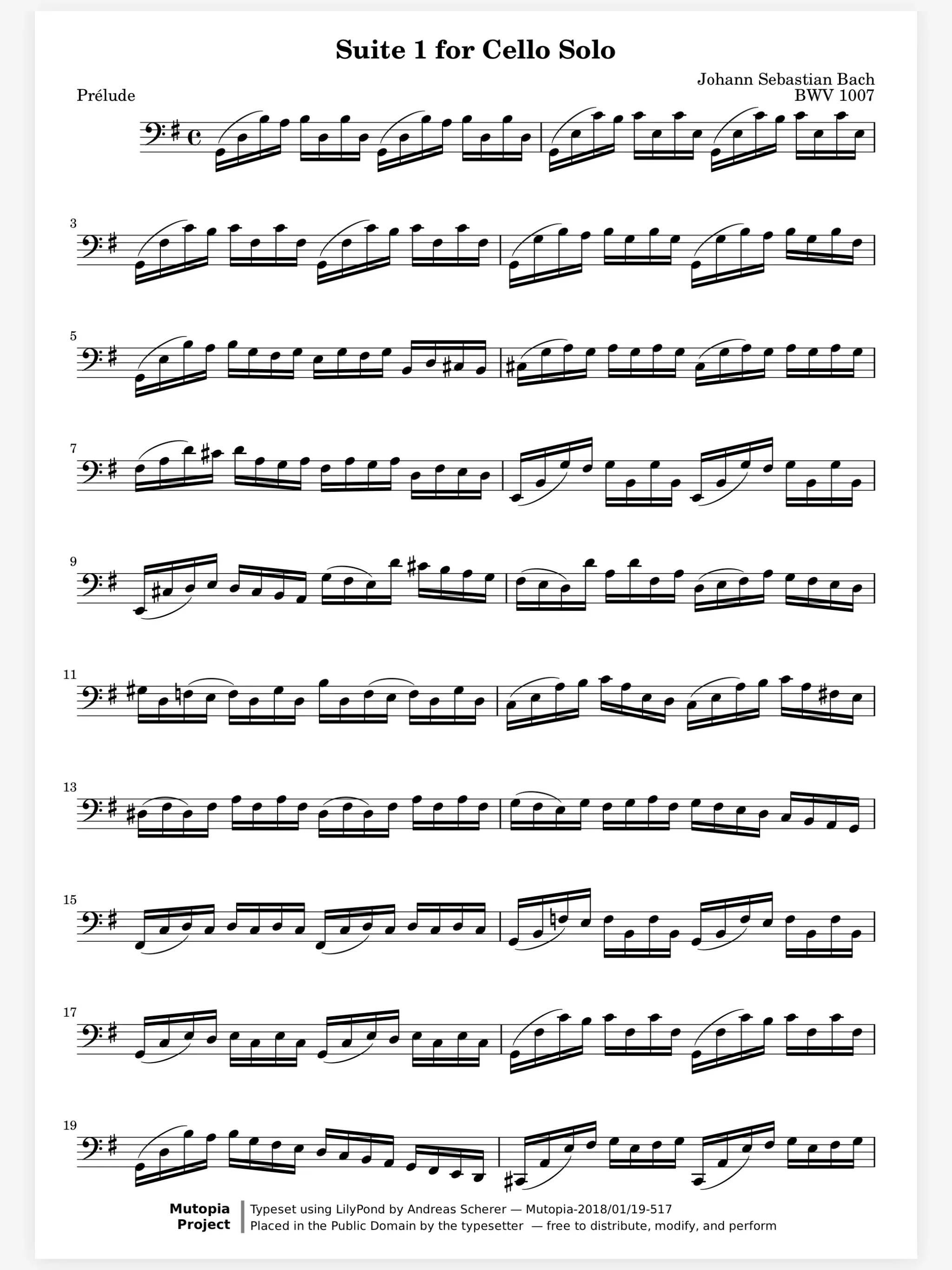

Coming back after 20 years starts with the music you already own. Scan the pages you play with your phone, and Marcato straightens them, names the score and files it, ready to mark.
A goal that fits a working week. Set the minutes a day and pick your rest days. Time with a score open counts by itself, and every 7th day in a row earns a freeze, for the week work runs late.
Slow it down until it is clean. The metronome opens beside the music, and each score remembers the tempo you last used, so tonight starts where last night left off. Turn it up a few beats when the passage holds.
Your teacher starts a live session and you join with a code, no account needed. The fingering they write appears on your score as they draw it, and it is still there when you practice on Thursday.
Counts your practice and keeps your streak.
Live Sessions. Write on the same page as your teacher, live.
Layers. Keep each kind of marking on its own layer.
Apple Pencil. Pencil ink that stays sharp at any zoom.
Not on a rest day you chose. A freeze covers a missed day, and you earn one for every 7 days in a row, holding up to 2.
Yes. Write them on a layer of their own, then hide that layer in the Layers menu once you know the piece. Nothing is erased.
No. Your library, the practice ring, the metronome and the tuner work on their own. Live sessions are there when you take lessons.
No. Marcato works from the first launch. Sign in with Apple or your email when you want your library on another device.

Open a PDF, move your forScore library or scan the score on your stand. You don't need an account to start.
For iPad and iPhone with iPadOS 26 or iOS 26.