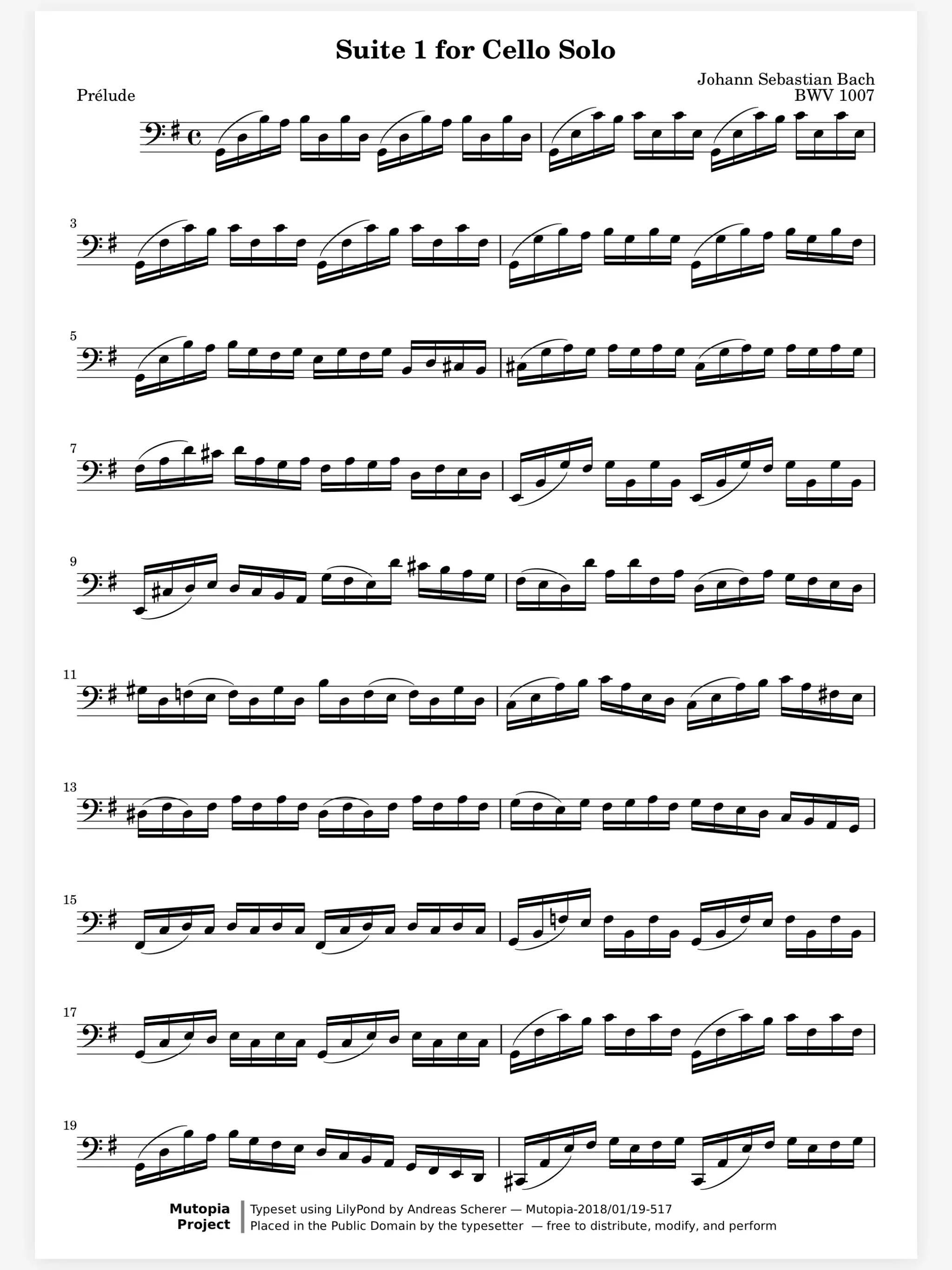
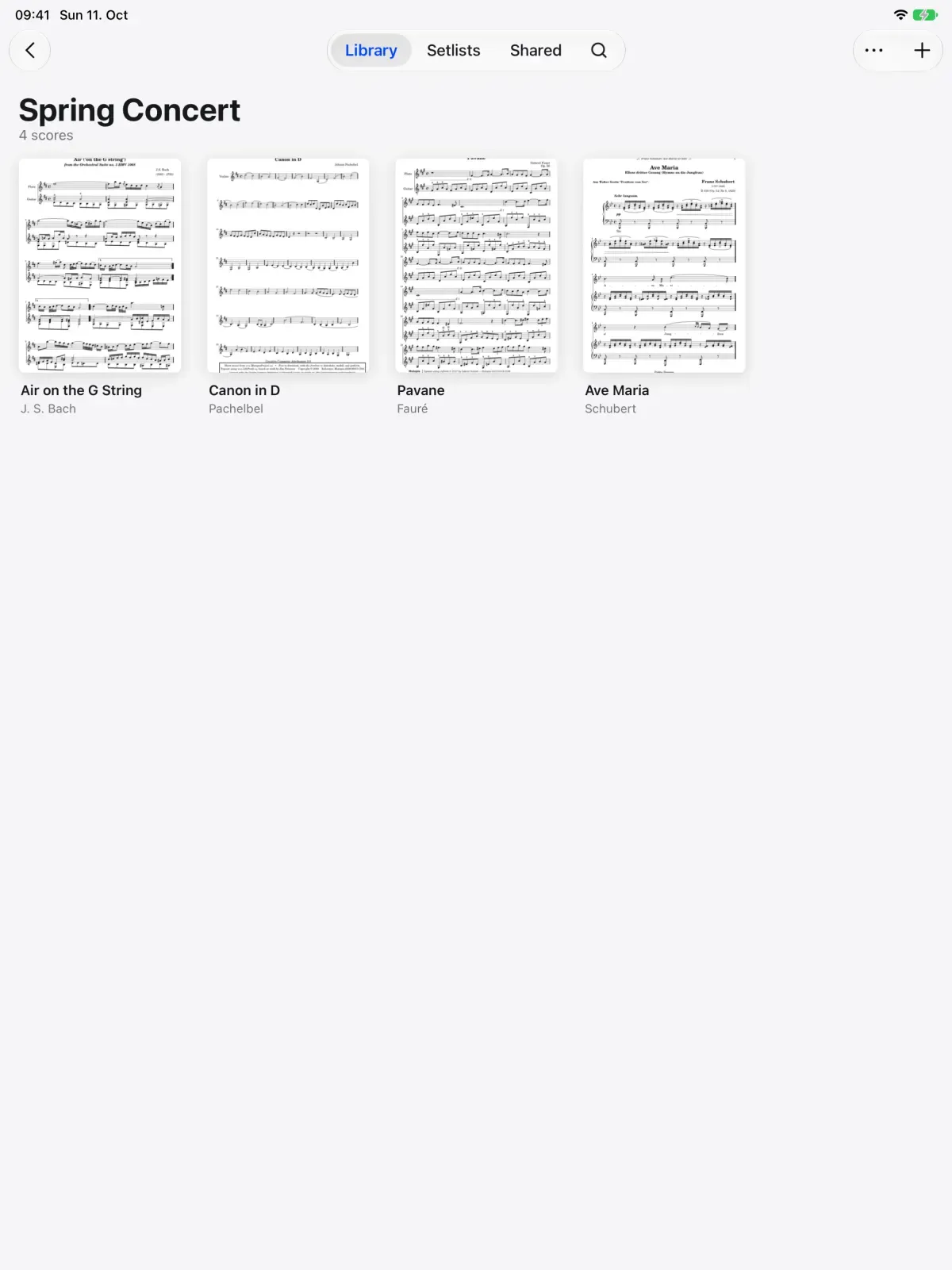
One part shared to every device. Each device takes the change in turn.
How it works.
Share it, or send a copy.
Sometimes the section needs your bowings to stay current, and sometimes a friend only wants the score. Share keeps the score yours and every change reaches them. Send a copy and it is theirs to keep, like a photocopy.
Share: your changes reach them
Send a copy: theirs from then on
With your markings, or clean
A folder the whole section sees.A quartet, a band or a section plays from the same pile of scores. Make a group and it becomes a folder everyone in it sees. Drop a score in and everyone has it. People join with a link or a code.
Join by link or code
Updates reach everyone
Who has access, at a glance
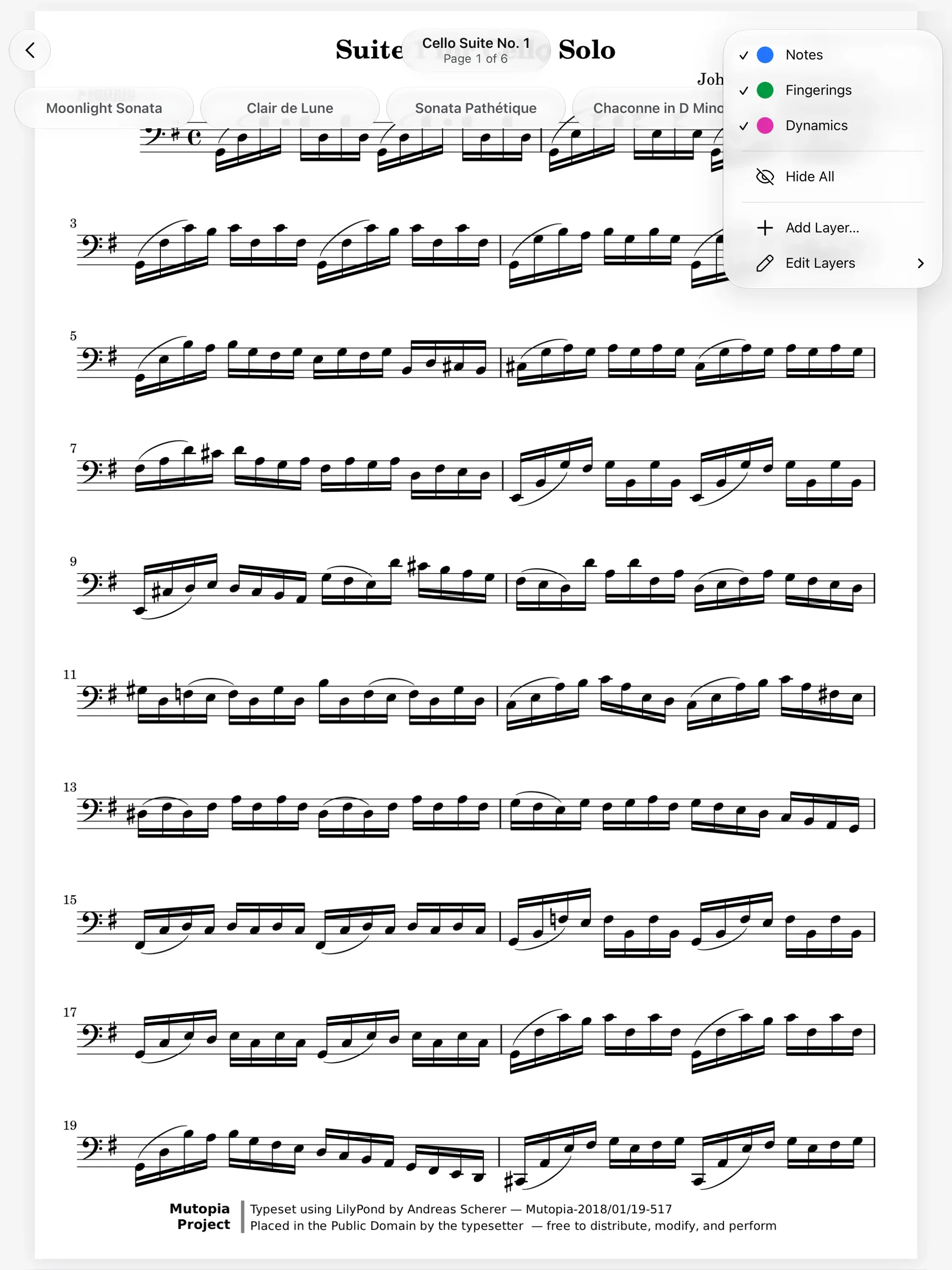
Export with the layers you choose.Sometimes a score has to leave as a file, for a sub or for the printer. Export an image or a PDF with the layers you pick, so the sub gets your bowings without your note names.
Add a friend by their handle.Passing a score around usually means AirDrop, then Files, then Import. Add a musician by their handle, a code or a QR code, and what you share lands straight in their library, with no link to open and no file to save.
Open it in a browser, no install.Not everyone on the stand has an iPad. The web viewer opens a shared score with its layers on any device, with nothing to install. It joins live sessions too.
And all the little things.
Shared
Scores others share with you show up in Shared, markings and all.
Their own layers
The people you share with mark the score on layers of their own, without touching yours.
Change your mind
Change someone's role, take back access or leave a share at any time.
Your private layers
Layers you keep private stay private, even on a shared score.
Bookmarks travel
Bookmarks belong to the score, so everyone sees them in Contents.
Flags stay yours
Flags are only ever yours, even on a shared score.
Share Scores questions.
What is the difference between sharing and sending a copy?
A shared score stays yours, and the people you share it with see every change you make. A copy is theirs from then on, and later changes on either side stay apart.
Do the people I share with need Marcato?
No. A shared score opens in Marcato on iPad or iPhone, or in the web viewer in any browser.
If I change a marking, will my section see it?
Yes, if you shared the score rather than sent a copy. The change reaches everyone it is shared with.
Can I share a score without my markings?
Yes. Share it clean and your layers stay private. The others mark it on layers of their own.
Can I export a score as a PDF?
Yes. Export an image or a PDF with the layers you choose.
Goes well with.
Live Sessions.Write on the same page as your teacher, live.
Two iPads sharing one score. Every stroke on the left iPad appears on the right one.
Layers.Keep each kind of marking on its own layer.
Acetate layers on a stand. Each layer lifts in turn.