
























Scan a score. Tap Scan Score in the + menu, or the Scan tab on iPhone. The camera finds the edges of each page and straightens it. Tap Save after the last page.
Scan the binder into scores you can share.
Point your iPhone or iPad at a score, and it comes out straight, cropped and on your shelf. New Blank Score gives you fresh staff paper.
How it works.
Let Marcato name it. Marcato reads the title off the first page, files the score on your shelf with that page as its cover, and opens it ready to mark up.
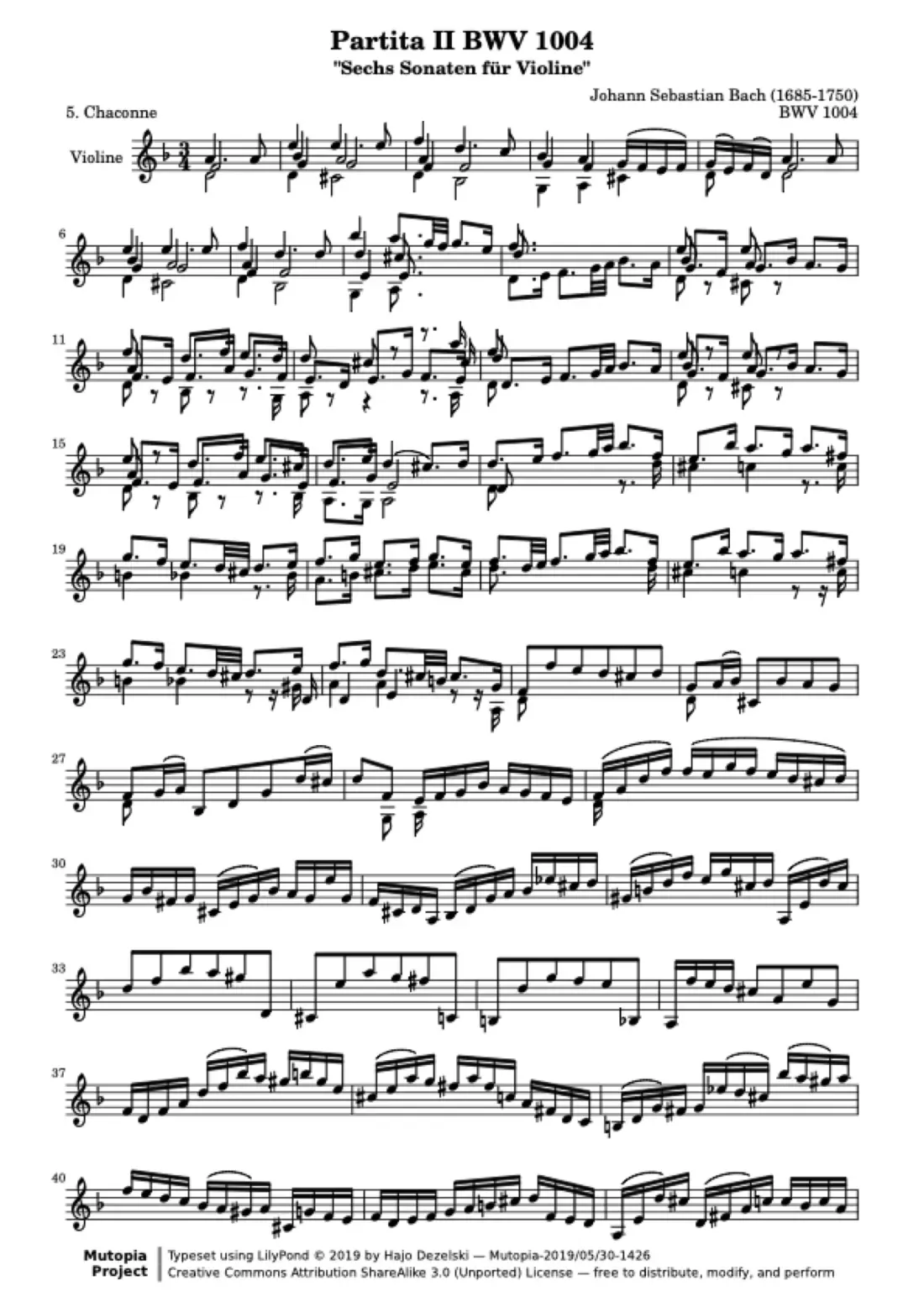
Bring in photos you took. Choose From Photos and pick the pages in order. They become one score. Missed a page? Add Pages in the score's menu scans more onto the end.
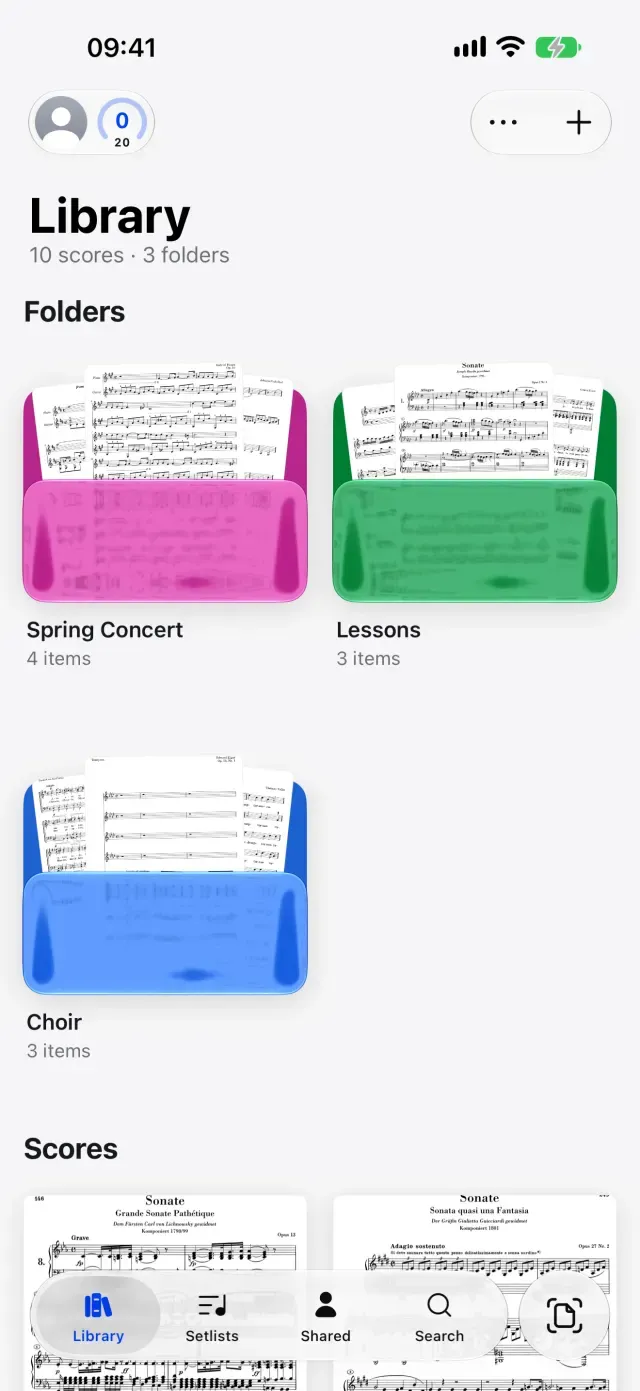
Start on fresh staff paper. New Blank Score in the + menu opens a paper picker: staff paper, single staves, grand staff, lead sheet, choir, tablature and more, up to 40 pages.
What comes with you.
Ways in.
- The camera, on iPhone and iPad
- Photos from your library
- A scan straight into a folder or a setlist
- More pages added to a score you already have
What you get.
- A straight, cropped PDF of every page
- The title read off the first page
- The same score on every iPad and iPhone you sign in to
- Layers ready for your fingerings, dynamics and notes
Good to know.
- Pencil marks already on the paper become part of the page
- Erase them first if you want a clean score to mark up
- Flat pages under even light scan best
Moving from Paper, answered.
Do I need a scanner?
No. The camera on your iPhone or iPad does the scanning, and Marcato turns the pages into one PDF.
Can I scan on iPhone and read on iPad?
Yes. Scan on your phone in rehearsal and the score is waiting on your iPad when you sit down to practice.
Can I hide the pencil marks that were on the paper?
No, those are part of the scanned page. Marks you add in Marcato go on layers, and those you can hide before the concert.
Can I share a scanned score with my section?
Yes. Share it and the markings you add later reach their score too, or send a copy they keep as it is.
Once you are in.
Scan Sheet Music. Turns paper sheet music into a score you can mark.
Staff Paper. Blank manuscript paper to write music on.
Apple Pencil. Pencil ink that stays sharp at any zoom.

Put your first score on the shelf.
Open a PDF, move your forScore library or scan the score on your stand. You don't need an account to start.
For iPad and iPhone with iPadOS 26 or iOS 26.