
























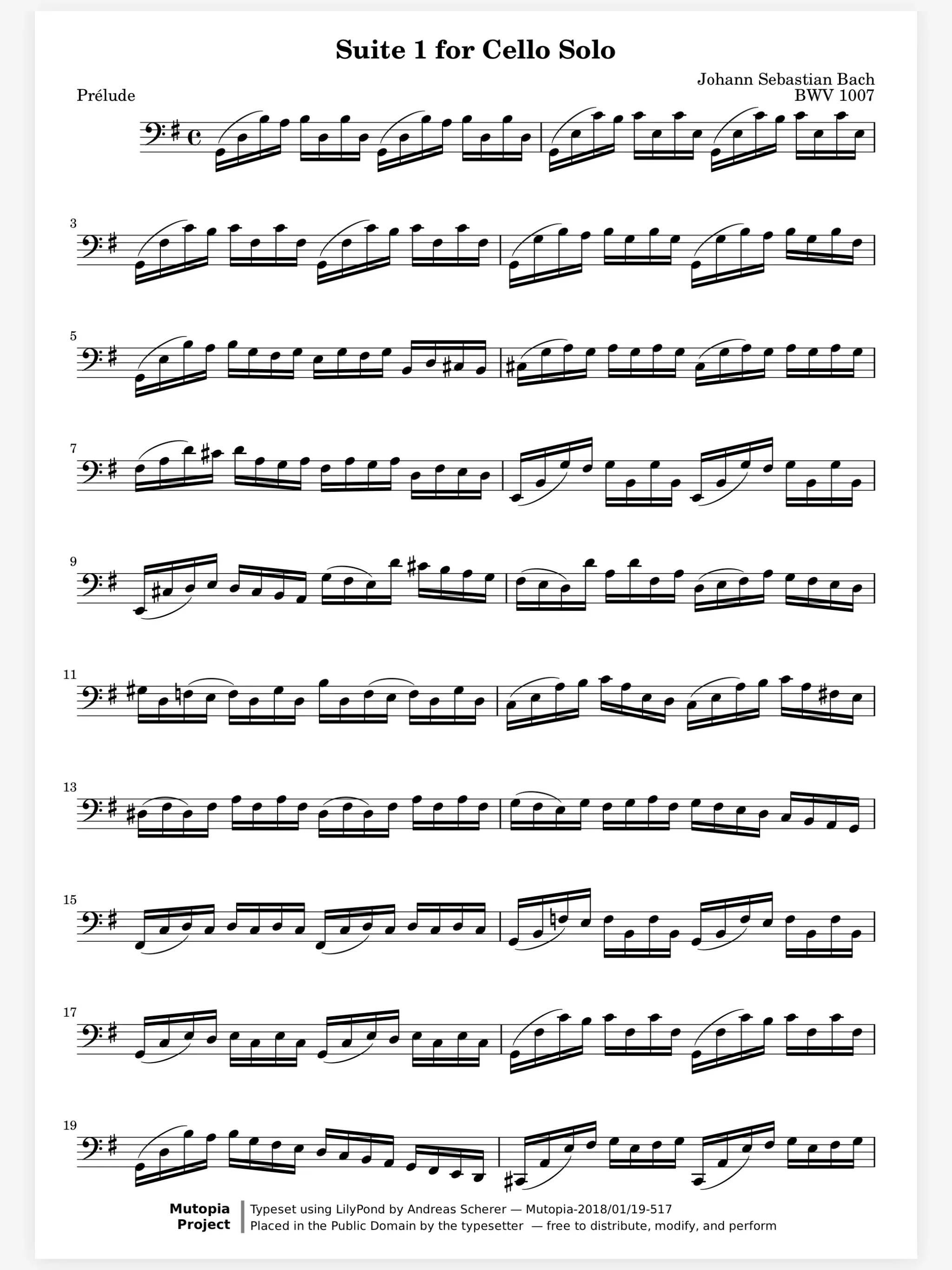
Your teacher writes on your score, live.
In the lesson, your teacher starts a live session and you both write on the same page, each in your own color. The fingering they add is still on your score when you practice at home.
On the page
Learning
In a section
Leading and playing out
Move to Marcato
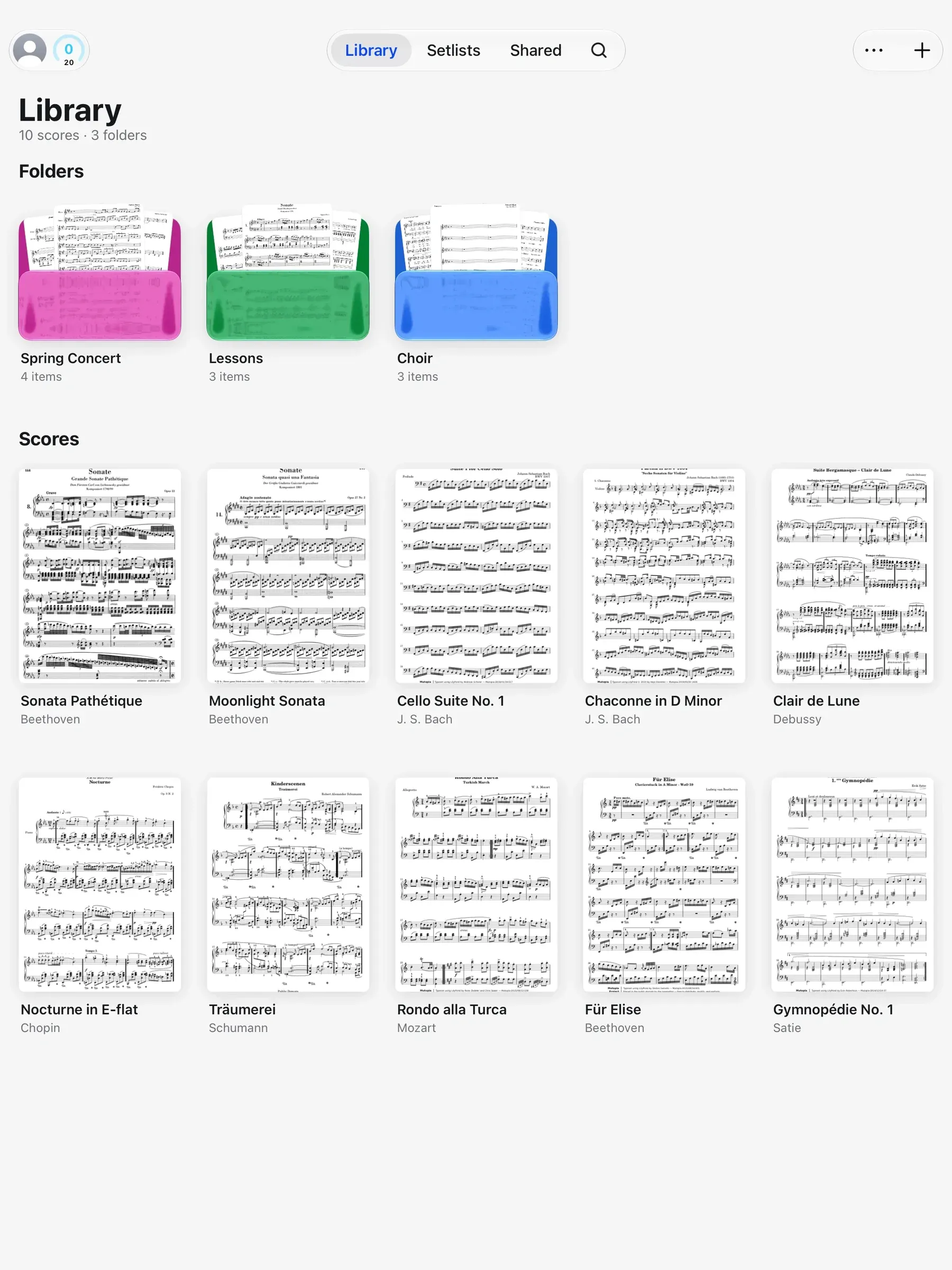
Write on the same page as your teacher, get your section's bowings as they change, and watch your practice add up on its own.

In the lesson, your teacher starts a live session and you both write on the same page, each in your own color. The fingering they add is still on your score when you practice at home.
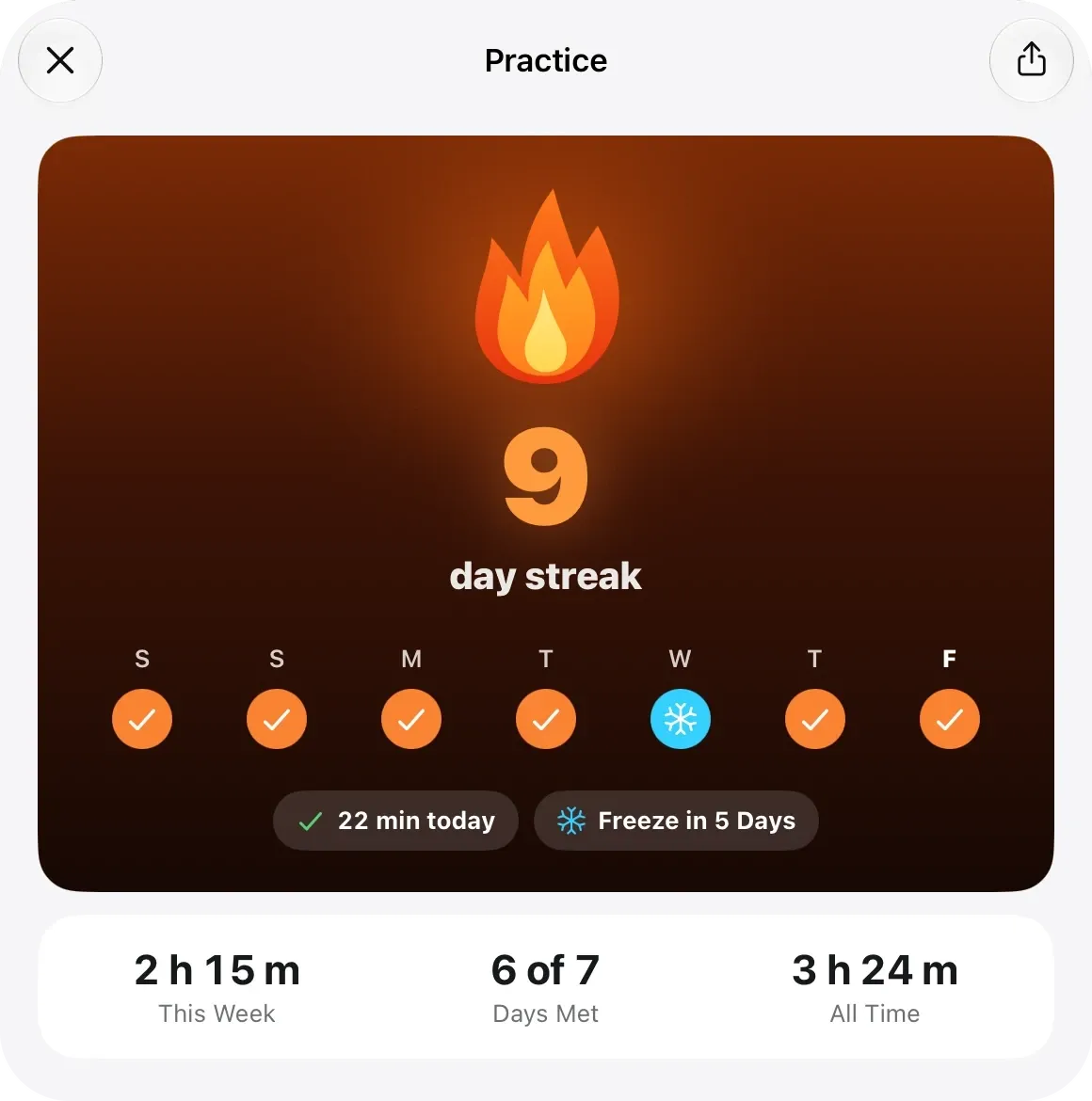
Thirty minutes a day, counted for you. Time with a score open in the reader counts by itself. The ring fills toward your daily goal and the streak grows, with rest days and freezes so one missed day never wipes out a month.
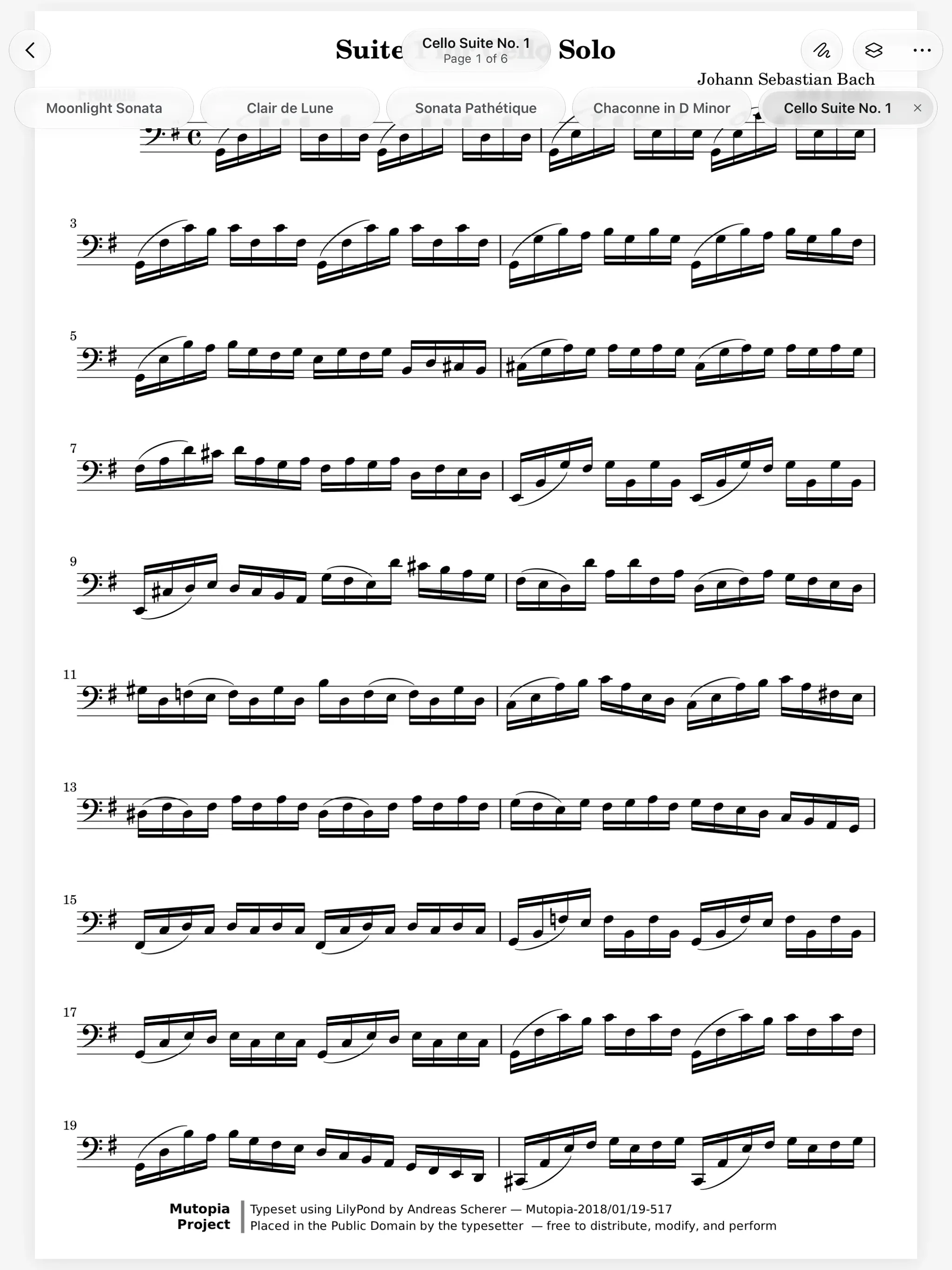
The section leader's bowings, on your stand. Your section leader shares the score once. When a bowing changes on Wednesday, your score changes too, so nobody plays Thursday from an old copy.
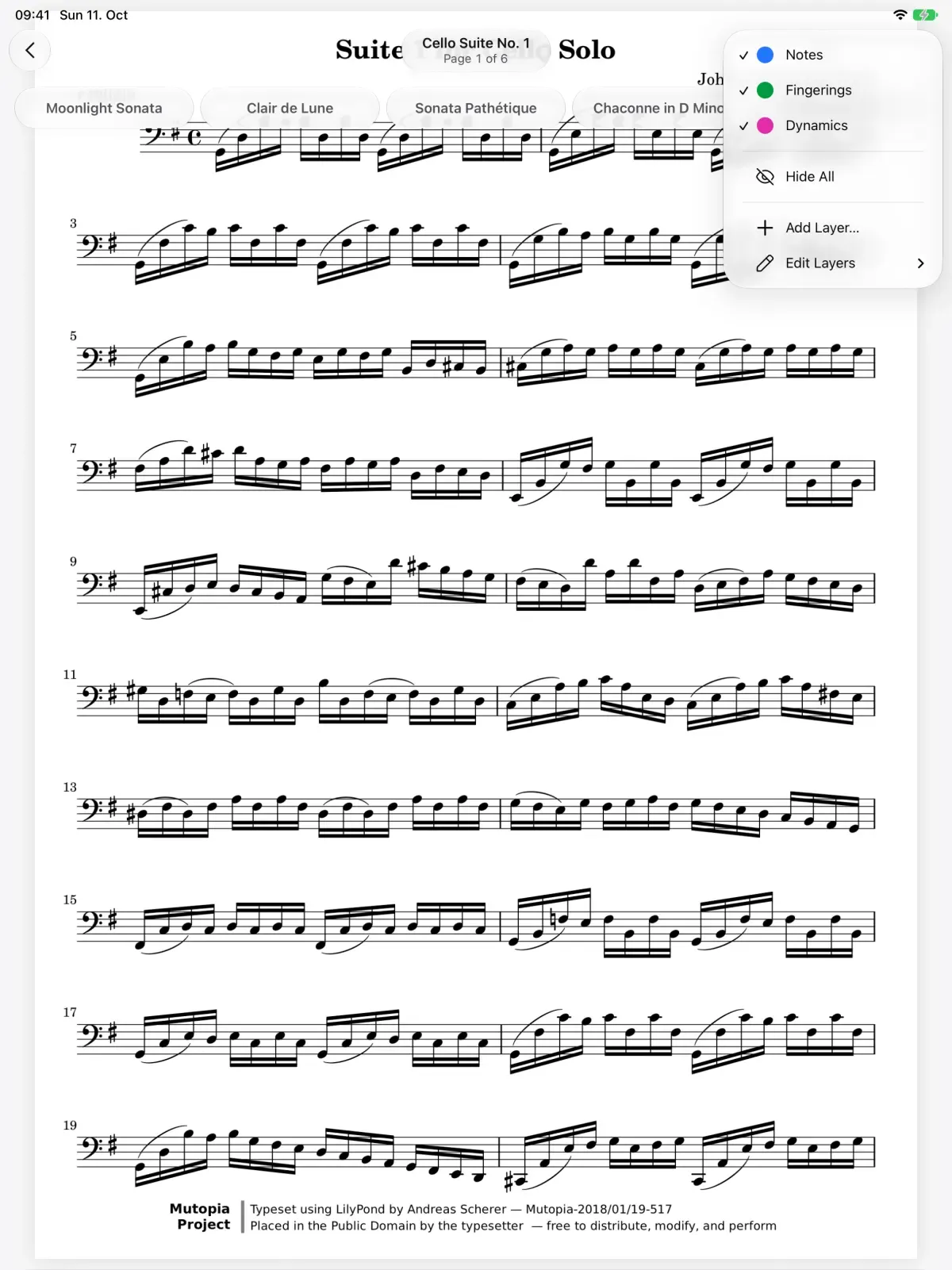
Write the note names and counts you need on a layer of their own. Before the audition, choose Hide All in the Layers menu, and Show All brings them back.
Live Sessions. Write on the same page as your teacher, live.
Practice Tracking. Counts your practice and keeps your streak.
Share Scores. Share a score that keeps updating.
Apple Pencil. Pencil ink that stays sharp at any zoom.
Layers. Keep each kind of marking on its own layer.
Marcato on iPhone. Your library and a scanner in your pocket.
Yes. In a live session you write on the same page at the same time, from an iPad, an iPhone or a web browser. Join with a code, a link or a QR code.
No. Marcato works from the first launch, and joining a live session needs no account. Sign in with Apple or your email to keep your library on every device.
No. Practice is the time a score is open in the reader, or the practice timer for work away from the page.
No. Marcato runs on iPhone too, with your library, ink, layers and every tool. An iPad gives you a full page on the stand.

Open a PDF, move your forScore library or scan the score on your stand. You don't need an account to start.
For iPad and iPhone with iPadOS 26 or iOS 26.