
























See the beat with the toolbar hidden.
In a run-through you hide everything but the music. While the metronome runs, a small pill at the bottom of the page lights each beat, even with the toolbar hidden. Tap it to open the metronome.
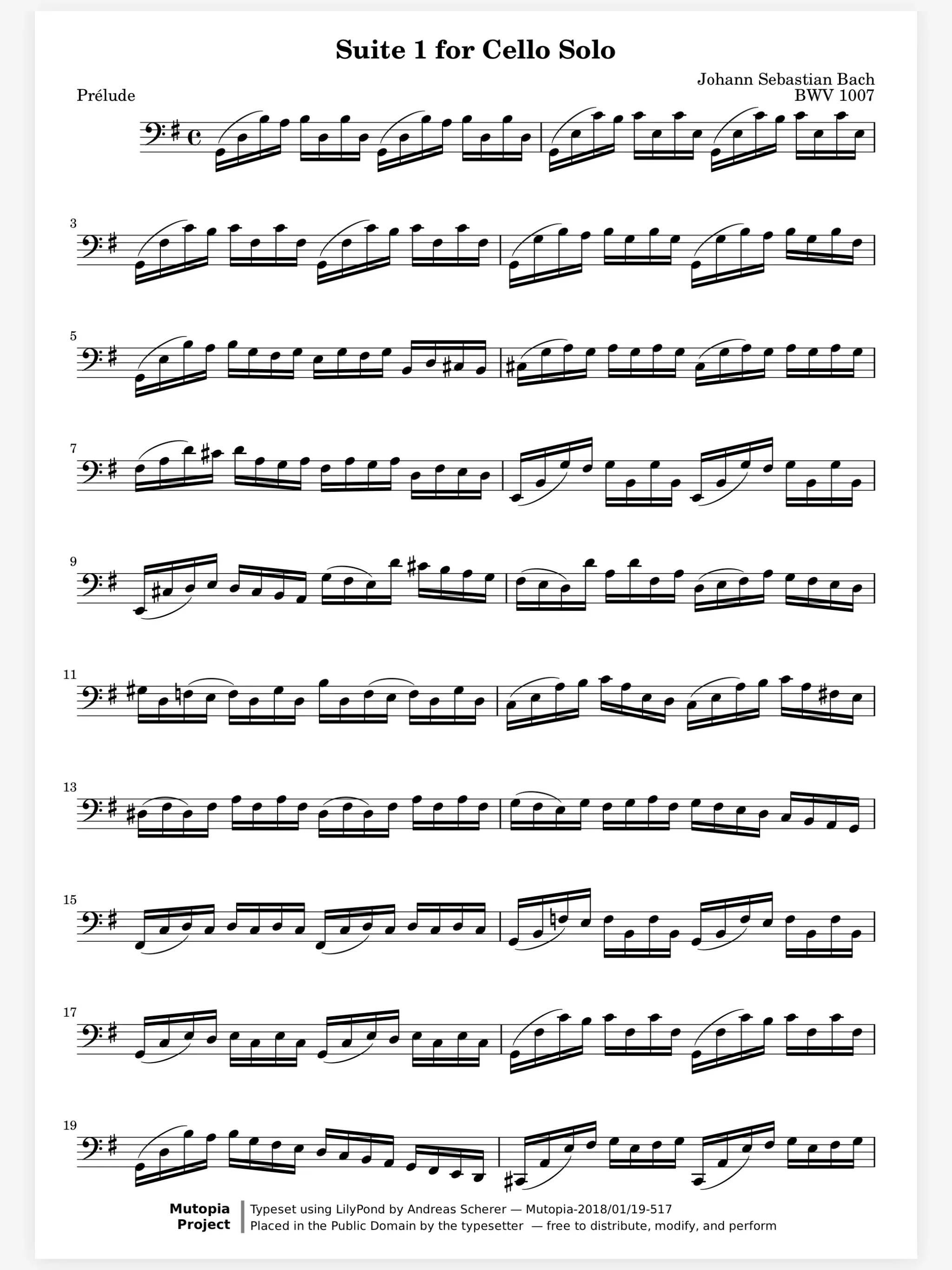

On the page
Learning
In a section
Leading and playing out
Move to Marcato
The metronome opens from the reader's toolbar, beside the tuner and the practice timer. Each score remembers the tempo you last used, so the etude starts where you left it.
In a run-through you hide everything but the music. While the metronome runs, a small pill at the bottom of the page lights each beat, even with the toolbar hidden. Tap it to open the metronome.
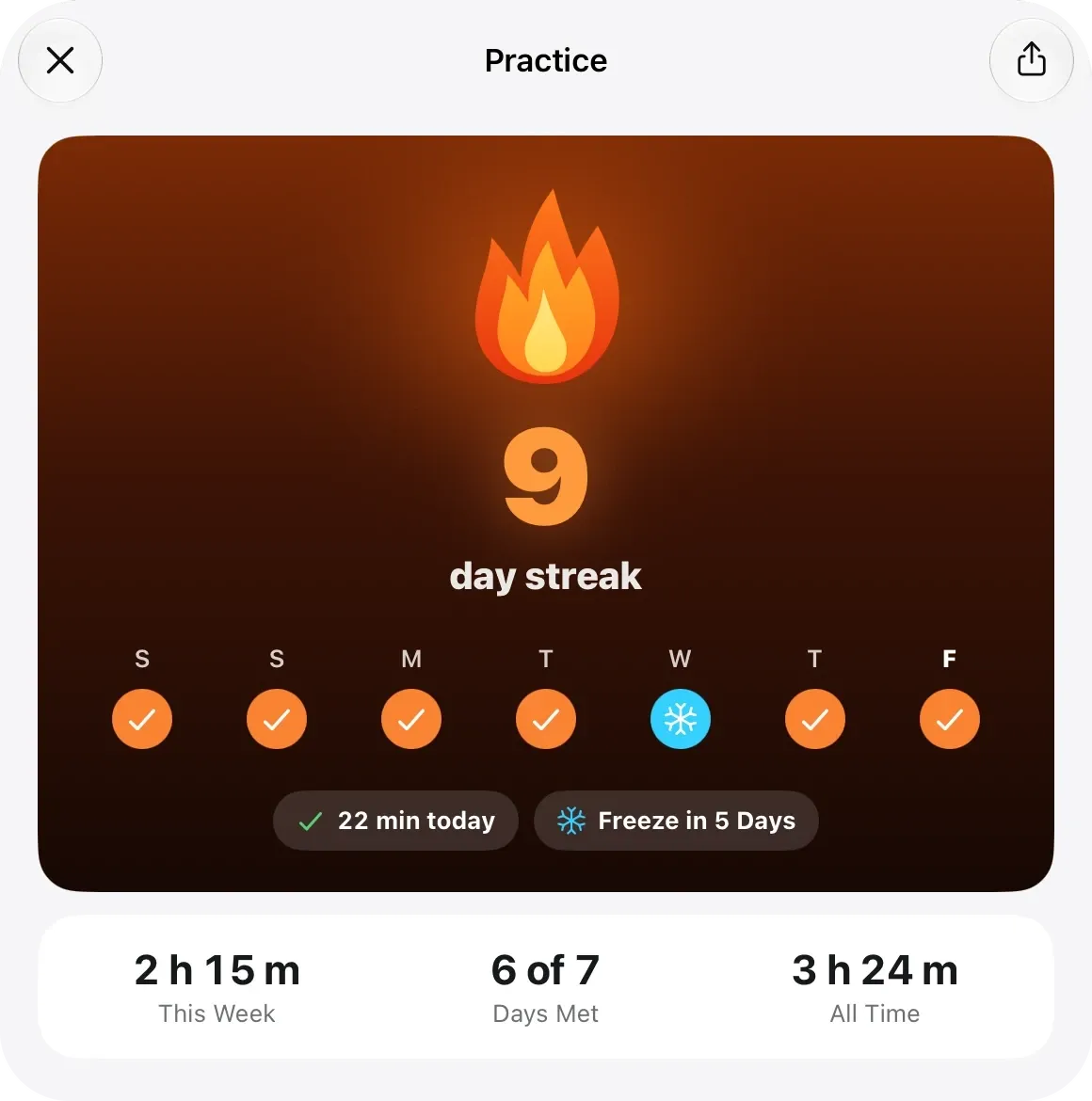
Scales and long tones happen away from the page. The Timer sits beside the metronome and tuner, and its minutes count toward your daily practice goal.
Turn the ring or tap the tempo in. Your teacher says quarter at 72. Turn the ring to any tempo from 20 to 300, with a tick under your finger at each step, or tap the middle to tap it in. The marking, like Andante, shows under the number.
Count yourself in and start on the beat. A pickup bar needs a count-in. Set 1 to 12 beats per bar, accent the first or not, and count in 1 or 2 bars. Choose Silent for a beat you only watch.
Each score keeps the tempo you last practiced it at.
Clicks are timed on the audio thread, so the beat never drifts.
It mixes with other audio, and stops for a phone call.
Metronome, Tuner and Timer are three pages of the same panel.
Share your beat, sound and count-in with a friend as part of a setup code.
Metronome and Tuner are in the reader's More menu on iPhone.
In the reader, tap the metronome in the toolbar. On iPhone, find Metronome and Tuner in the More menu.
Yes. Choose Silent and the beat shows on the page with no sound.
Yes. Each score keeps the tempo you last used with it, so the etude opens at the tempo you left it at.
Yes, with the Timer. Start it beside the metronome and those minutes count toward your daily goal, the same as time with a score open.
Tuner. Tunes to any A, from 415 to 466 Hz.
Practice Tracking. Counts your practice and keeps your streak.
Reader. A clean page that turns the moment you ask.

Open a PDF, move your forScore library or scan the score on your stand. You don't need an account to start.
For iPad and iPhone with iPadOS 26 or iOS 26.