
























The bowing changed again on Wednesday.
The principal shares the score with the section. When a bowing changes, the score on every stand changes too, so nobody reads the old one at the next rehearsal.

On the page
Learning
In a section
Leading and playing out
Move to Marcato
The principal marks a bowing once and every shared score shows it. Your own fingerings stay on your layers.
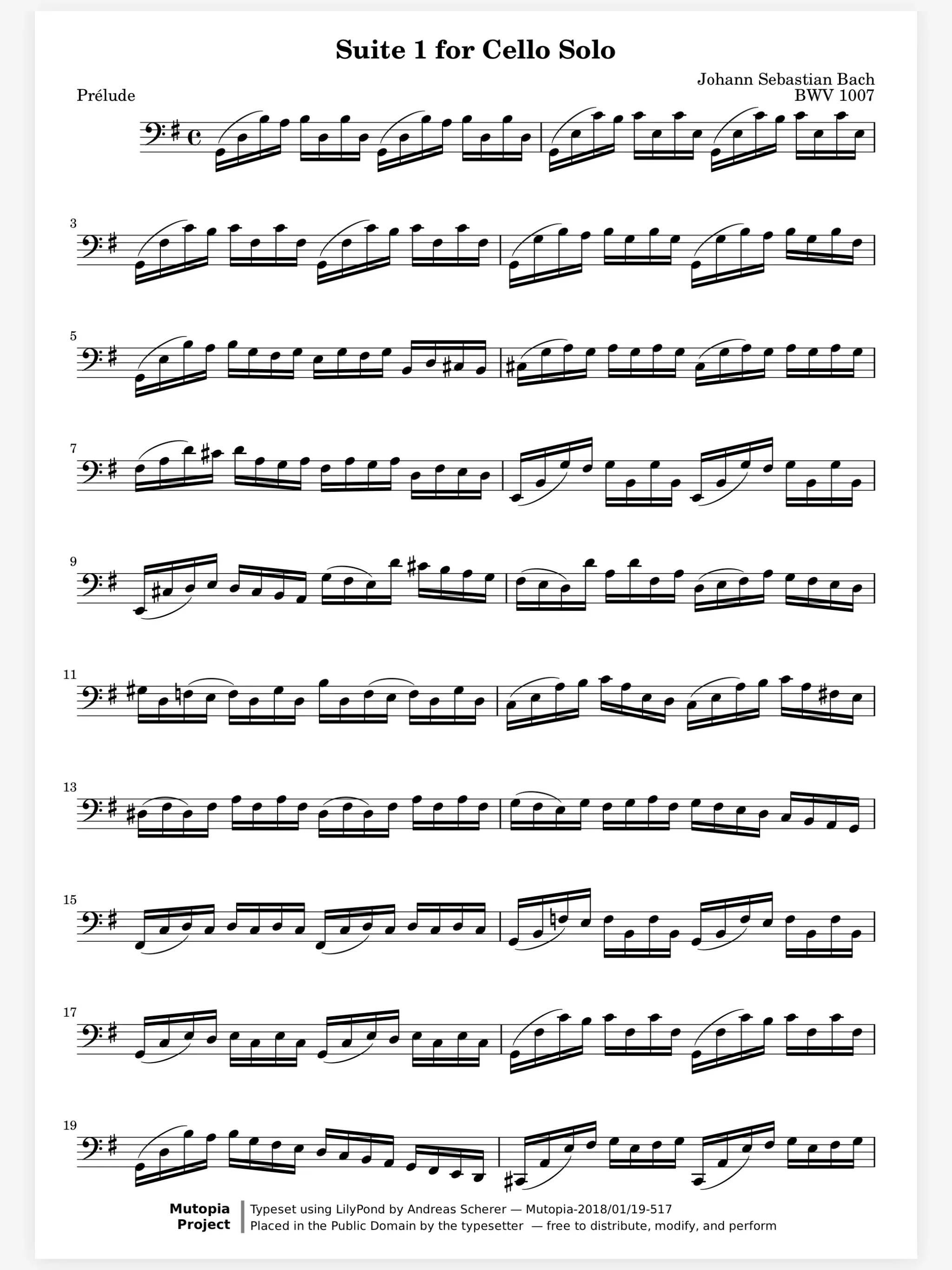
The principal shares the score with the section. When a bowing changes, the score on every stand changes too, so nobody reads the old one at the next rehearsal.
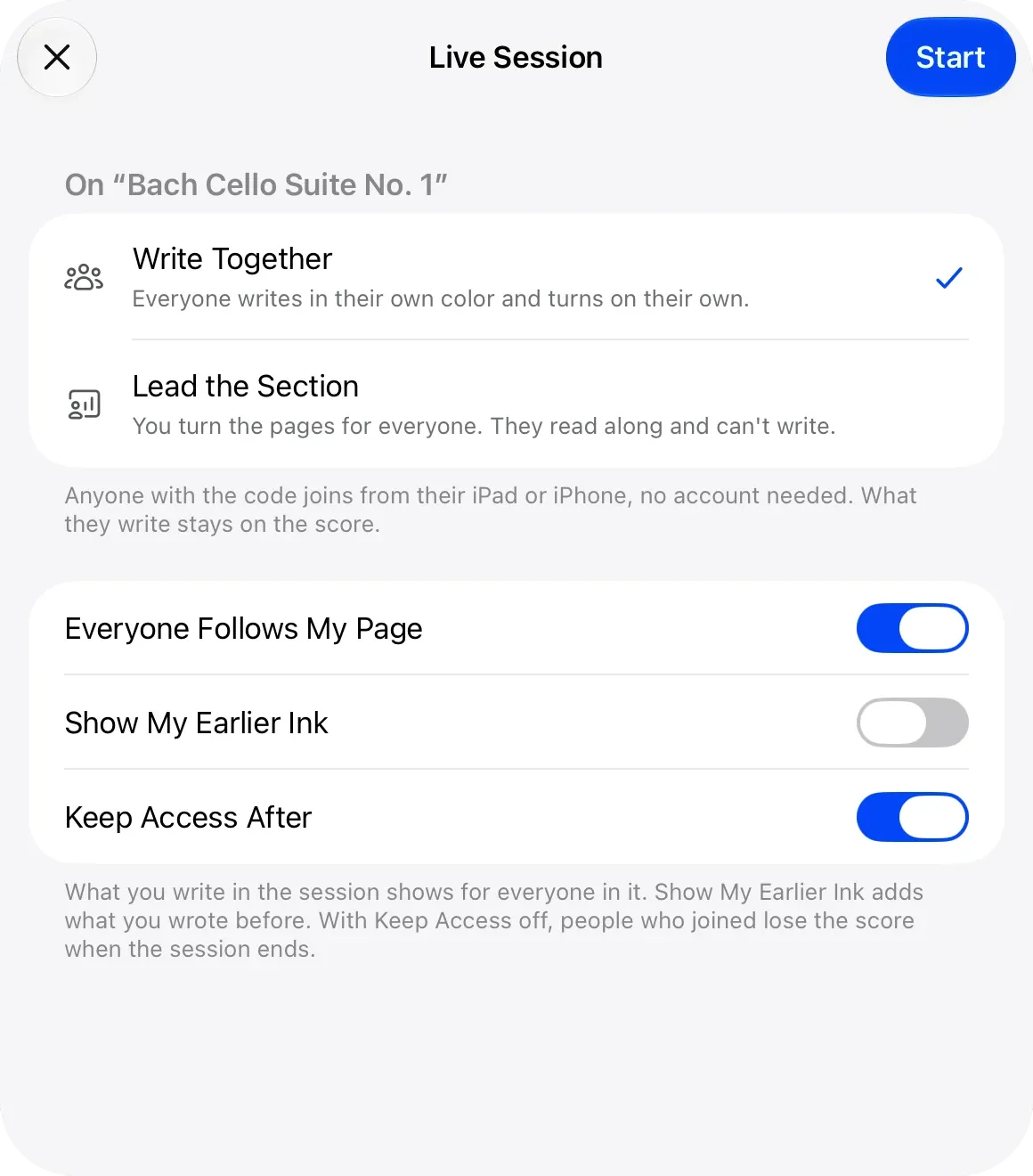
In sectionals, the page turns for everyone. Start a live session with Lead the Section. When you turn the page, every stand turns with you, and the section reads along without writing on your score.
Turn the page with the bow on the string. A Bluetooth pedal turns the page, and so does a nod with AirPods or a tap on Apple Watch. Half-page turns show the top of the next page before you reach the bottom of this one.
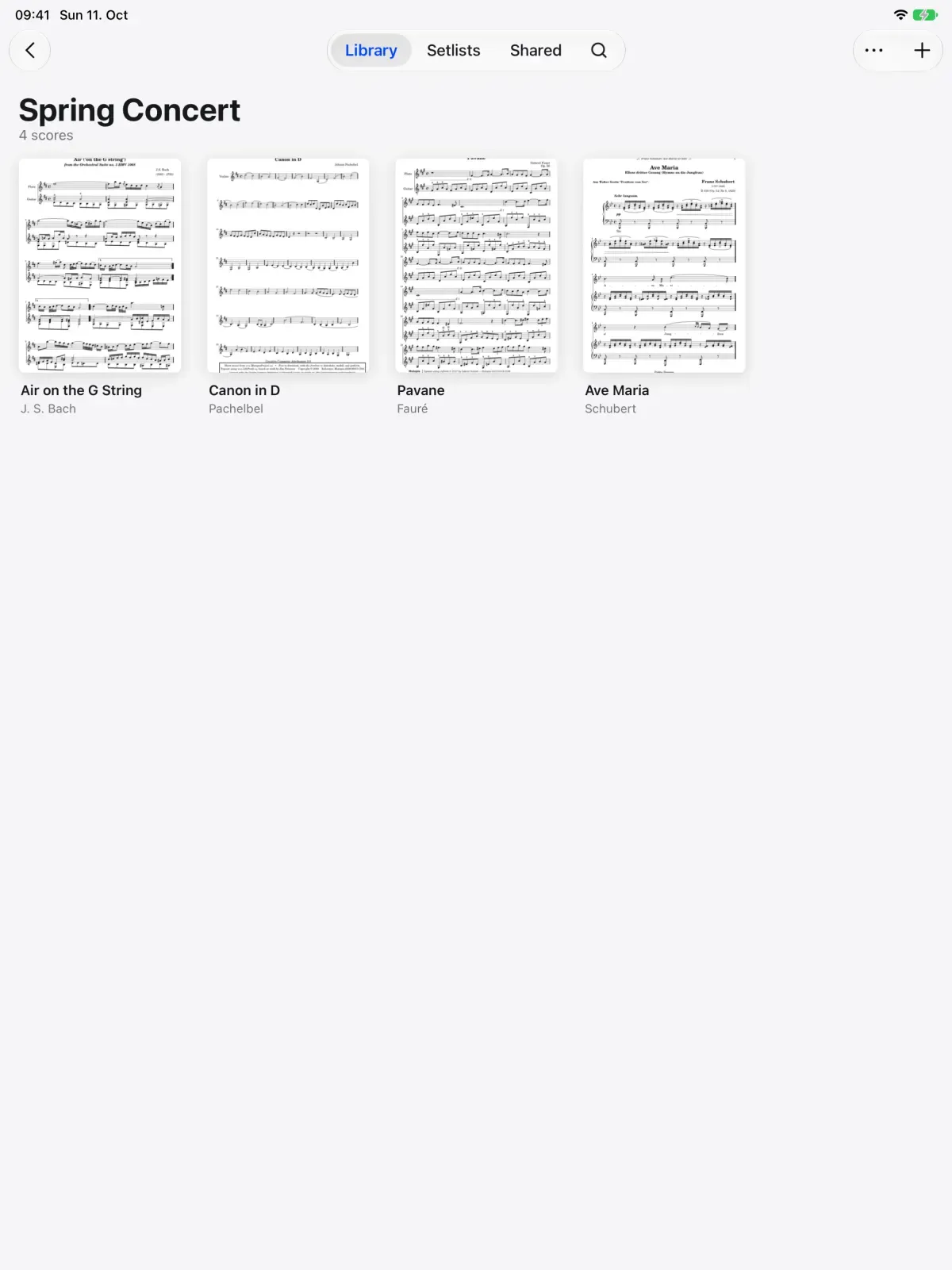
Put the scores for each concert in a folder and the program in a setlist. Keep cues and counts on a layer, and choose Hide All in the Layers menu for the performance.
Share Scores. Share a score that keeps updating.
Live Sessions. Write on the same page as your teacher, live.
Hands-Free Turns. Turn with a face gesture, AirPods or Watch.
Music Symbols. Place engraved dynamics, bowings, fingerings.
Layers. Keep each kind of marking on its own layer.
Setlists. Plays a concert straight through, in order.
Yes. Share the score and it stays up to date: every bowing you change reaches their copy. Send a copy instead if you want them to have it as it is now.
No. A shared score opens in a web browser too, with its markings.
Yes. Up-bow, down-bow, breath marks, dynamics, articulations, accidentals and fingerings are stamps drawn from engraved music symbols.
With a Bluetooth pedal, a face gesture, a nod with AirPods or a tap on Apple Watch. Half-page turns keep the next line in view while you finish this one.

Open a PDF, move your forScore library or scan the score on your stand. You don't need an account to start.
For iPad and iPhone with iPadOS 26 or iOS 26.