
























The whole service in one setlist.
Add the prelude, the hymns, the anthem and the postlude in order. A note on each line keeps the verses to sing or the intro to play.
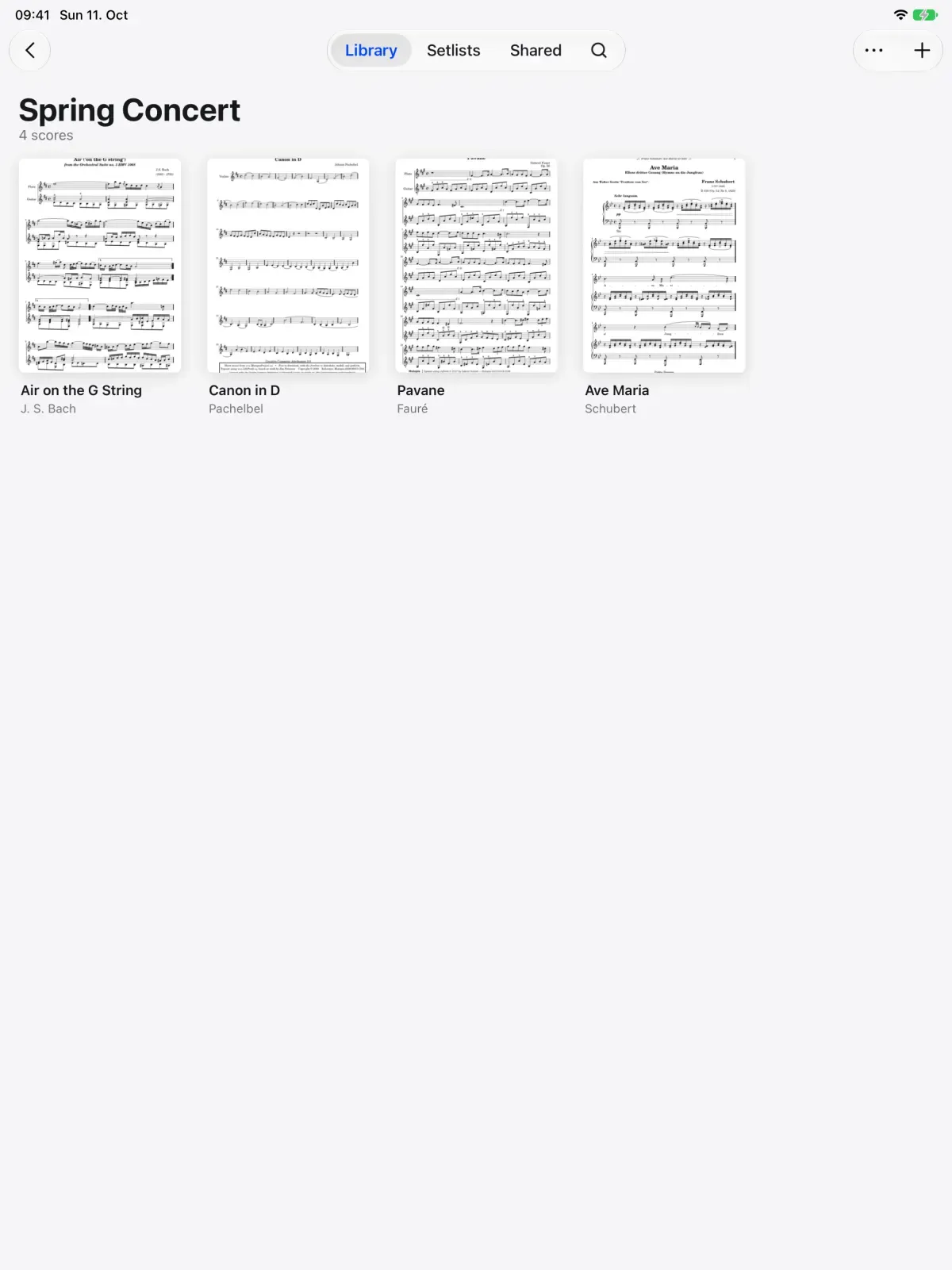

On the page
Learning
In a section
Leading and playing out
Move to Marcato
Share Sunday's charts with the whole team and play the service as one setlist. A pedal or a face gesture turns the page.
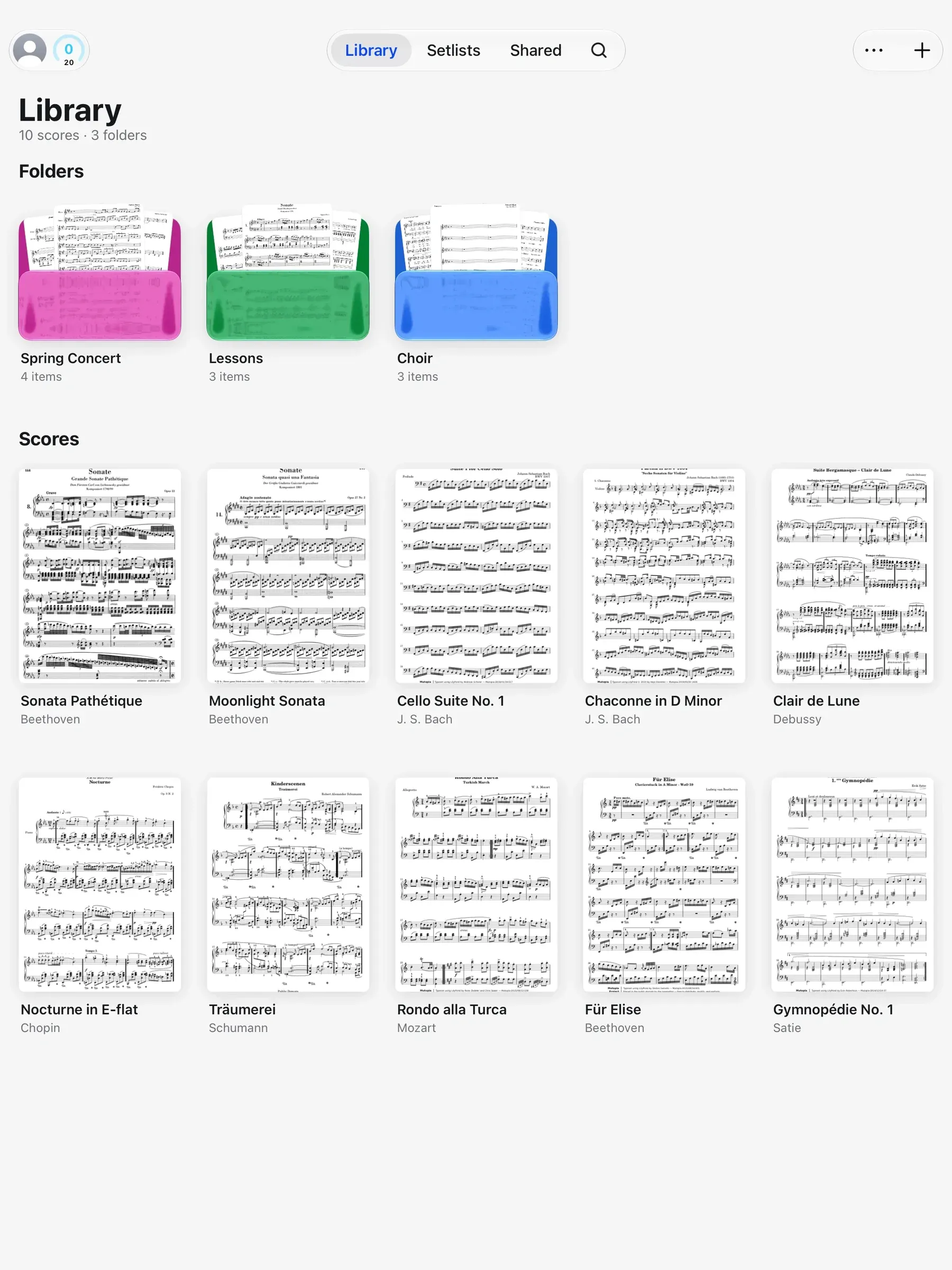
Add the prelude, the hymns, the anthem and the postlude in order. A note on each line keeps the verses to sing or the intro to play.
Both hands on the keys through the last verse. A Bluetooth pedal turns the page, and so does a face gesture, a nod with AirPods or a tap on Apple Watch. Each piece opens as the last ends, title on screen.
No chart for the new song? Write one. New Blank Score opens lead sheet paper, 8 lines of 4 bars with room for chords. Write the chart by hand and share it like any other score.
Make the worship team a group, and every chart in its folder is in each musician's library. Mark the new key or the extra chorus and their charts show it too.
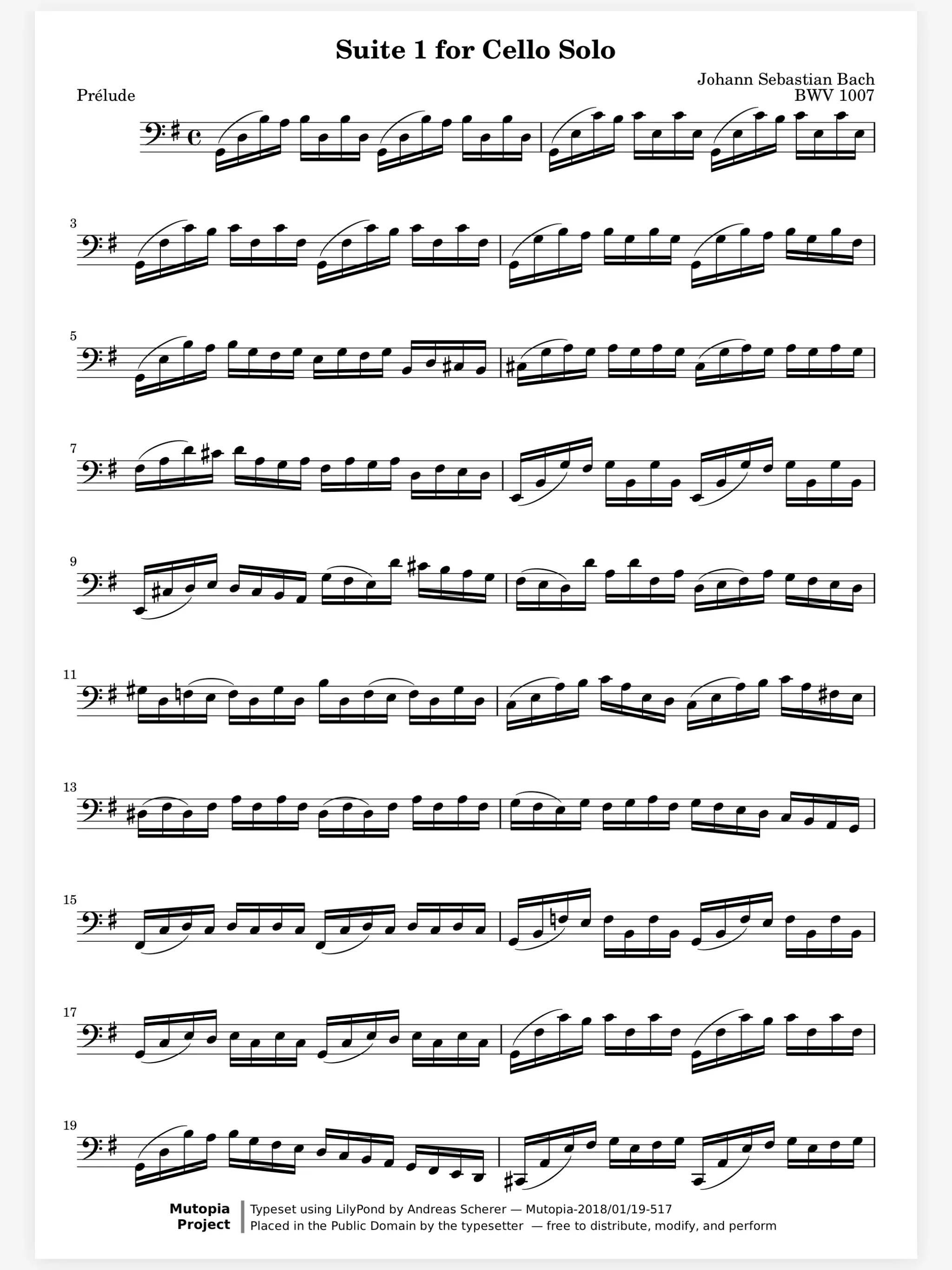
Setlists. Plays a concert straight through, in order.
Share Scores. Share a score that keeps updating.
Hands-Free Turns. Turn with a face gesture, AirPods or Watch.
Staff Paper. Blank manuscript paper to write music on.
Scan Sheet Music. Turns paper sheet music into a score you can mark.
Yes. Make the team a group: every score in its folder is in each musician’s library, and the changes you make reach them.
Yes. Search finds scores by title, composer, arranger or part.
Yes. Scan the pages you play from with your iPhone or iPad camera and each one lands on your shelf as a score.

Open a PDF, move your forScore library or scan the score on your stand. You don't need an account to start.
For iPad and iPhone with iPadOS 26 or iOS 26.