
























Open Move Your Library. In Marcato, open Settings, choose Move Your Library, then A Folder of PDFs.
Bring years of PDFs over, folders and all.
Each PDF in the folder lands on your shelf as it is. Every folder inside becomes a folder in your library, and one undo takes the whole import back.
How it works.
Pick the folder. Files opens. Choose a folder in iCloud Drive, Dropbox, On My iPad or a USB drive plugged into your iPad, and tap Open.
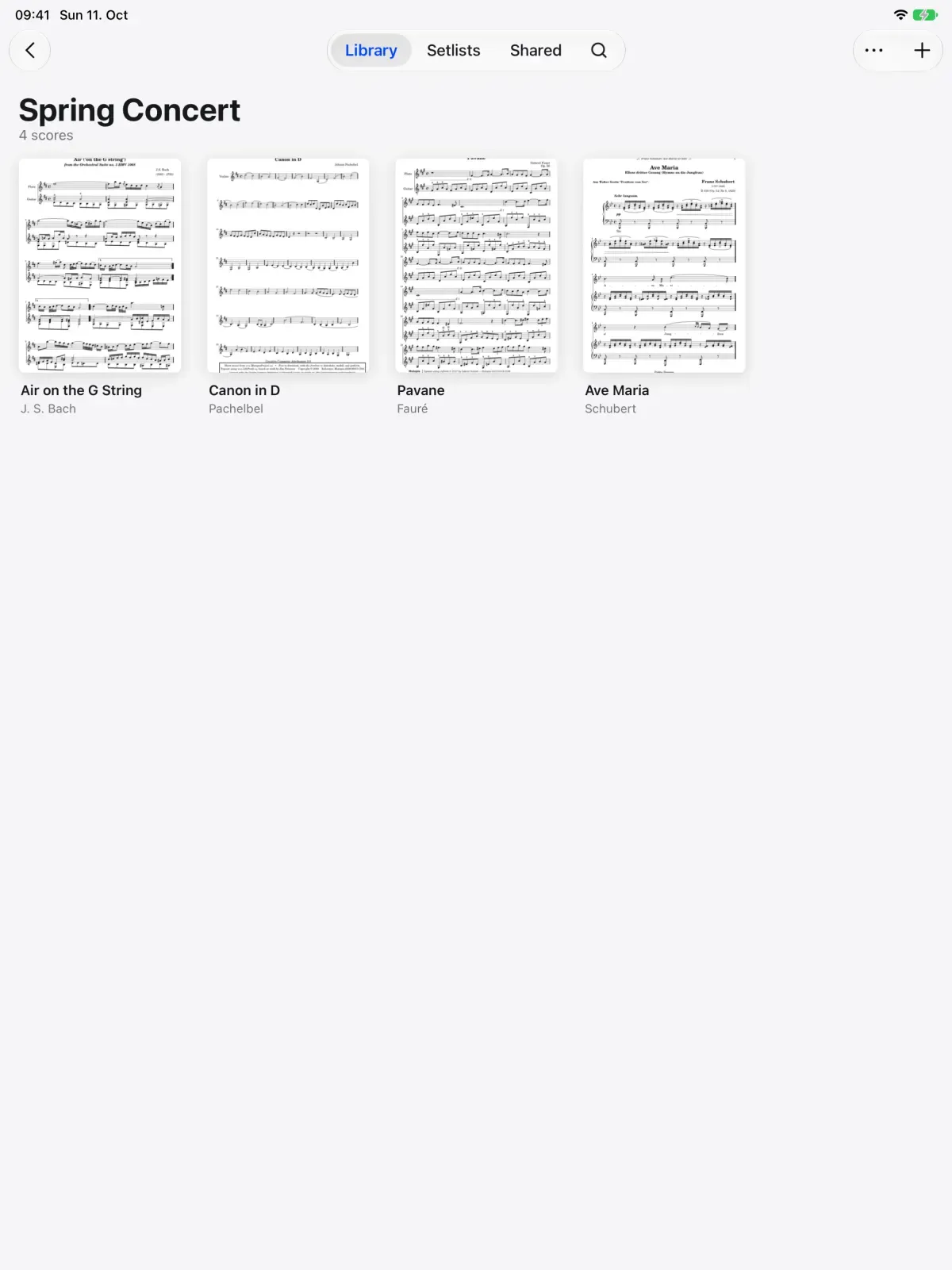
Find it on your shelf.
Every PDF in it comes over, with each folder inside kept as a folder. Names garbled by old zip files are repaired on the way in.

What comes with you.
Comes over as it was.
- Every PDF and all its pages
- The folders inside, as folders in your library
- File names, with damaged accents repaired
Works from.
- Files on your iPad or iPhone
- iCloud Drive
- Dropbox
- A USB drive
Stays behind.
- Files that are not PDFs
- The original folder, which stays exactly as it was
Moving from a Folder of PDFs, answered.
Can I bring in one PDF at a time?
Yes. Import a PDF from Files, AirDrop one over, or choose Marcato in the share sheet from Safari, Mail or Files.
What if I import the wrong folder?
The whole import is one step, so undo takes it all back out.
Does Marcato move or delete my original files?
No. Marcato copies the PDFs into your library and leaves the folder where it was.
Once you are in.
Import PDFs. Brings in PDFs, whole folders and forScore.
Library. Folders, tags and the scores shared with you.
Search. Finds a score by title, composer or part.

Put your first score on the shelf.
Open a PDF, move your forScore library or scan the score on your stand. You don't need an account to start.
For iPad and iPhone with iPadOS 26 or iOS 26.