New Bring your forScore library, markings and all See how

Show only the markings you need today.

Note names for practice, fingerings for the lesson, dynamics for the concert. Each kind of marking goes on its own layer, and you choose which ones show.

Acetate layers on a stand. Each layer lifts in turn.
all layers · down
A score open in the Marcato reader with the toolbar hidden

How it works.

Fingerings on one layer, dynamics on another.

A score marked by you, your teacher and your conductor is a tangle by the third rehearsal. A new score starts with Notes, Fingerings and Dynamics layers. What you write goes on the layer you picked, so each kind of marking stays apart.

  • Up to 12 layers per score
  • Rename, reorder and delete
  • Move ink with the lasso
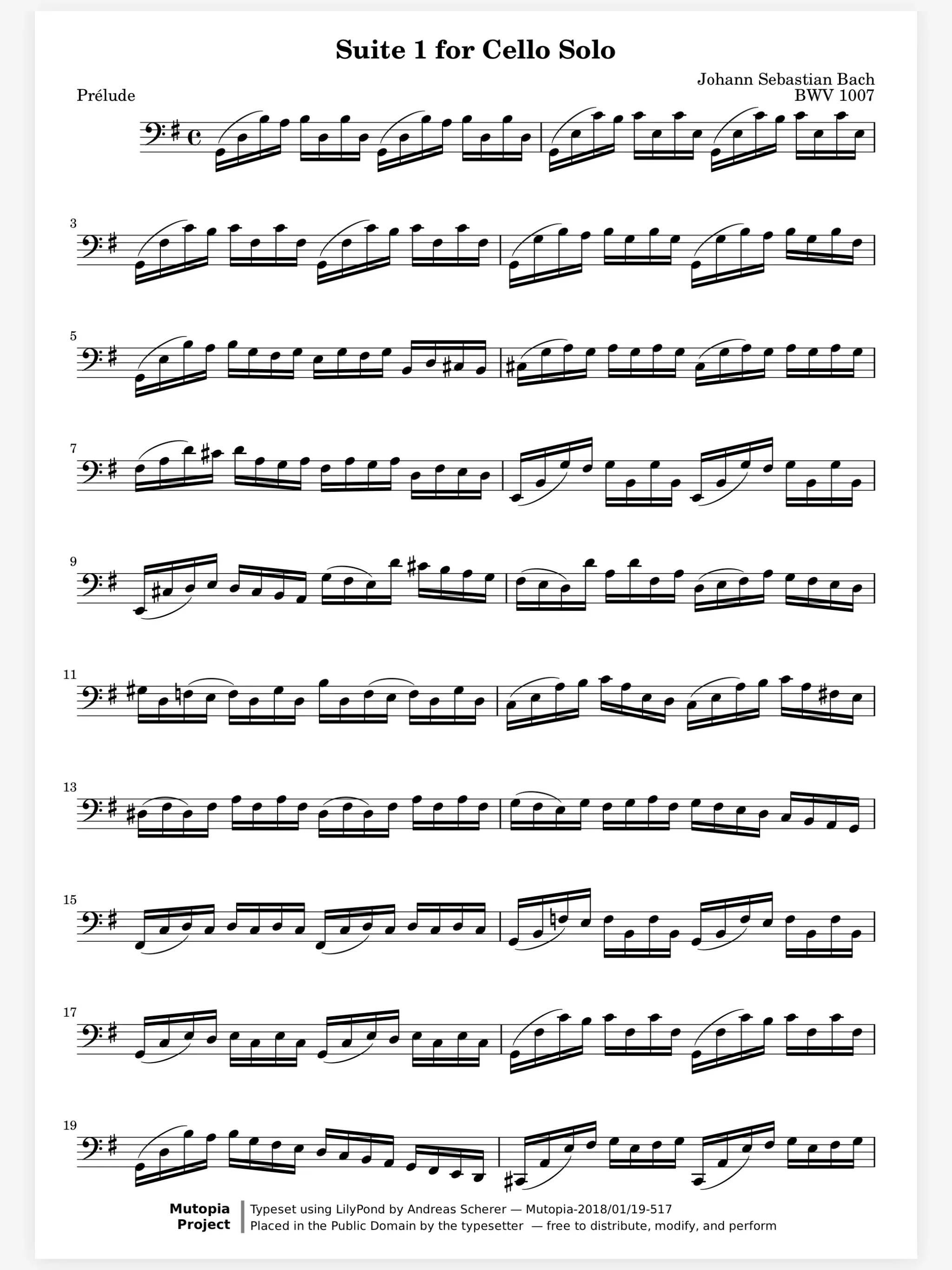
A cello score marked with fingerings, bowings, dynamics and note names in color

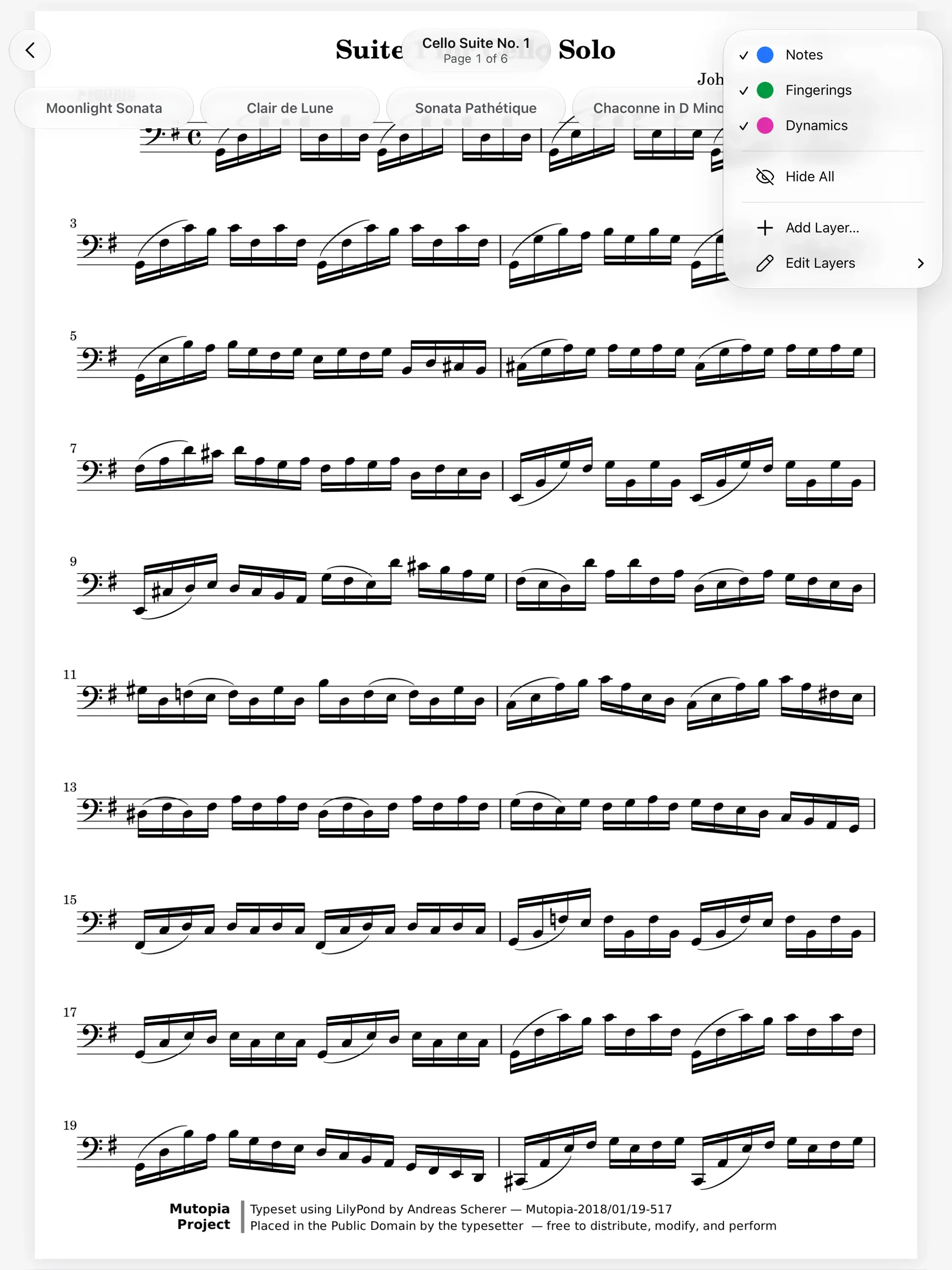
The lesson needs different marks than the concert. In a lesson you want the note names; on stage you want the score clean. Open the Layers menu and hide one layer, or choose Hide All. Nothing is erased, and Show All brings everything back.

  • Hide All and Show All
  • One layer at a time
  • Shift Command H on a keyboard
The Layers menu in Marcato, with Notes, Fingerings and Dynamics

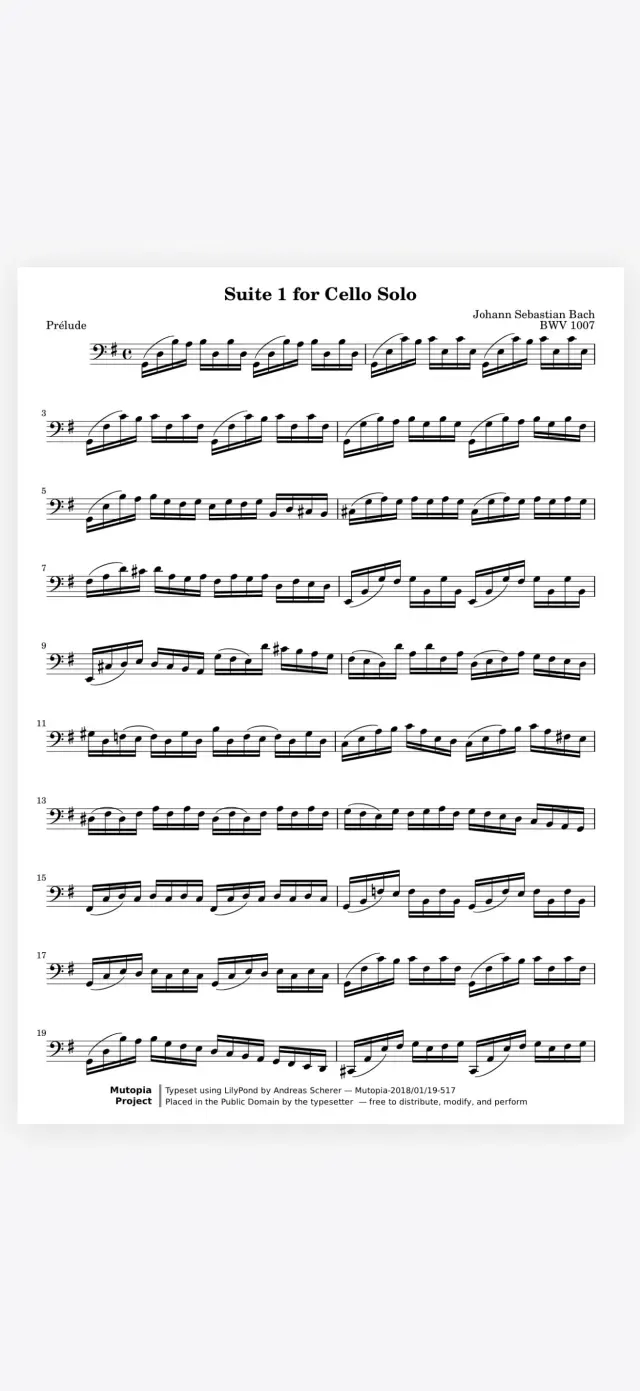
Hide it on iPad, hidden on iPhone. You hide the note names on your iPad before the lesson, then open the score on your iPhone on the train. They are hidden there too, because what you hide follows you between devices.

A score open in Marcato on iPhone

And all the little things.

  • On every page

    Mark a layer Show on Every Page for a reminder you want on every page.

  • A color for each

    Each layer keeps its own tone, so you can tell them apart in the menu at a glance.

  • Setup codes

    Share your layers, colors and tools as a code a friend pastes into their Marcato.

  • Undo that remembers

    Every stroke can be undone and redone, even after you close the score.

  • From forScore

    Markings from a forScore archive arrive on their own layer, ready to show or hide.

  • Stamps included

    A stamp goes on the layer you draw on, so Hide All hides it too.

Layers questions.

Does hiding a layer delete my markings?

No. A hidden layer is only out of sight. Show it again and every stroke is exactly where you left it.

How many layers can a score have?

Up to 12. Every new score starts with Notes, Fingerings and Dynamics, and you can rename or add your own.

Can other people see my layers?

Only if you share the score with your markings. A layer you keep private stays private, even on a shared score.

Do my markings from forScore come with me?

Yes. Markings from a forScore archive arrive on their own From forScore layer, so you can hide them like any other.

Goes well with.

Apple Pencil. Pencil ink that stays sharp at any zoom.

An Apple Pencil writing on a sheet of music. It writes a slur and a fingering, then you can write with it.
fingering 3

Music Symbols. Place engraved dynamics, bowings, fingerings.

Engraved symbols dropping onto a staff. Each symbol drops onto the staff.
fermata

Share Scores. Share a score that keeps updating.

One part shared to every device. Each device takes the change in turn.
4 of 4 updated

Put your first score on the shelf.

Open a PDF, move your forScore library or scan the score on your stand. You don't need an account to start.

For iPad and iPhone with iPadOS 26 or iOS 26.