
























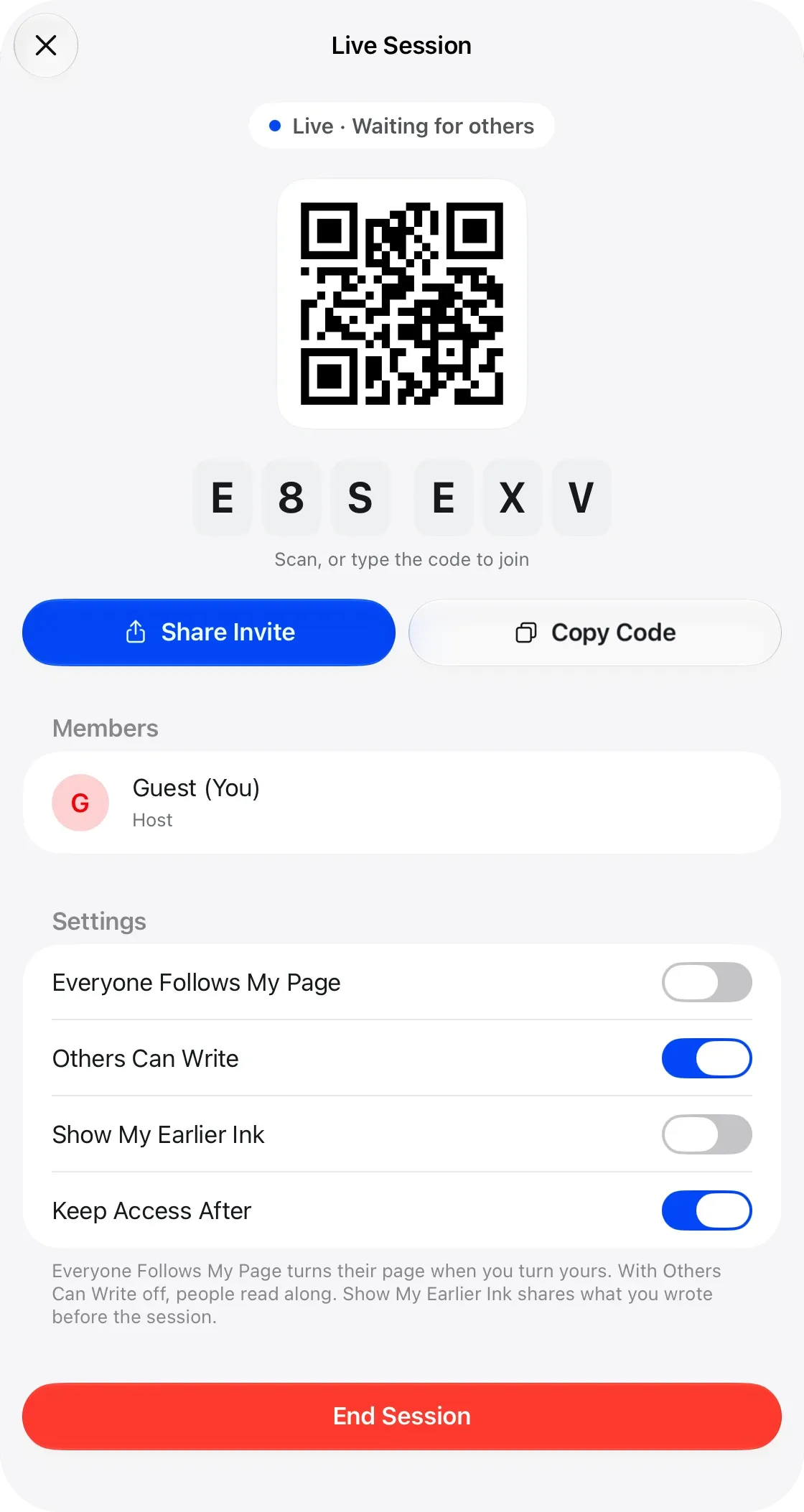
The lesson starts with a code.
Your student joins with a code, a link or a QR code, on an iPad, an iPhone or in a web browser, with no account. You see each other write as it happens, in the room or online.
On the page
Learning
In a section
Leading and playing out
Move to Marcato
Start a live session and you both write on the same page, each in your own color. What you mark in the lesson stays on their score.
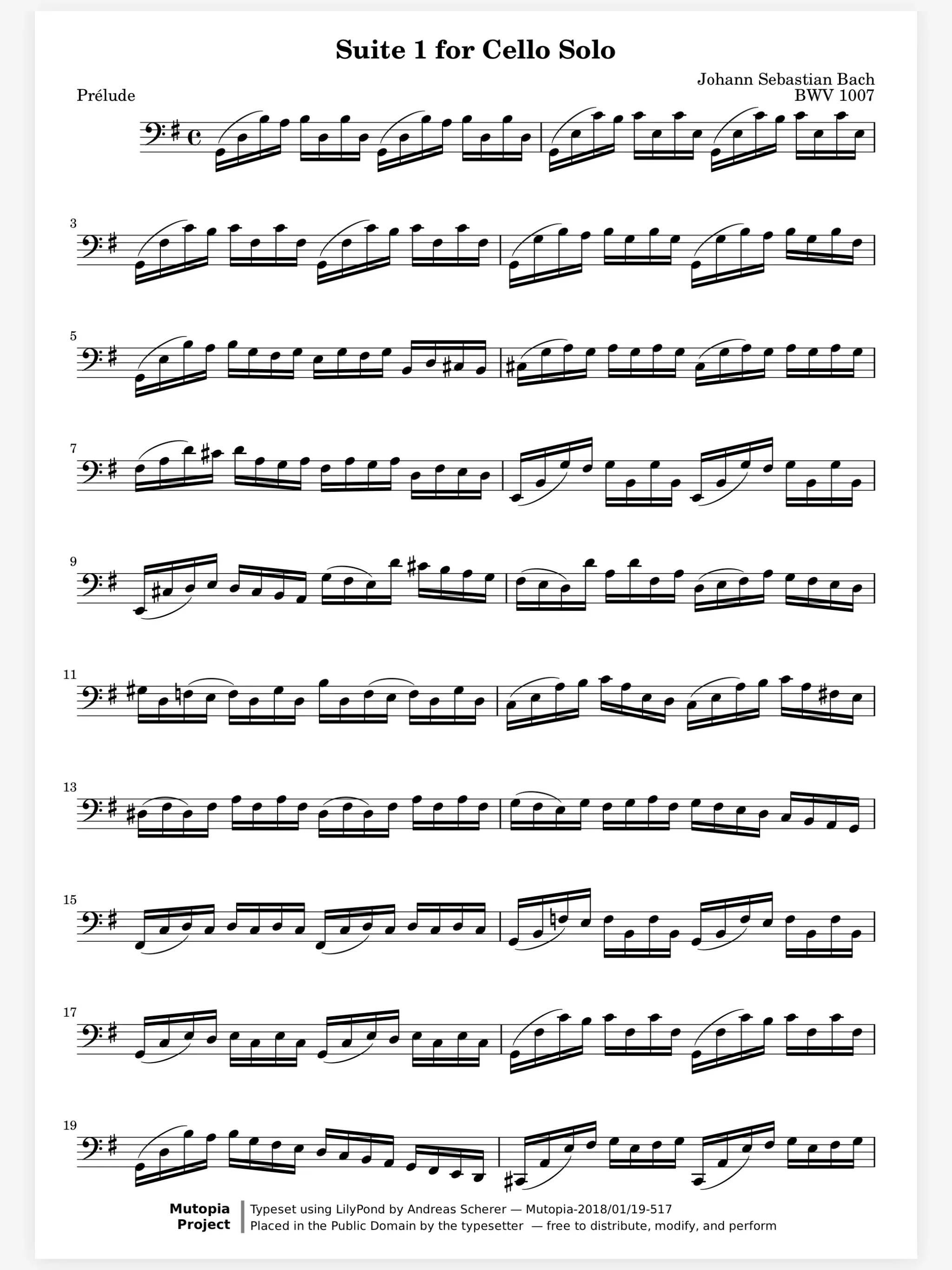
Your student joins with a code, a link or a QR code, on an iPad, an iPhone or in a web browser, with no account. You see each other write as it happens, in the room or online.
Fix the fingering once, for every student. Make a group for a class or a level, and every score in its folder is in their libraries. Change a fingering later and their scores change with it.
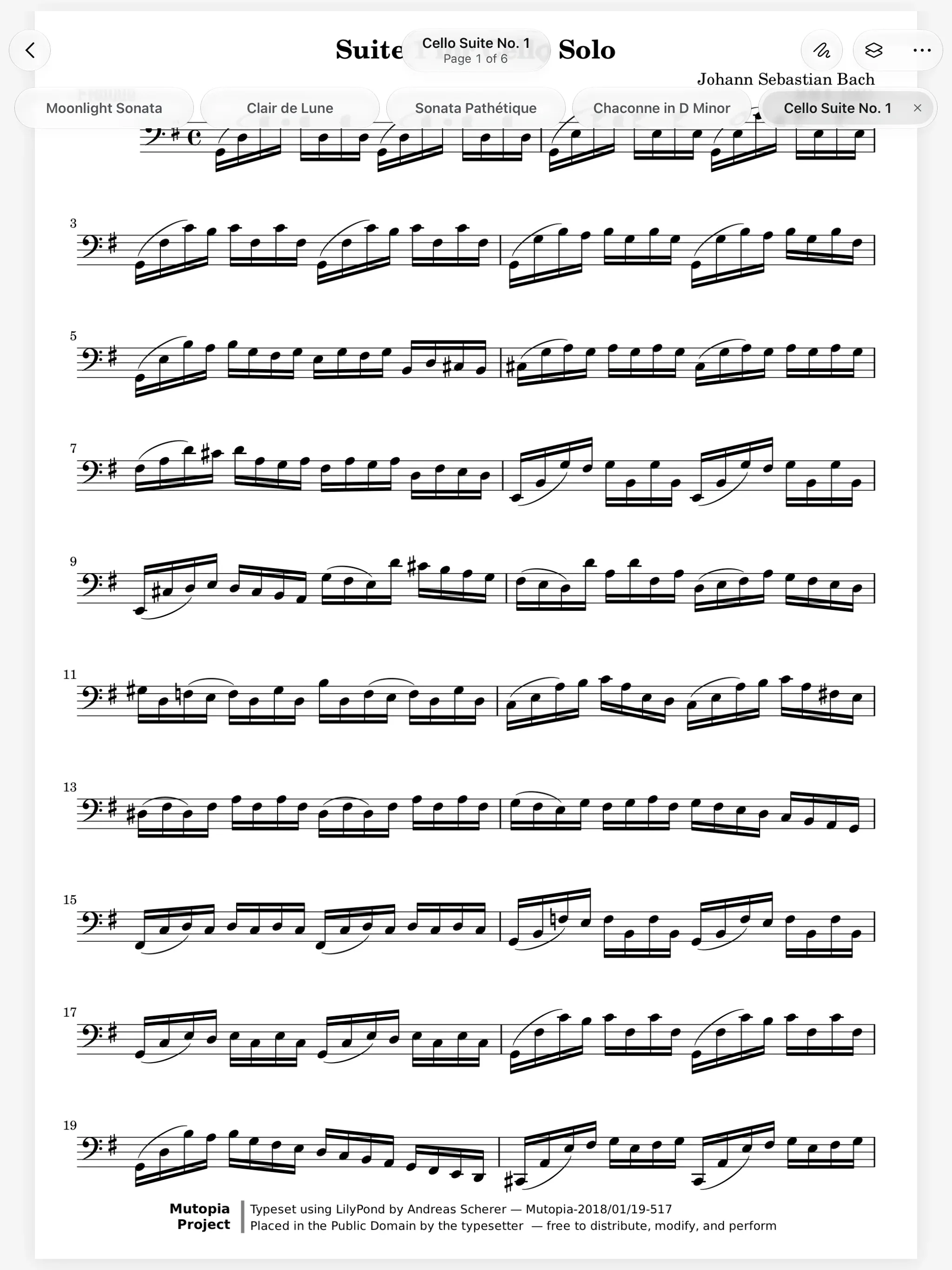

The exercise you think of mid-lesson. New Blank Score opens staff paper, single staves, grand staff and more. Write the scale or the rhythm with Apple Pencil while you explain it.
Scan the page from their book with your phone. It lands on your iPad, ready to mark, before they unpack.
Live Sessions. Write on the same page as your teacher, live.
Share Scores. Share a score that keeps updating.
Apple Pencil. Pencil ink that stays sharp at any zoom.
Staff Paper. Blank manuscript paper to write music on.
Teacher Studio. Coming soon. A folder per student, homework on the music.
Yes, in a live session. Everything either of you writes there shows for both, with each person on a layer of their own.
Neither. They join a live session without an account, from an iPad, an iPhone or a web browser.
Homework and a teacher studio, with a folder for each student and a teacher layer they can't edit, are coming soon. Today, share a piece and mark it with them live.
Yes. In a live session each person writes on their own layers, and each one shows and hides on its own.

Open a PDF, move your forScore library or scan the score on your stand. You don't need an account to start.
For iPad and iPhone with iPadOS 26 or iOS 26.