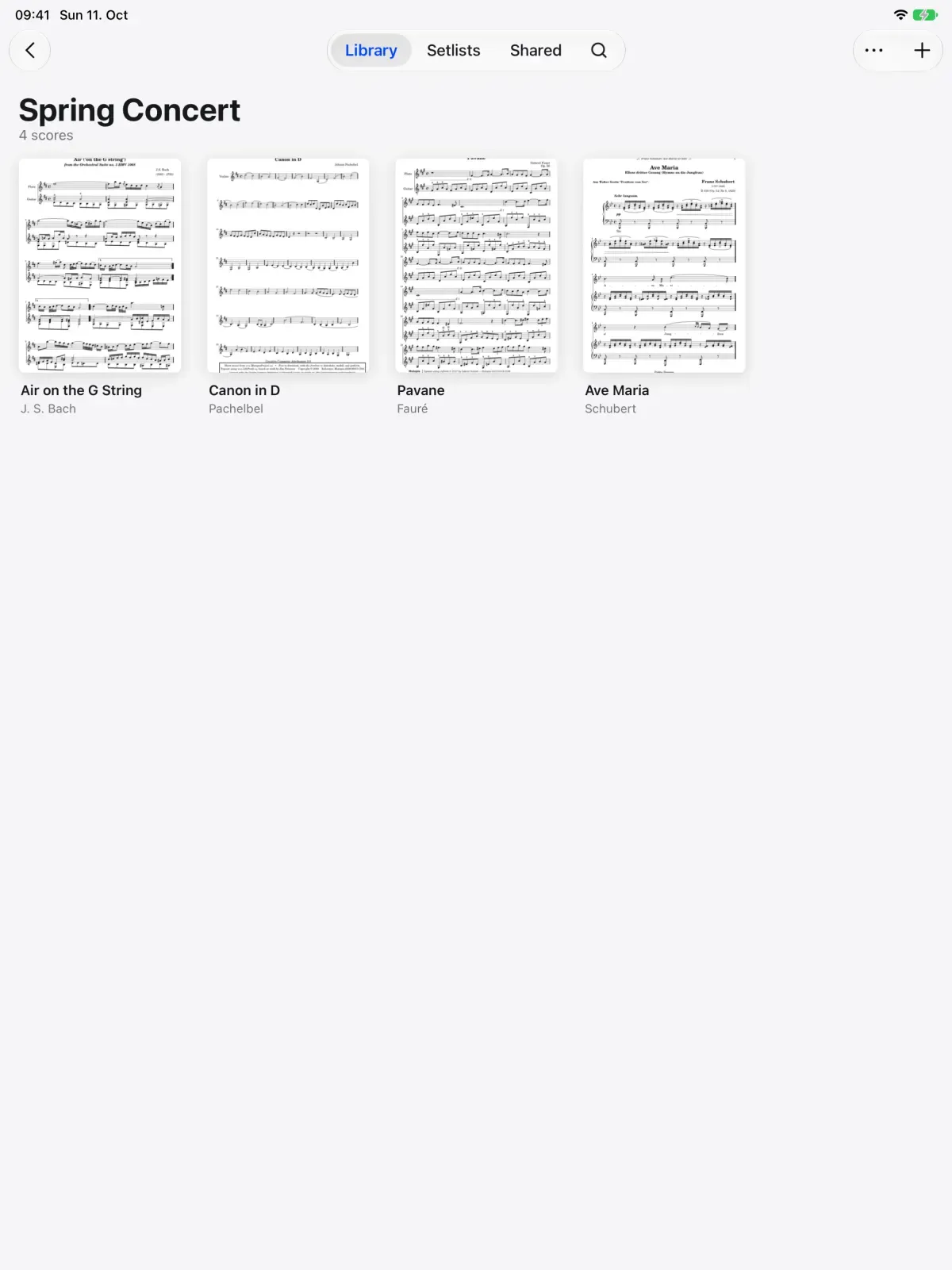
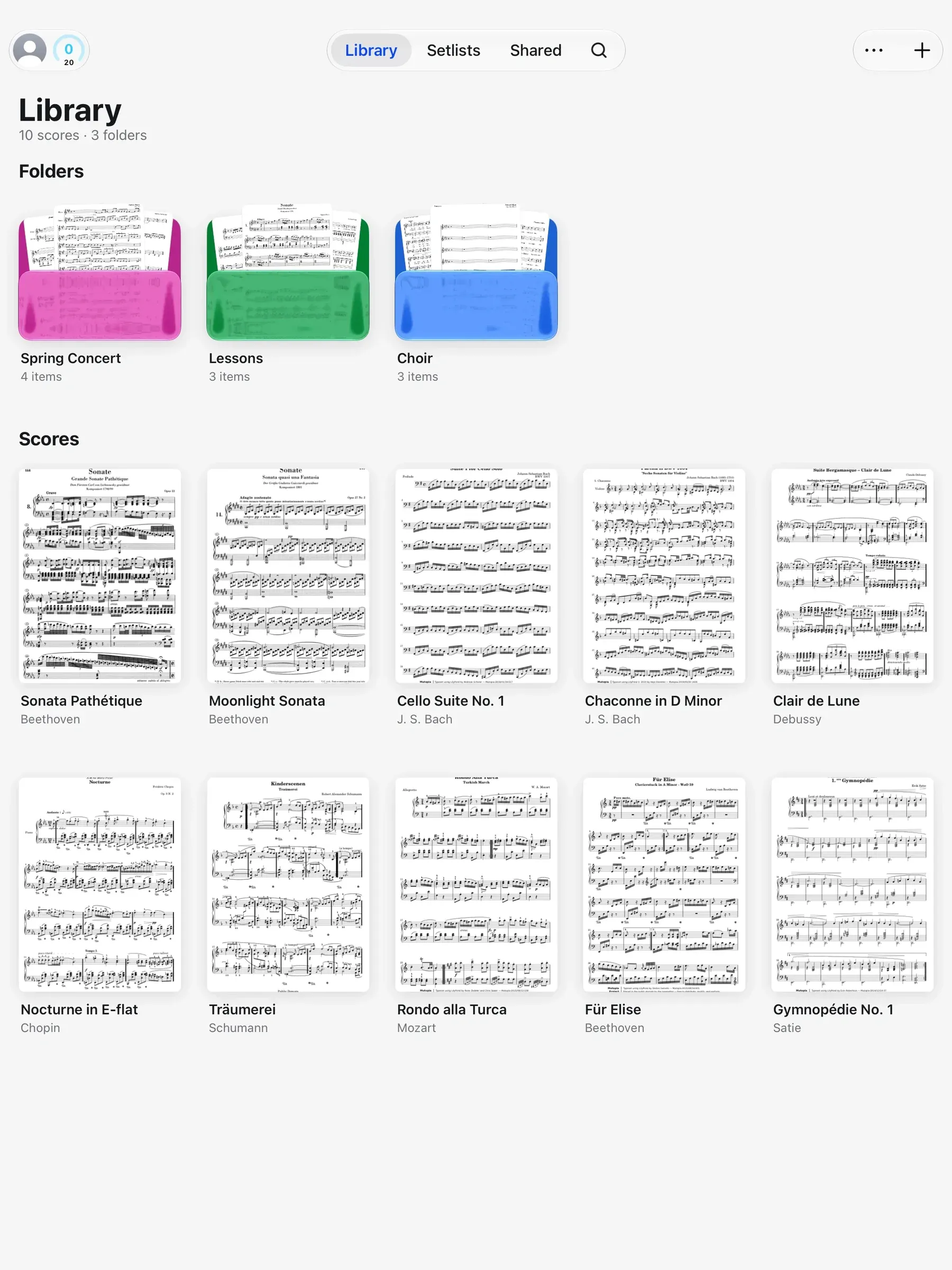
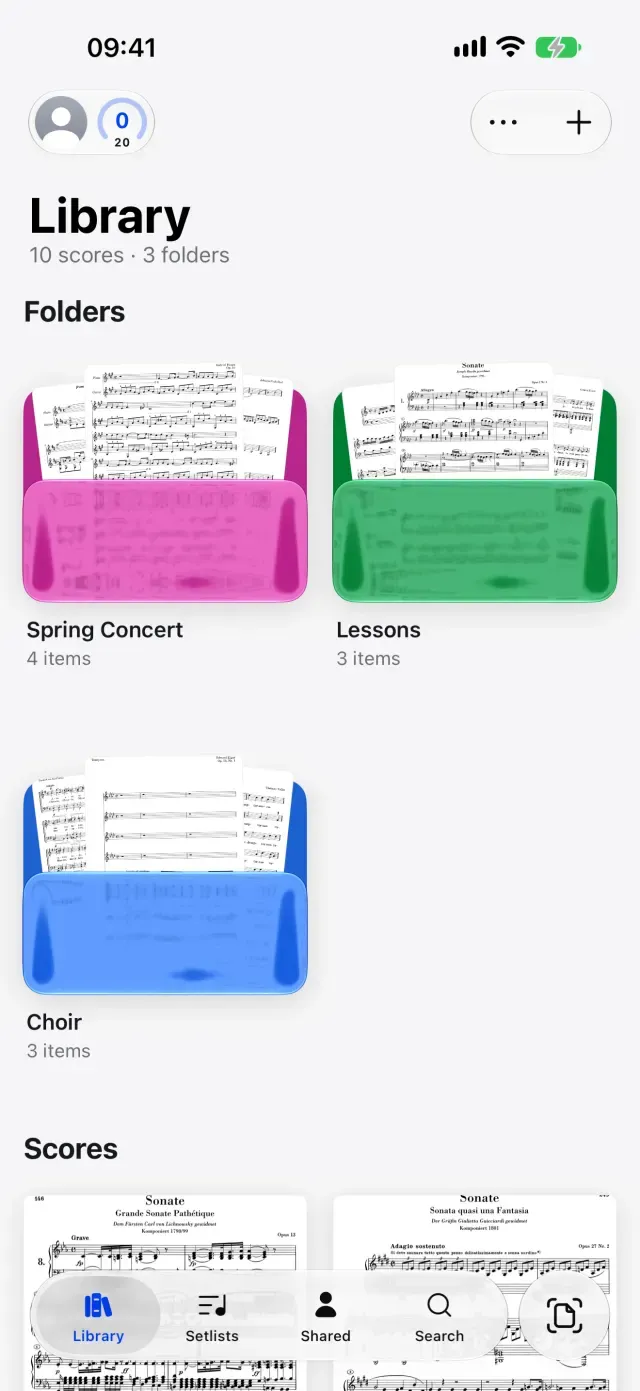
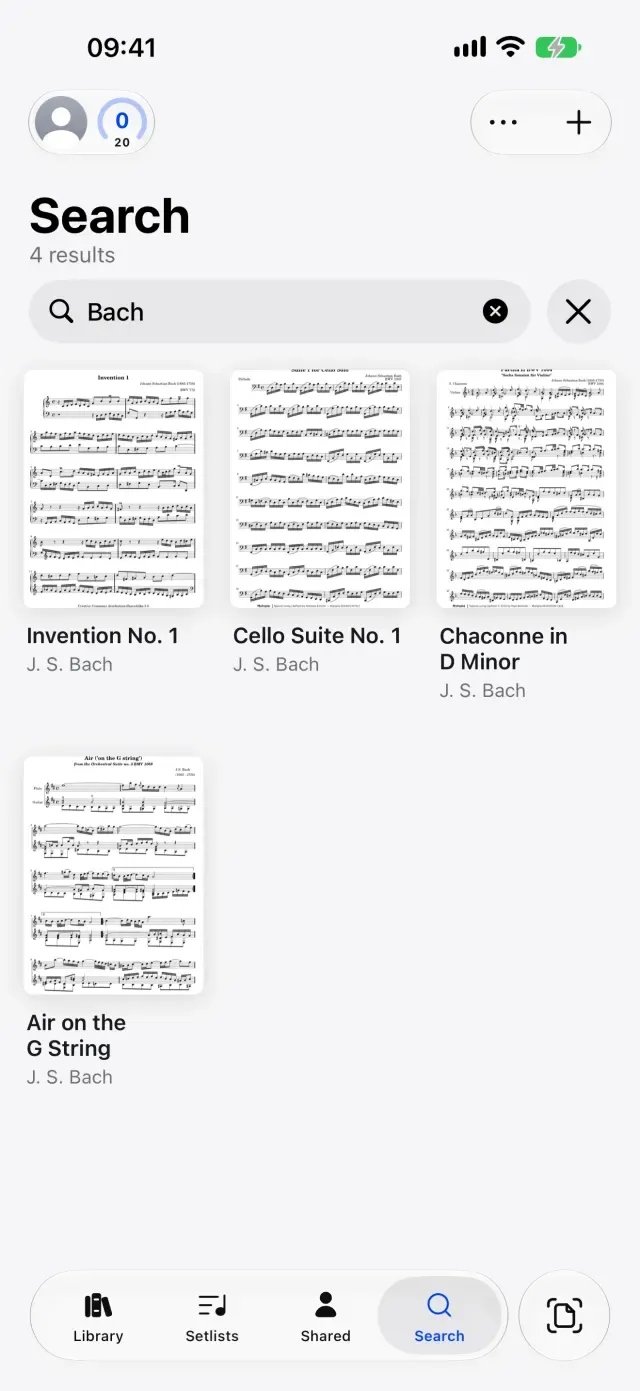
Every score sits on a shelf as its first page, your ink included. Folders for each concert, tags across them, and a Shared tab for scores others share with you.
A music library cabinet. Each concert folder slides out in turn.
How it works.
One folder per concert, lesson or semester.
The spring concert, your Tuesday lesson and the audition all need different scores. Make a folder for each and drag scores onto it. Sort the shelf your own way, or by title, composer or what you opened last.
Folders inside folders
Drag to reorder and file
Your order, title, composer or recent
Scores your teacher shares arrive on their own.A score from your teacher used to mean an email, a download and an import. In the Shared tab, the scores and folders others share with you are already there, and they change when the person who shared them does.
Shared scores and folders
Their markings included
Updated when they change it
Pick out your score by its markings.Three copies of the same Brahms symphony look alike in any file list. In Marcato each cover is the first page with your ink on it, so the score you marked looks like the score you marked. Choose Cover picks another page.
Your ink on the cover
Choose Cover for any page
Covers show before a download
Every score by one composer, in one list.
Some things cut across folders, like Audition or Sight-Reading, so tag them. Browse, in the Library's More menu, lists every composer, tag and part with a count, and opens a shelf of only those scores.
And all the little things.
Undo anything
Every change to the library can be undone, with a toast or Command Z.
Recently Deleted
A deleted score waits in Recently Deleted for 30 days, ready to restore.
Score details
Title, composer, arranger and part, all editable and all searchable.
Select several
Move, tag, add to a setlist or delete a handful of scores in one step.
Storage under control
Keep Downloaded holds a score on the device, and Optimize Storage frees space from the rest.
A folder for the band
A group shares one folder, so a score dropped into it reaches everyone in the group.
Library questions.
Does Marcato use folders or collections?
Folders. A folder can hold scores and other folders, and tags group scores across folders.
Where do scores shared with me show up?
In the Shared tab. Scores and folders others share with you appear there with their markings, and update when the owner changes them.
What happens when I delete a score?
It goes to Recently Deleted, and you can restore it for 30 days. Deleting a folder sends everything inside with it.
Can I see all the scores by one composer?
Yes. Open the Library's More menu, choose Browse, then pick the composer. Spellings that differ only in capitals or spaces count as one.
Does my library come with me from forScore?
Yes. Move Your Library brings your scores, setlists, tags, bookmarks, flags and markings over from a forScore archive, in minutes.
Goes well with.
Setlists.Plays a concert straight through, in order.
A setlist played on iPad. Each new score lands on the screen after the last page of the one before.