New Bring your forScore library, markings and all See how

Mark it on the bus, play it at rehearsal.

Add a score or a fingering on your iPhone and it is on your iPad. It works offline first, with no account until you want one.

An iPad and an iPhone side by side. Ink on the iPad syncs to the iPhone.
synced

How it works.

Works in a rehearsal room with no signal.

The church basement has no Wi-Fi. Import, scan, search and write there anyway: every change is saved on the device the moment you make it, and sync catches up later.

  • Offline from the first launch
  • Changes are never dropped
  • Scores download ahead of time
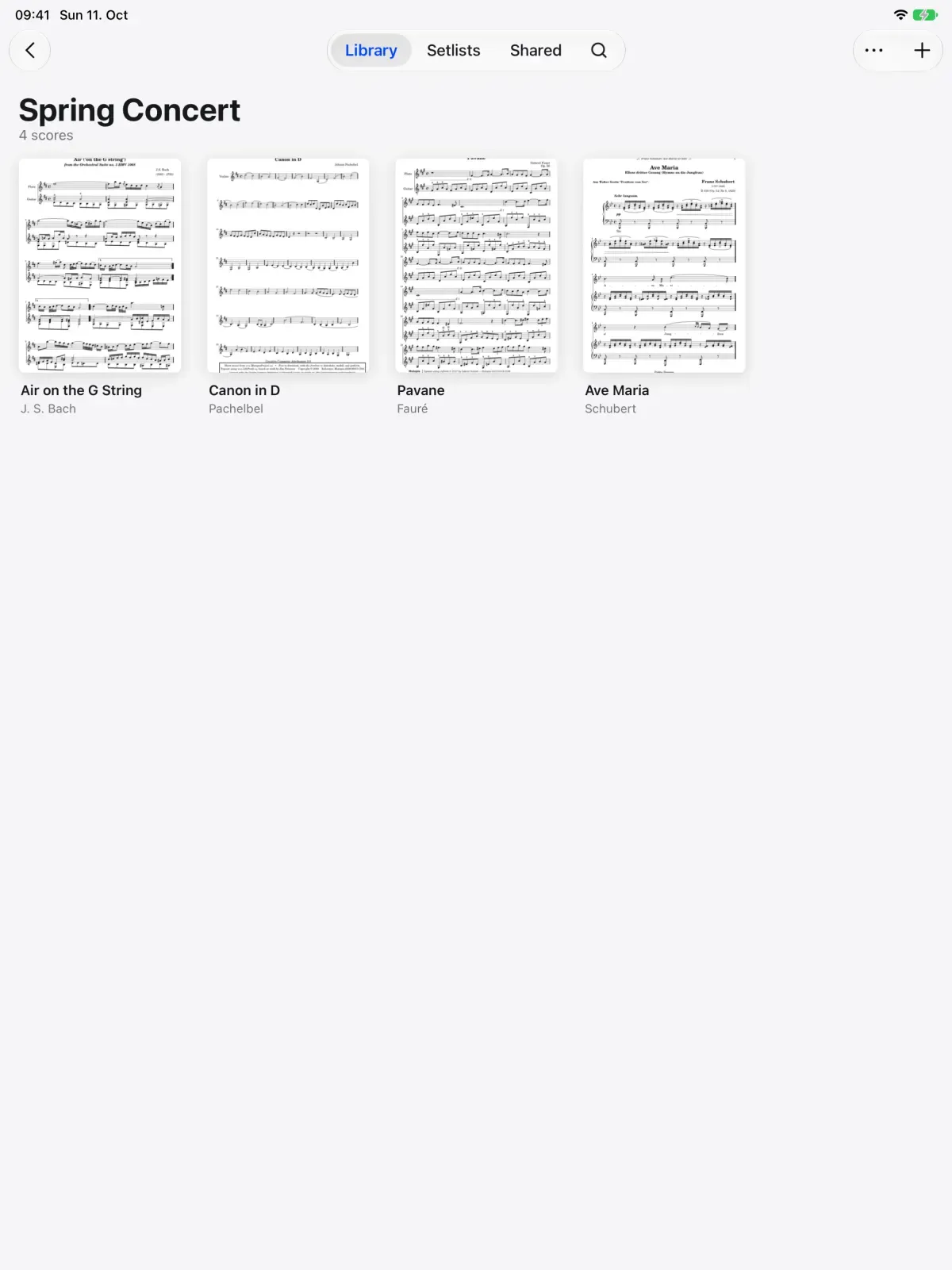
A Spring Concert folder in Marcato with its scores

Start playing before you make an account. Marcato opens straight to your library, with no sign up. When you want it on a second device, choose Sign in with Apple or Continue with Email, and everything you added comes with you.

  • Sign in with Apple or by email
  • No password to remember
  • Your library comes with you
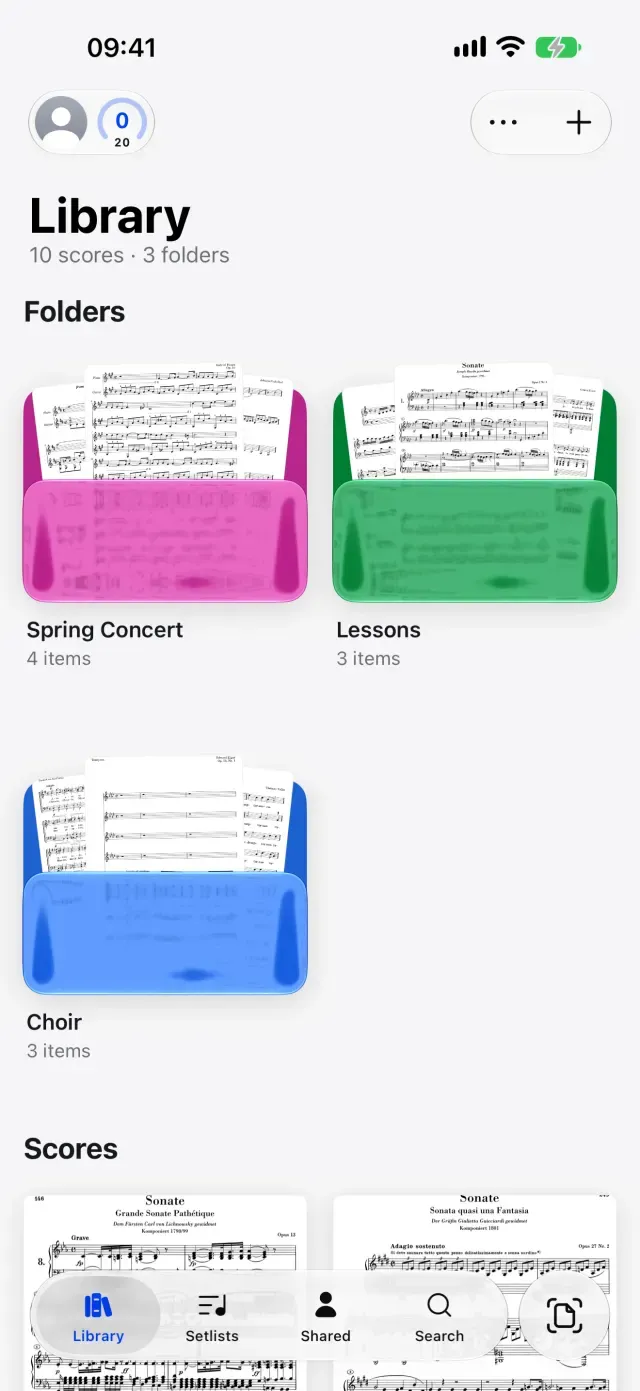
The Marcato library on iPhone

Two devices edited offline still agree. You fixed a bowing on the iPad and a fingering on the iPhone, both offline. When they reconnect, both changes are on both devices. Scores, folders, setlists, bookmarks, flags, strokes and hidden layers all sync.

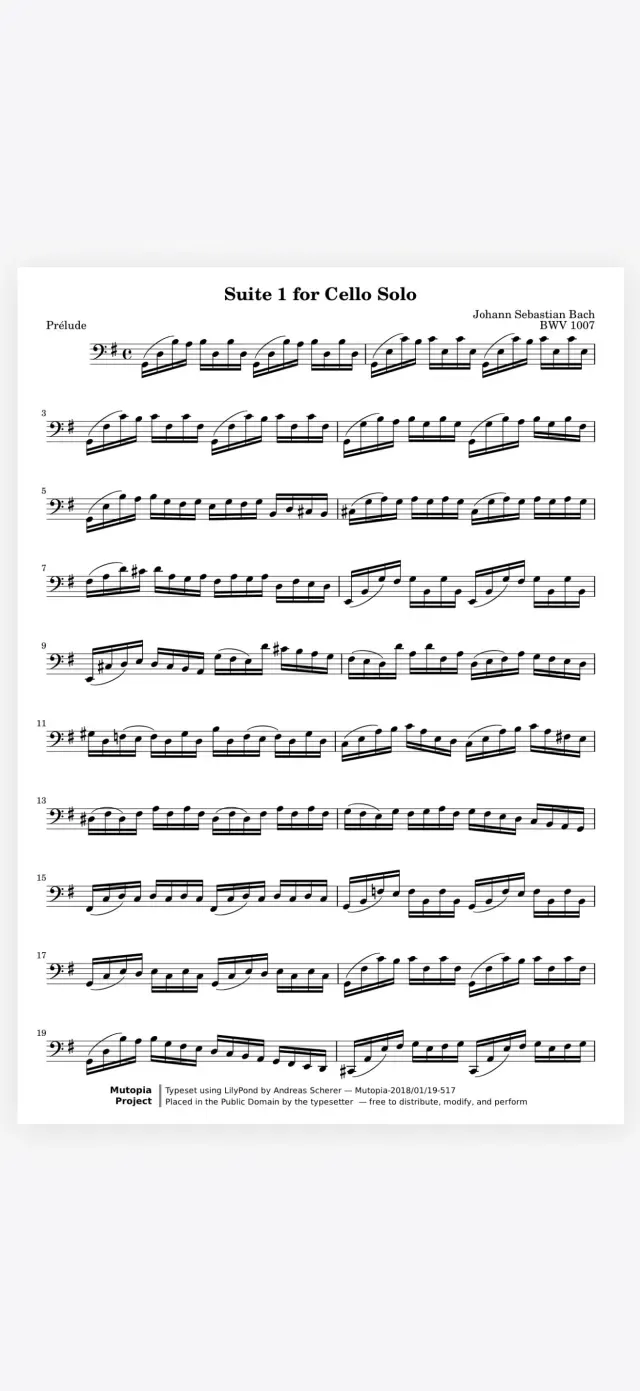
A score open in Marcato on iPhone

A shared score opens in any browser.

Not everyone in your section reads from an iPad. Share a score with them and it opens in the web viewer with its layers, with no app to install.

And all the little things.

  • Covers first

    A score added on another device shows its cover before its PDF arrives.

  • Status you can see

    The library shows when you are offline, uploading or waiting.

  • Sync Now

    Settings shows recent sync activity, with Sync Now for when you are in a hurry.

  • Optimize Storage

    Recent and kept scores stay on the device. The rest download when opened.

  • Undo syncs too

    Undo a change on one device and the undo reaches the others.

  • Two ways in

    Sign in with Apple, or with a six-digit code sent to your email.

Sync questions.

Do I need an account to use Marcato?

No. Marcato works from the first launch without signing up. Sign in when you want your library on another device.

How do I sign in?

Choose Sign in with Apple, or Continue with Email and we'll email you a six-digit code. There's no password to remember.

What happens to my library when I sign in?

Everything you added before signing in moves into your account and follows you to every device you sign in on.

Can I use Marcato with no internet?

Yes. Every library action, reading and writing work offline. Changes sync when you reconnect.

Can someone without Marcato see a score I share?

Yes. A shared score opens in the web viewer in a browser, with its layers and nothing to install.

Goes well with.

Marcato on iPhone. Your library and a scanner in your pocket.

An iPhone in a music bag's front pocket. The iPhone lifts out of the pocket.
in the pocket

Library. Folders, tags and the scores shared with you.

A music library cabinet. Each concert folder slides out in turn.
Spring Concert

Share Scores. Share a score that keeps updating.

One part shared to every device. Each device takes the change in turn.
4 of 4 updated

Put your first score on the shelf.

Open a PDF, move your forScore library or scan the score on your stand. You don't need an account to start.

For iPad and iPhone with iPadOS 26 or iOS 26.