
























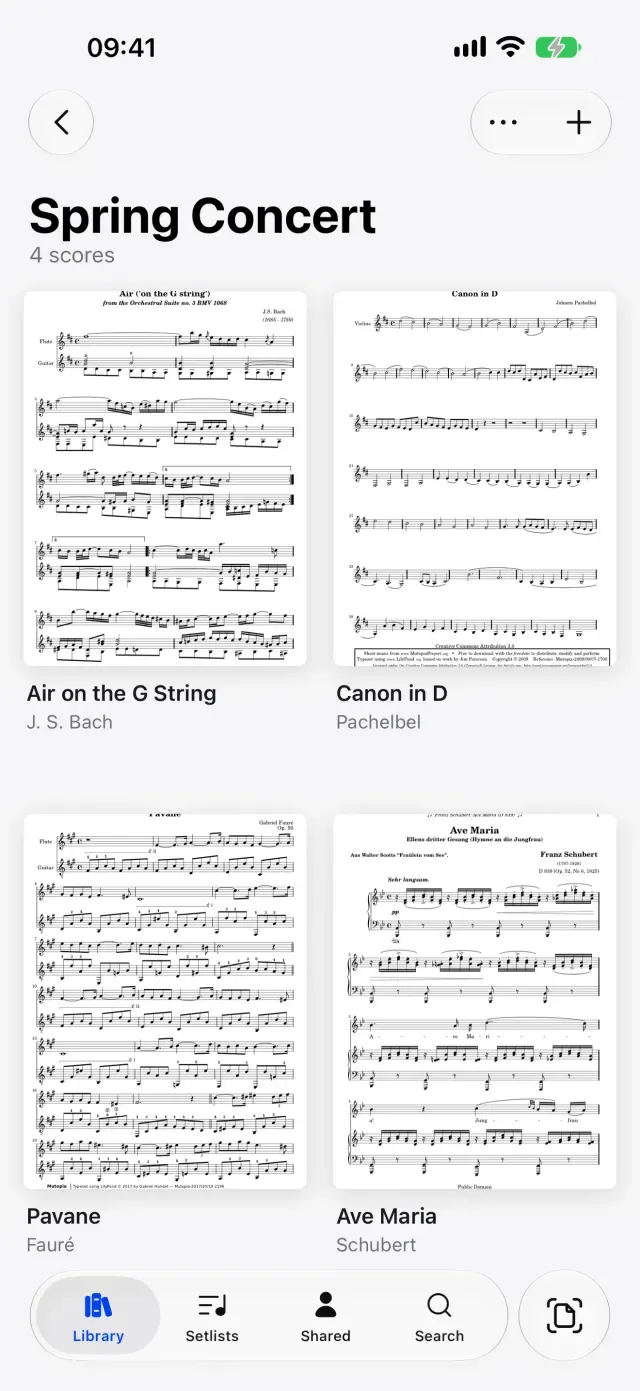
The parts and the full score, in one place for all four.
Make the quartet a group and it becomes a folder each of you sees. Drop in the four parts and the full score once, and everyone has them on iPad, iPhone or in a browser.

On the page
Learning
In a section
Leading and playing out
Move to Marcato
Make the quartet a group and everyone has every score. Change a bowing on the score you share and the others see it, while their fingerings stay their own.
Make the quartet a group and it becomes a folder each of you sees. Drop in the four parts and the full score once, and everyone has them on iPad, iPhone or in a browser.
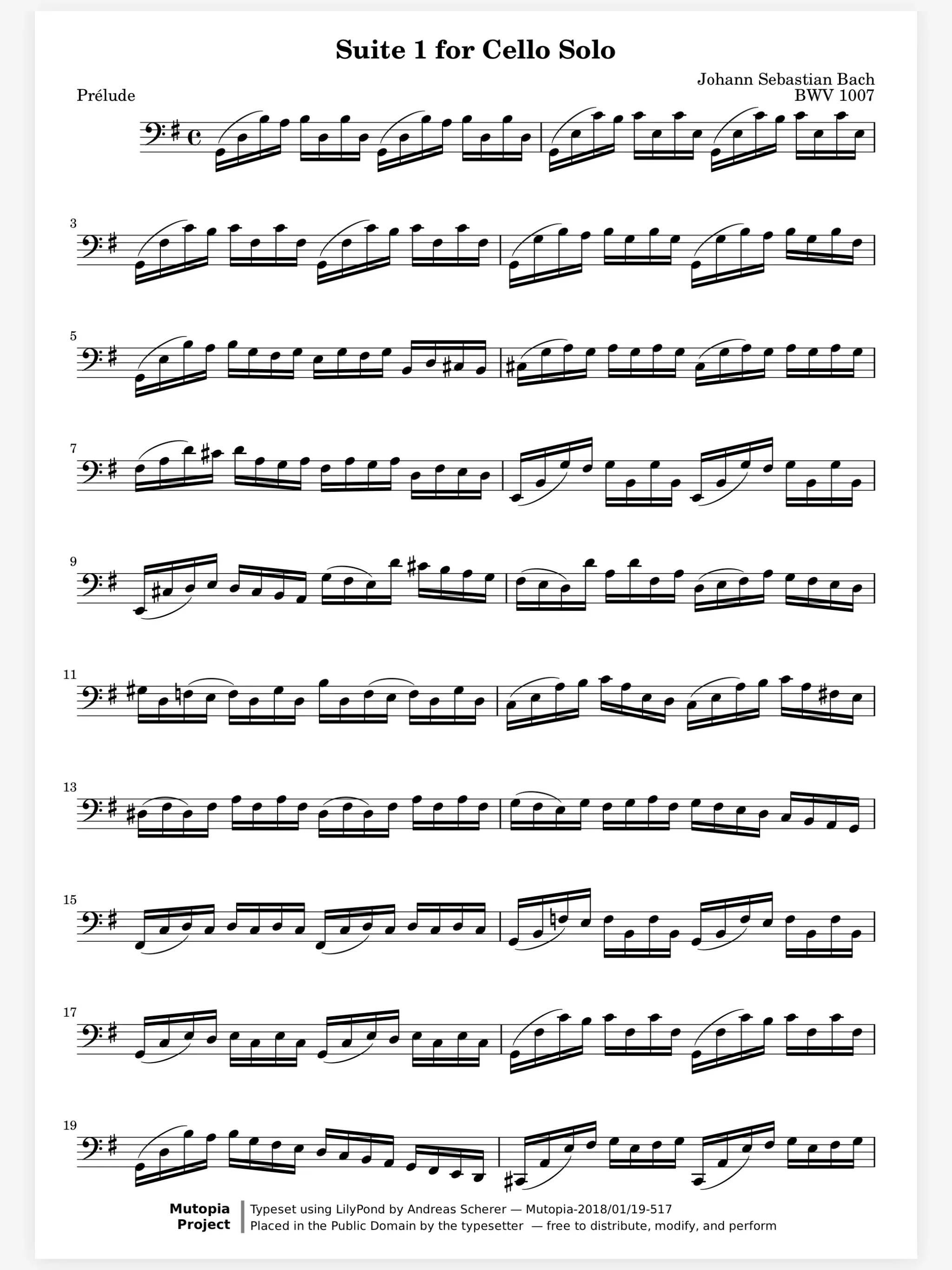
Who has the tune at letter C. Keep your part and the full score open as tabs and switch between them under the toolbar. Bookmarks name the rehearsal letters in both, so the full score opens at the same place as your part.
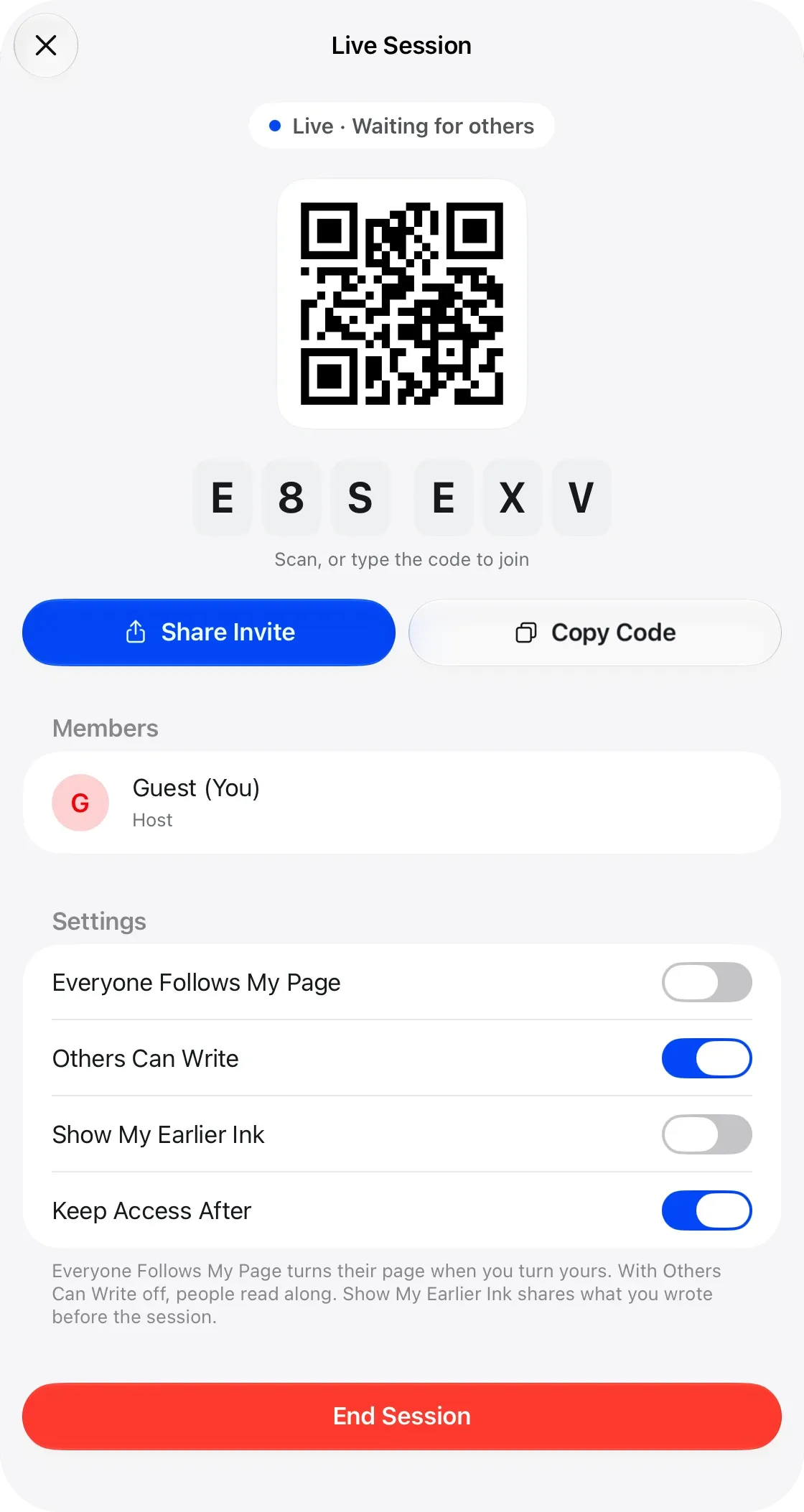
Your coach writes on the page with you. At a coaching, your coach starts a live session on the score and the four of you join with a code. Every circle and arrow shows on each stand as it is drawn, in the coach’s color.
A Bluetooth pedal turns the page, and so does a nod with AirPods or a face gesture. Half-page turns show the top of the next page while you finish this one.
Share Scores. Share a score that keeps updating.
Live Sessions. Write on the same page as your teacher, live.
Hands-Free Turns. Turn with a face gesture, AirPods or Watch.
Music Symbols. Place engraved dynamics, bowings, fingerings.
Tuner. Tunes to any A, from 415 to 466 Hz.
Yes. On a shared score each person writes on layers of their own, and the layers you keep private stay private.
No. Marcato runs on iPhone too, and a shared score opens in a web browser with its markings.
Yes. Set concert A anywhere from 415 to 466 Hz, and the tuner and the reference tone both follow it.

Open a PDF, move your forScore library or scan the score on your stand. You don't need an account to start.
For iPad and iPhone with iPadOS 26 or iOS 26.