
























Open Move Your Library. In Marcato, open Settings and choose Move Your Library, then forScore. While forScore is on your iPad, the move also waits at the top of the + menu.
Bring your forScore library. Markings and all.
Create one archive in forScore, and Marcato moves every PDF, setlist, bookmark and marking. Nothing in forScore changes.
How it works.
Create an archive in forScore. In forScore, tap the toolbox at the top right, scroll to More and tap Backup. Tap +, then Create Archive, and wait for it to appear. Create Backup leaves out your PDFs.
Show Marcato where it is. Back in Marcato, tap Choose forScore Folder. In Files, tap Browse, then On My iPad, select the forScore folder and tap Open. Marcato remembers it and takes the newest archive.
Let it move.
Keep Marcato open while your scores come over. If it closes, the move picks up where it stopped. A summary then shows what came over and what stayed behind.

What comes with you.
Comes over as it was.
- Every PDF and all its pages
- Title and composer
- Genre, keywords and labels, as tags
- Notes
- Setlists, in their order
- Bookmarks, at their first page
- Flags
- How every marking looks
- Layer names, and which layers are hidden
Comes over in part.
- Rating, difficulty, tempo and duration, as a line in the notes
- Bookmark ranges, bookmarked at their first page
- Setlist folders, flattened into setlists
- Typed text, in its font size
Stays behind.
- Markings as strokes you can move, since forScore saves ink as pictures
- Audio tracks and their links
- Page-turn links
- Crops and zoom
- MIDI
- Custom stamps, as stamps you can place again
- forScore's settings
Moving from forScore, answered.
Does moving change anything in forScore?
No. Marcato reads a copy of your library from the archive. forScore keeps every score and marking it had.
Why an archive and not a backup?
A forScore backup leaves your PDFs out. Only an archive carries every PDF along with your setlists, bookmarks and markings.
Can I edit my forScore markings in Marcato?
They arrive exactly as they look, on a layer called From forScore that you can hide like any other. forScore saves ink as pictures, so only new markings you make on top move and erase stroke by stroke.
Will new markings look sharper than my forScore ones?
Yes, when you zoom in. Every stroke you write in Marcato is vector ink, sharp up to 8×, while the markings from forScore stay the pictures it saved.
What happens to layers I had hidden in forScore?
They arrive on a layer called Hidden in forScore, hidden. Show them from the Layers menu.
My archive is on another device. Can I still move it?
Yes. Send the archive to your iPad with AirDrop or put it in Files, then tap Choose Archive File, or open it in Marcato from Files or the share sheet.
Once you are in.
Layers. Keep each kind of marking on its own layer.
Setlists. Plays a concert straight through, in order.
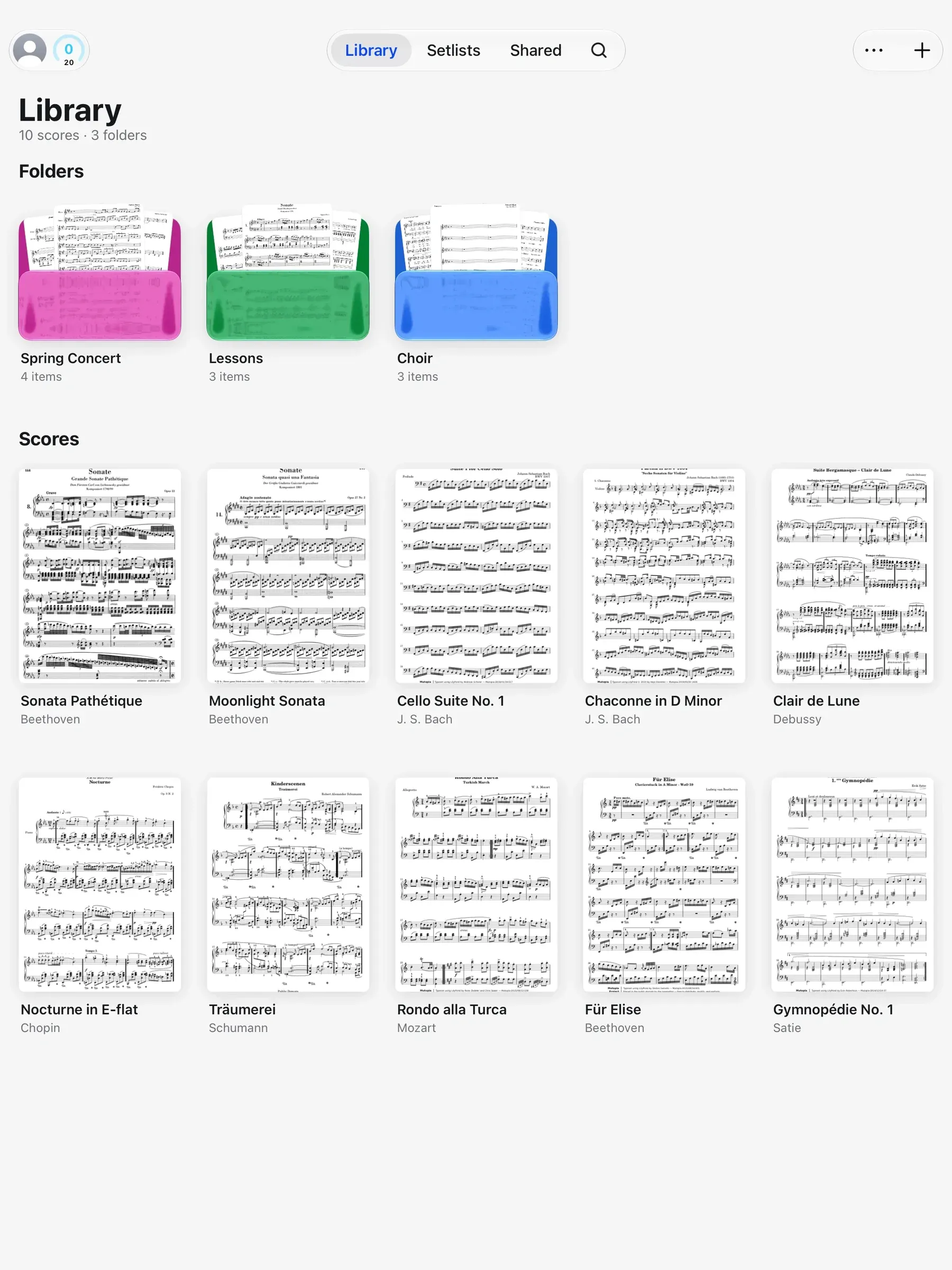
Library. Folders, tags and the scores shared with you.

Put your first score on the shelf.
Open a PDF, move your forScore library or scan the score on your stand. You don't need an account to start.
For iPad and iPhone with iPadOS 26 or iOS 26.