New Bring your forScore library, markings and all See how

Practice that counts itself.

Open a score and play. Marcato counts the minutes and fills your ring toward a daily goal, with no timer to start and no log to fill in.

A practice clock and a streak counter. The clock fills toward the goal.
24 of 30 min

How it works.

No timer to start, nothing to write down.

A practice log is forgotten by Wednesday. Time with a score open in the reader counts on its own, logged per piece, and pauses after 5 minutes without a touch or a turn, or when you leave the app.

  • Counts while you read and turn
  • Paused when the iPad sits idle
  • The Timer for scales off the page

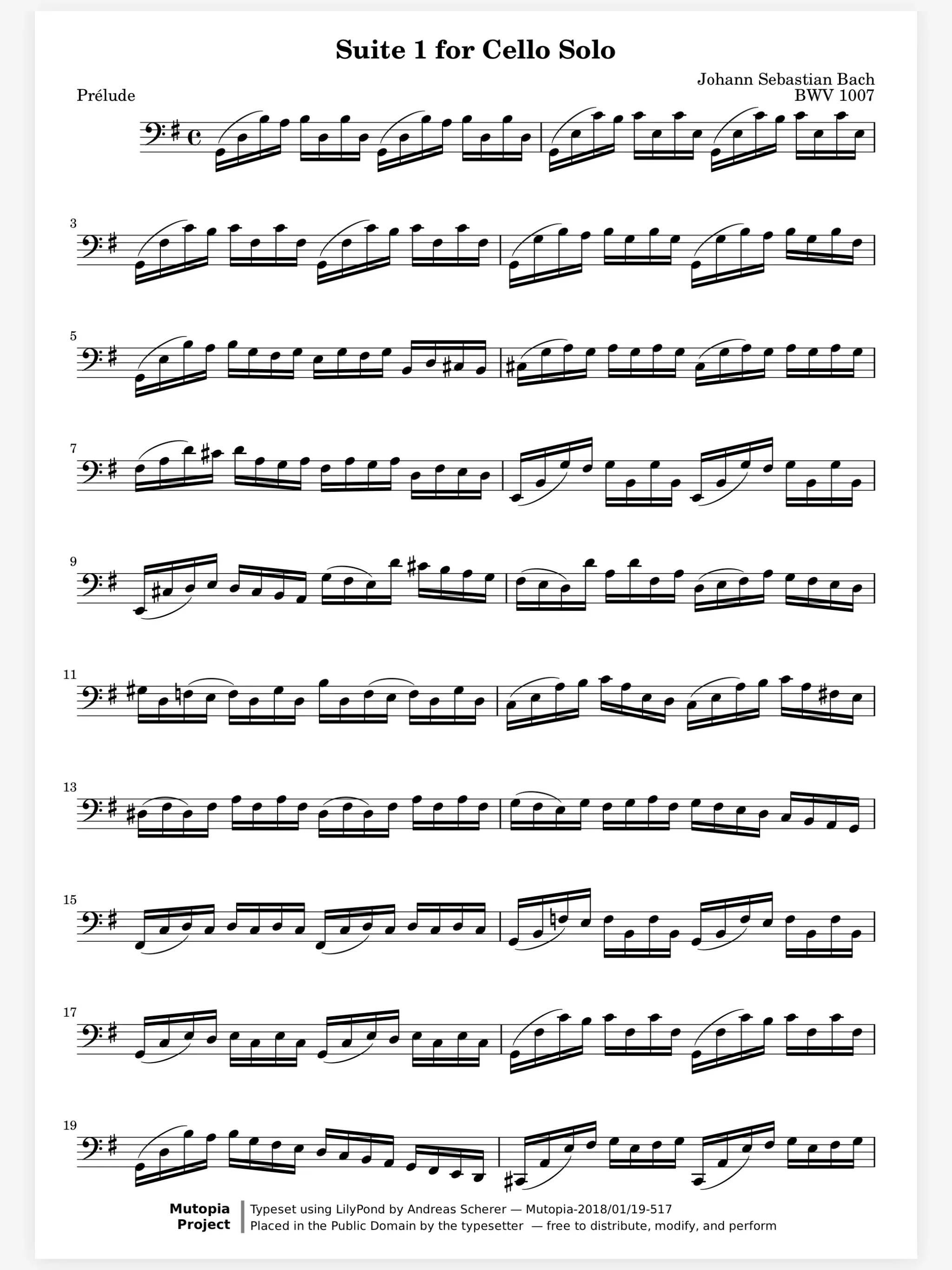
A score open in the Marcato reader with the toolbar hidden

Watch the ring close on today's goal. Set a goal in minutes and pick your rest days. The ring at the top left of every tab fills as you play; tap it for today, the week, your streak and the time on each piece.

  • Minutes a day, with rest days
  • Pieces This Week, with covers
  • The same ring on iPad and iPhone
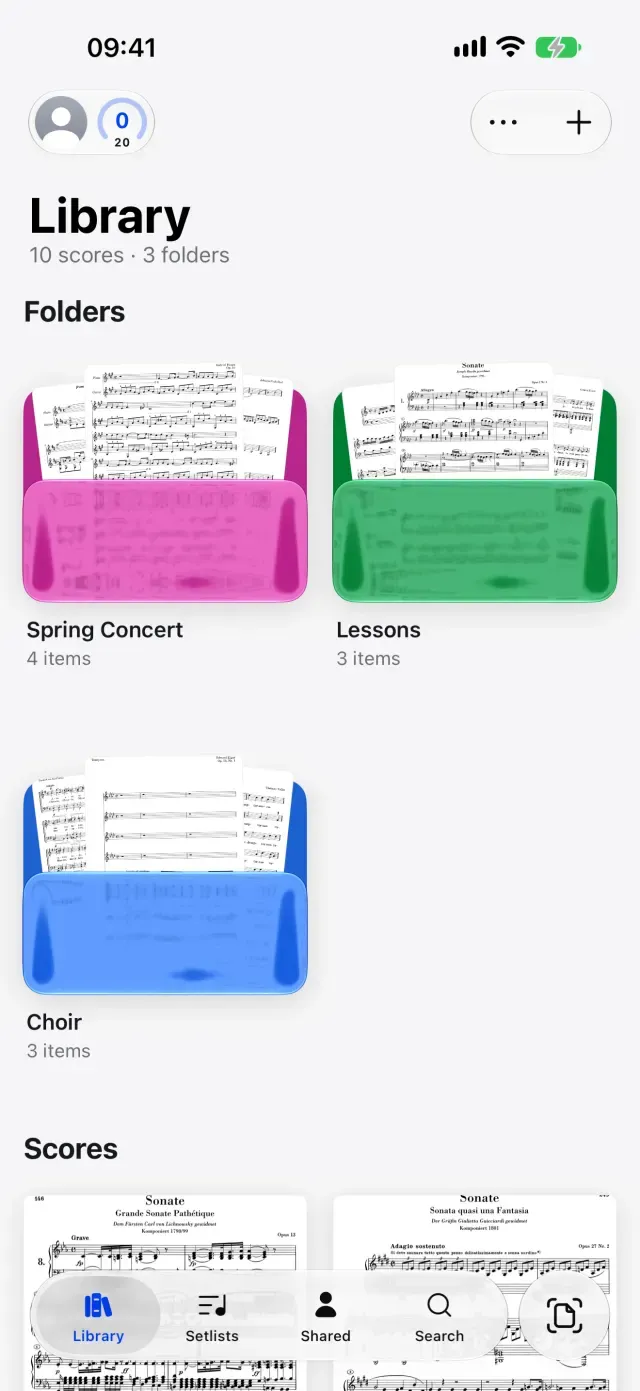
The Marcato library on iPhone

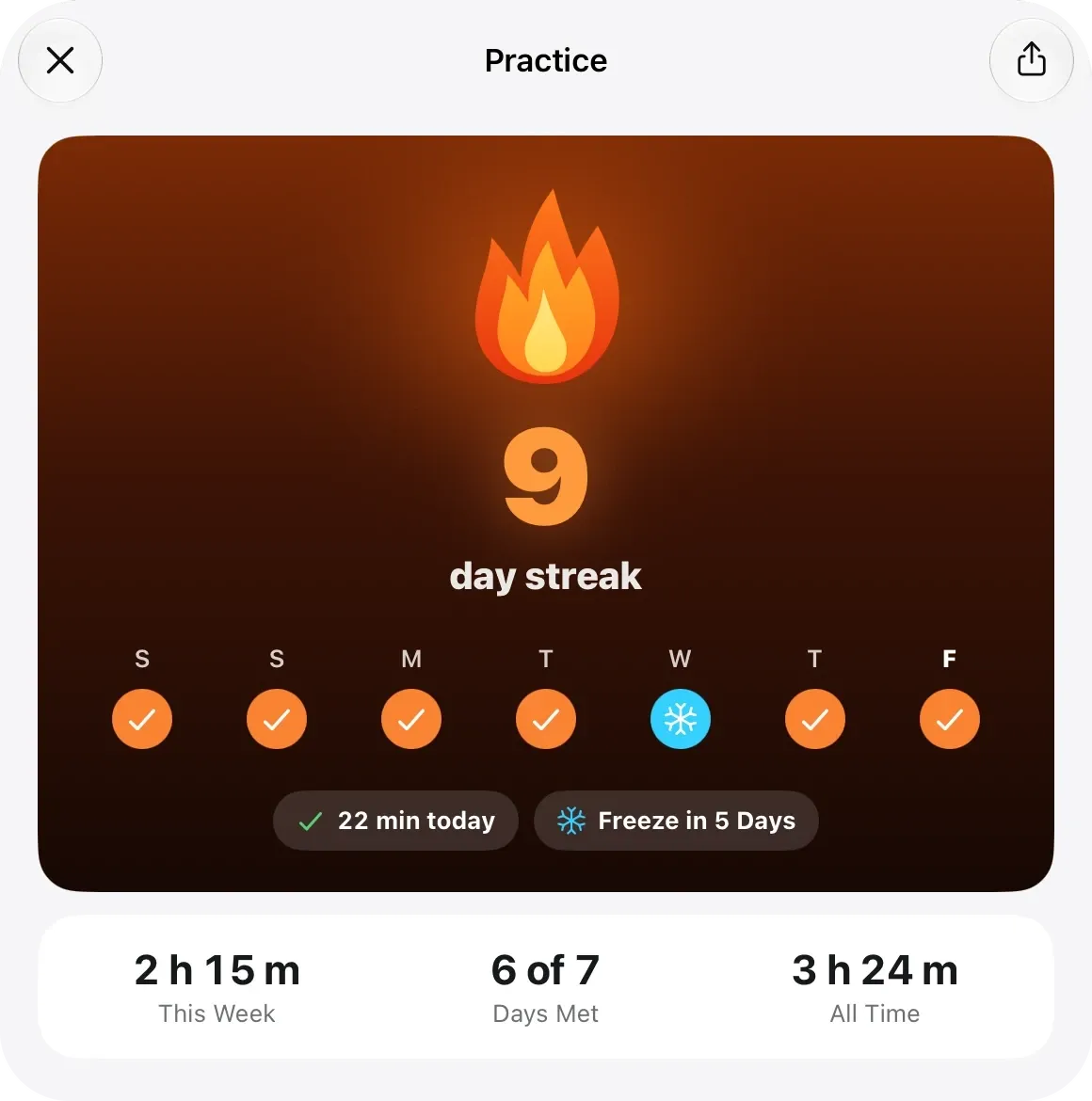
A busy Thursday won't end a long streak. Your streak counts the days you met your goal, and the rest days you chose never break it. Every 7th day in a row earns a freeze, up to 2, to cover the day life gets in the way.

The Practice sheet in Marcato: a day streak, the week, and time practiced

And all the little things.

  • Reminders you turn on

    One quiet nudge at a time you pick, skipped on rest days and once the ring is closed.

  • Widgets

    Today's ring, your streak and recent scores on the Home Screen and the Lock Screen.

  • Every device

    Practice on the iPad, and the ring on your iPhone is already closed.

  • Never mid-piece

    Close the ring in the reader and the celebration waits until you close the score.

  • Share Streak

    Make a card of your streak to post to your stories.

  • Offline

    Practice counts with no connection, and syncs when you are back.

Practice Tracking questions.

Do I have to start a timer?

No. Time with a score open in the reader counts on its own. For scales or long tones away from the page, start the Timer beside the metronome.

How do I set a daily goal?

Tap the ring at the top left, or open Settings and choose Practice. Pick the minutes a day and the days you rest.

Will a missed day reset my streak?

Not on a rest day you chose. A freeze covers a missed day, and you earn one for every 7 days in a row, holding up to 2.

Will Marcato send me reminders?

Only if you turn them on. You get one nudge at the time you choose, never on a rest day or after the ring is closed.

Goes well with.

Metronome. A metronome and practice timer on the page.

A clockwork metronome. The weight slides to each tempo.
♩ = 72

Tuner. Tunes to any A, from 415 to 466 Hz.

A tuning fork and meter. The needle swings toward A.
A4 · −6 cents

Teacher Studio. Coming soon. A folder per student, homework on the music.

A studio cubby unit. Each student's folder slides out in turn.
student 3

Put your first score on the shelf.

Open a PDF, move your forScore library or scan the score on your stand. You don't need an account to start.

For iPad and iPhone with iPadOS 26 or iOS 26.