New Bring your forScore library, markings and all See how

Coming soon

Assign this week's bars on the music itself.

The teacher studio is coming soon. Each student will get a folder you both see, with this week's bars marked on the score.

A studio cubby unit. Each student's folder slides out in turn.
student 3

How it works.

A folder for each student.

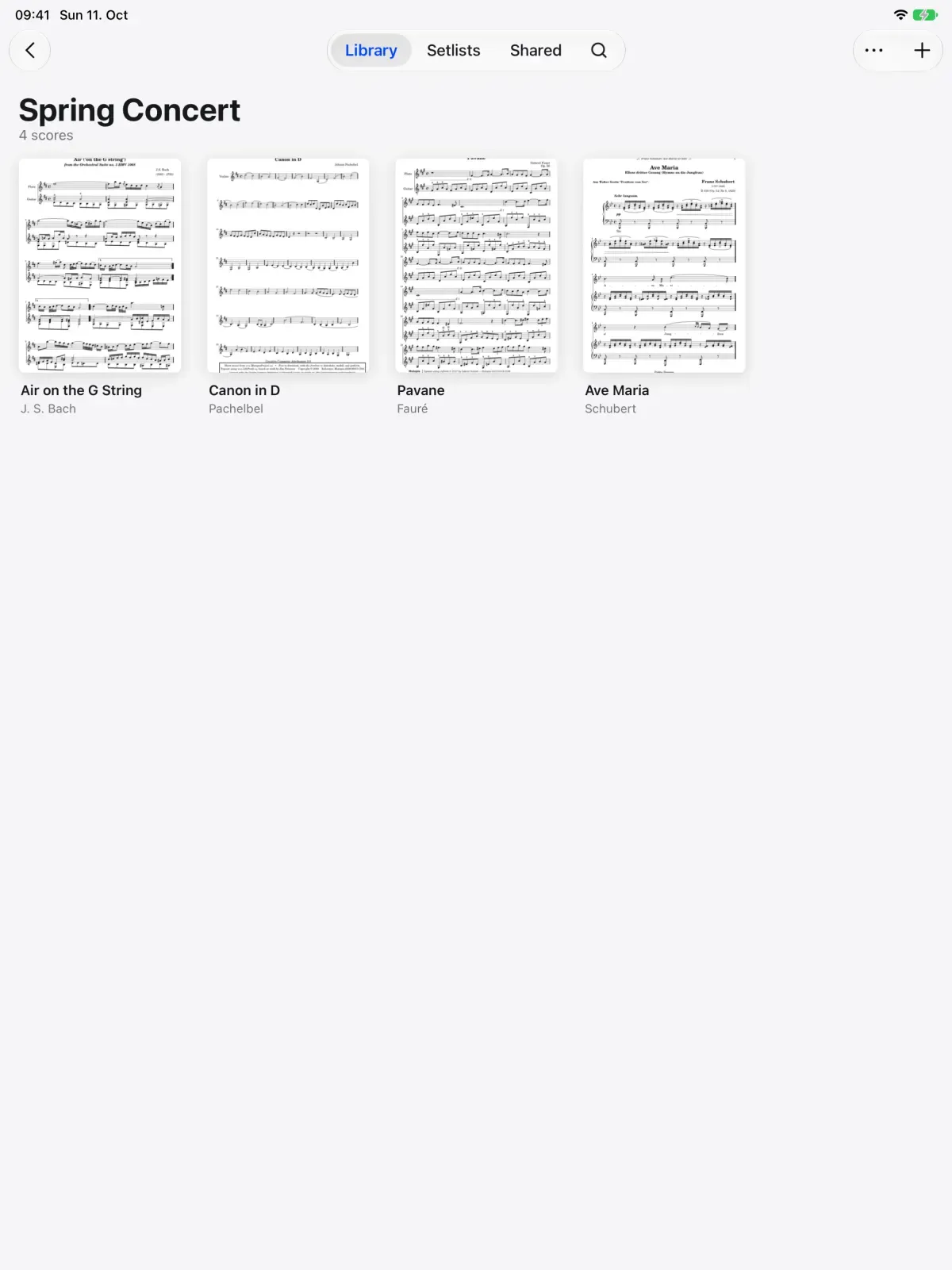
Repertoire handed out on paper gets lost between lessons. Invite your students and each will get a private folder shared with you. Put this week's pieces in it and they will be on their iPad or iPhone.

  • Invite students to your studio
  • One private shared folder each
  • Scores ready on their device
A Spring Concert folder in Marcato with its scores

Bars to practice, with a due date.

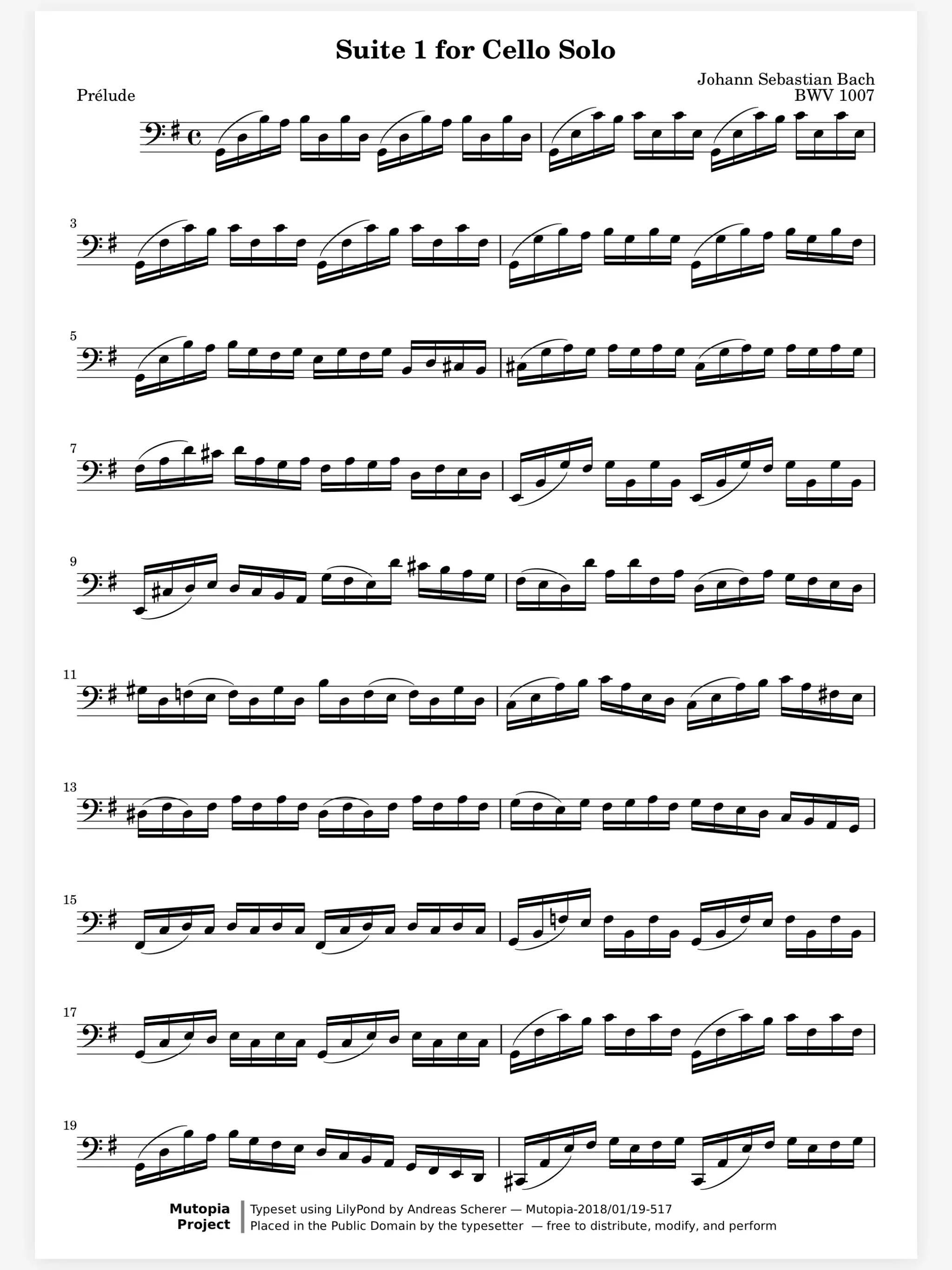
Practice notes in a notebook are easy to forget. You will assign bars or pages with a due date, and your student will mark them done or record an attempt. You will see what got finished, and the minutes practiced.

A cello score marked with fingerings, bowings, dynamics and note names in color

A teacher layer they can't change.

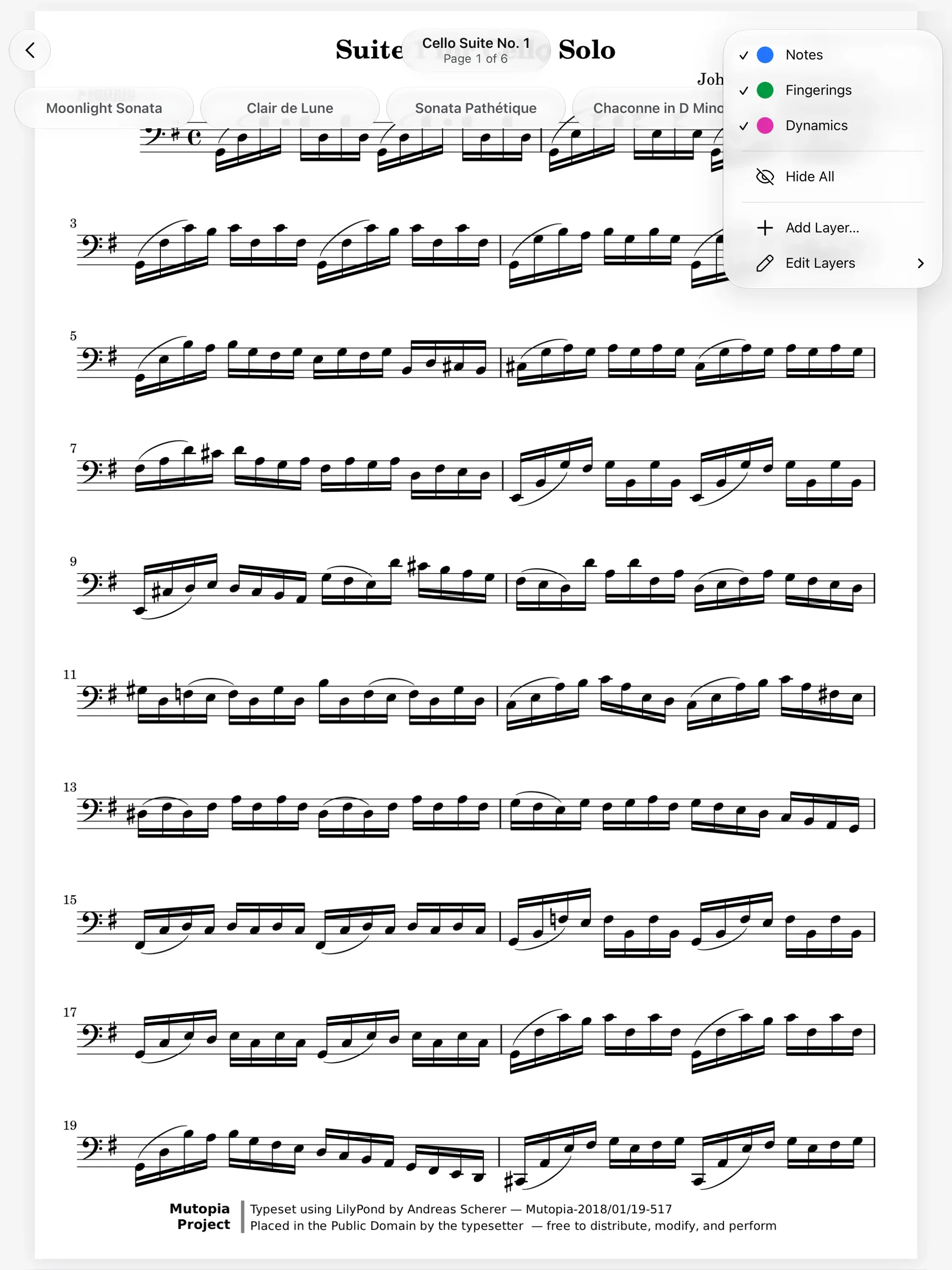
A fingering you wrote should still be there next week. Your markings will go on a teacher layer. Students will see it and can hide it, but not change it, and their own markings stay theirs.

  • A layer only you can edit
  • Students can still hide it
  • Their own layers stay private
The Layers menu in Marcato, with Notes, Fingerings and Dynamics

And all the little things.

  • Live lessons today

    Live sessions already let you write on the same page as a student, in the room or remote.

  • Sharing today

    Share a student's pieces now, and every change you make reaches their score.

  • iPhone or a browser

    Students without an iPad open their scores on iPhone or in the web viewer.

Teacher Studio questions.

Can I set up a studio in Marcato now?

Not yet. The teacher studio is coming soon. Live sessions and sharing work today, so you can already write on a student's score and share their pieces.

Can my students change what I write?

With the studio, no. Your markings will sit on a teacher layer your students can see and hide, but not edit.

Will my students need an iPad?

No. Marcato runs on iPad and iPhone, and shared scores open in the web viewer in any browser.

Goes well with.

Live Sessions. Write on the same page as your teacher, live.

Two iPads sharing one score. Every stroke on the left iPad appears on the right one.
2 people

Share Scores. Share a score that keeps updating.

One part shared to every device. Each device takes the change in turn.
4 of 4 updated

Practice Tracking. Counts your practice and keeps your streak.

A practice clock and a streak counter. The clock fills toward the goal.
24 of 30 min

Put your first score on the shelf.

Open a PDF, move your forScore library or scan the score on your stand. You don't need an account to start.

For iPad and iPhone with iPadOS 26 or iOS 26.