An orchestral music stand. The desk tilts and rises.
How it works.
Turn with a tap on the edge.
Between phrases you have half a second to turn. Tap the right third to go forward and the left third to go back. Every turn is instant, with no slide, and the middle shows or hides the toolbar.
Taps, swipes, arrow keys and pedals
Your last page, remembered
Escape closes the score
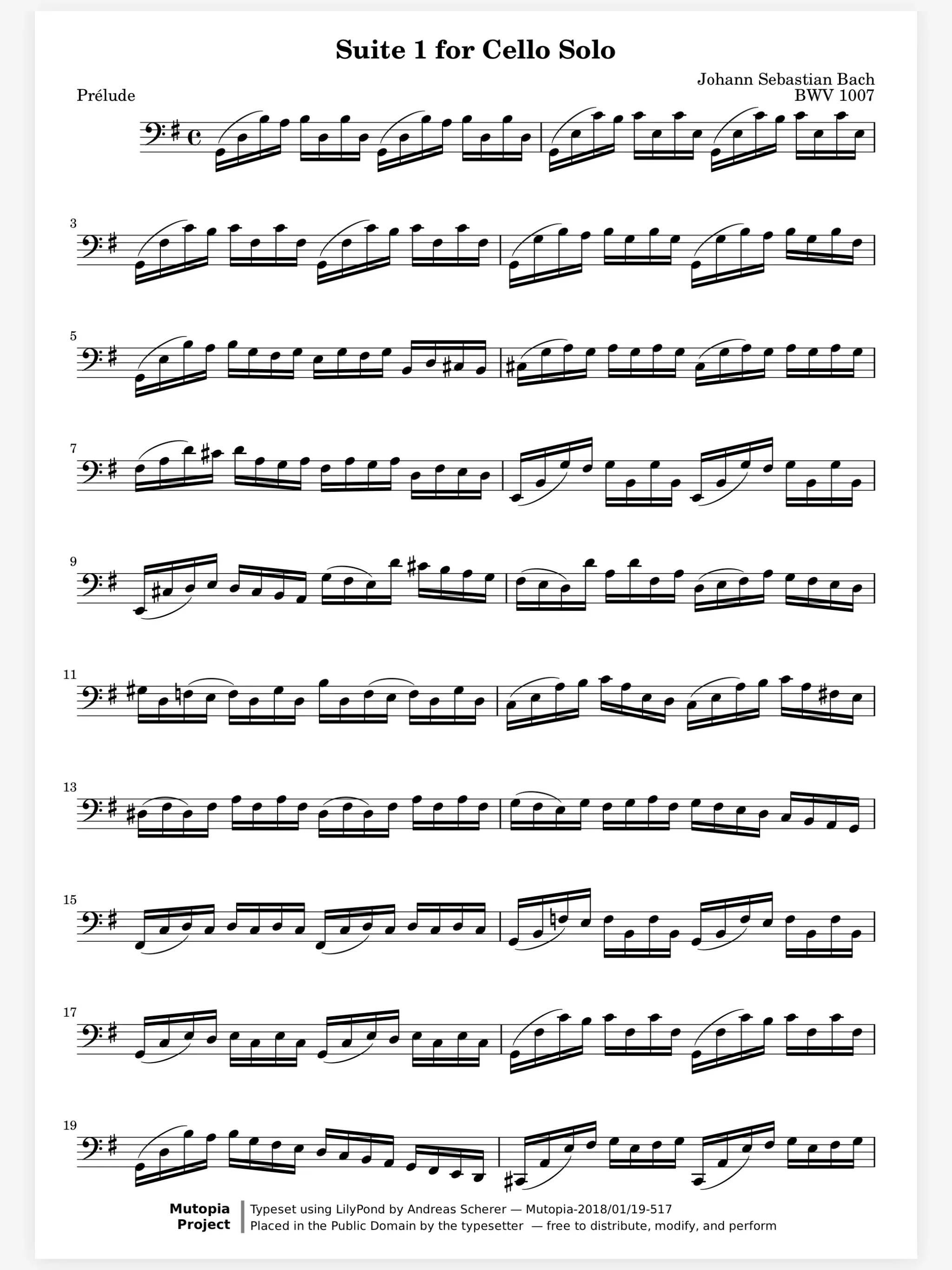
Zoom in on the tricky bar.
Small print in a fast passage is where wrong notes start. Pinch up to 8× and the music is drawn again at that size, never blurred. Double tap a system to zoom to it, and again to zoom out.
A loupe on an arm. The loupe moves over the page.
Half-page turns for the run that crosses the page.
Some turns land in the middle of a run. With Half Pages, the top of the next page shows over the bottom of this one, so you read ahead. Whole Pages and Continuous are one choice away.
Whole Pages, Half Pages, Continuous
Side by Side in landscape
Fill Width scrolls, then turns
And all the little things.
Opens from its cover
Tap a cover on the shelf and the score opens out of it.
Tabs
Keep the concerto, the full score and an etude open as tabs.
Zoom remembered
Each spread keeps its zoom when you turn away and come back.
Pages stay paper
The page stays white in Dark Mode, so your ink looks the way you wrote it.
Drawn ahead
Pages are drawn in the background, so a long score never makes you wait.
Metronome and tuner
Both live in the reader toolbar, beside the music.
Reader questions.
How do I hide the toolbar?
Tap the middle third of the page. Tap it again to bring the toolbar back. A tap on the left or right third turns the page.
Can I see two pages at once?
Yes. In landscape, choose Side by Side in Display Settings and two pages show whenever the screen is wide enough.
What are half page turns?
With Half Pages, a turn shows the top half of the next page over the bottom half of this one, so you read ahead before the page fully turns.
Does the reader work like forScore?
The turning does: tap zones, half pages and pedals work the way forScore players expect. The rest is laid out to give the page more room.