
























Gather your PDFs. Put the PDFs you play from in one folder in Files, iCloud Drive or Dropbox. Scores you downloaded from IMSLP can be downloaded again in Safari.
Coming soon
A direct move from Piascore is coming soon.
Until then, the PDFs you play from come over today as a folder, subfolders and all. Nothing in Piascore changes.
What to do today.
Open Move Your Library. In Marcato, open Settings, choose Move Your Library, then A Folder of PDFs.
Pick the folder.
Choose the folder in Files, iCloud Drive or Dropbox and tap Open. Every PDF comes over, and each folder inside becomes a folder in your library.
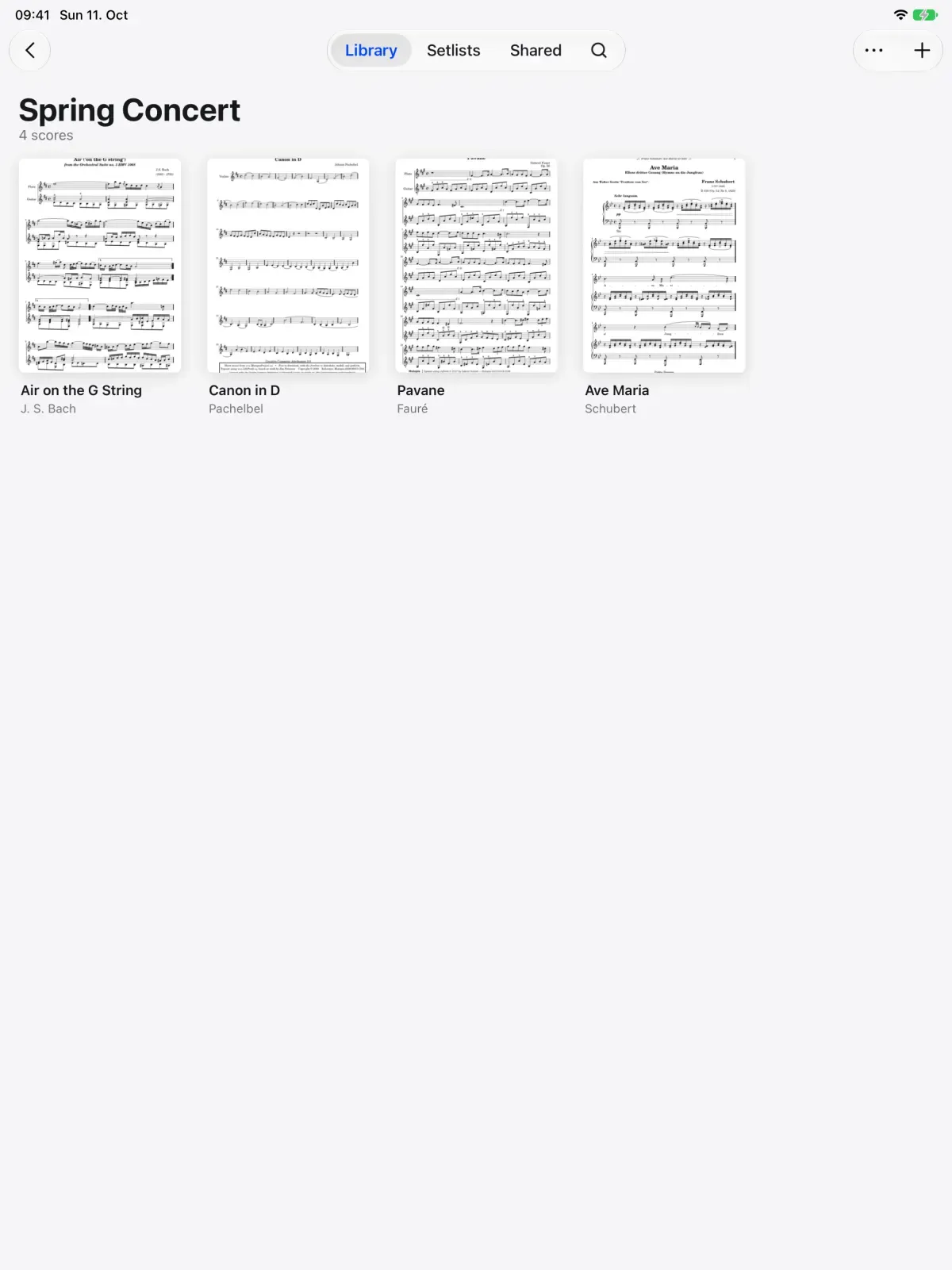

What comes with you.
Comes over today.
- Every PDF and all its pages
- Your folders, as folders in Marcato
Stays behind for now.
- Tags and setlists
- Markings made in Piascore
Moving from Piascore, answered.
When can I move my Piascore library directly?
It is coming soon. Bring your PDFs in as a folder now, and they stay on your shelf when the direct move arrives.
Will my Piascore markings come over?
Not yet. A folder of PDFs carries the pages as they are. Markings you made in Piascore stay there until the direct move arrives.
Can I keep using Piascore in the meantime?
Yes. Bringing in a folder of PDFs leaves the folder, and Piascore, exactly as they were.
Once you are in.
Import PDFs. Brings in PDFs, whole folders and forScore.
Library. Folders, tags and the scores shared with you.
Setlists. Plays a concert straight through, in order.

Put your first score on the shelf.
Open a PDF, move your forScore library or scan the score on your stand. You don't need an account to start.
For iPad and iPhone with iPadOS 26 or iOS 26.