New Bring your forScore library, markings and all See how

Play back a page the way it was marked.

Every stroke remembers when it was made. Replay Ink writes the page again in about 8 seconds, so you can watch a score come together, or film it.

An Apple Pencil replaying the marks on a page. It replays each mark stroke by stroke.
stroke 9 of 9

How it works.

Each marking, in the order you wrote it.

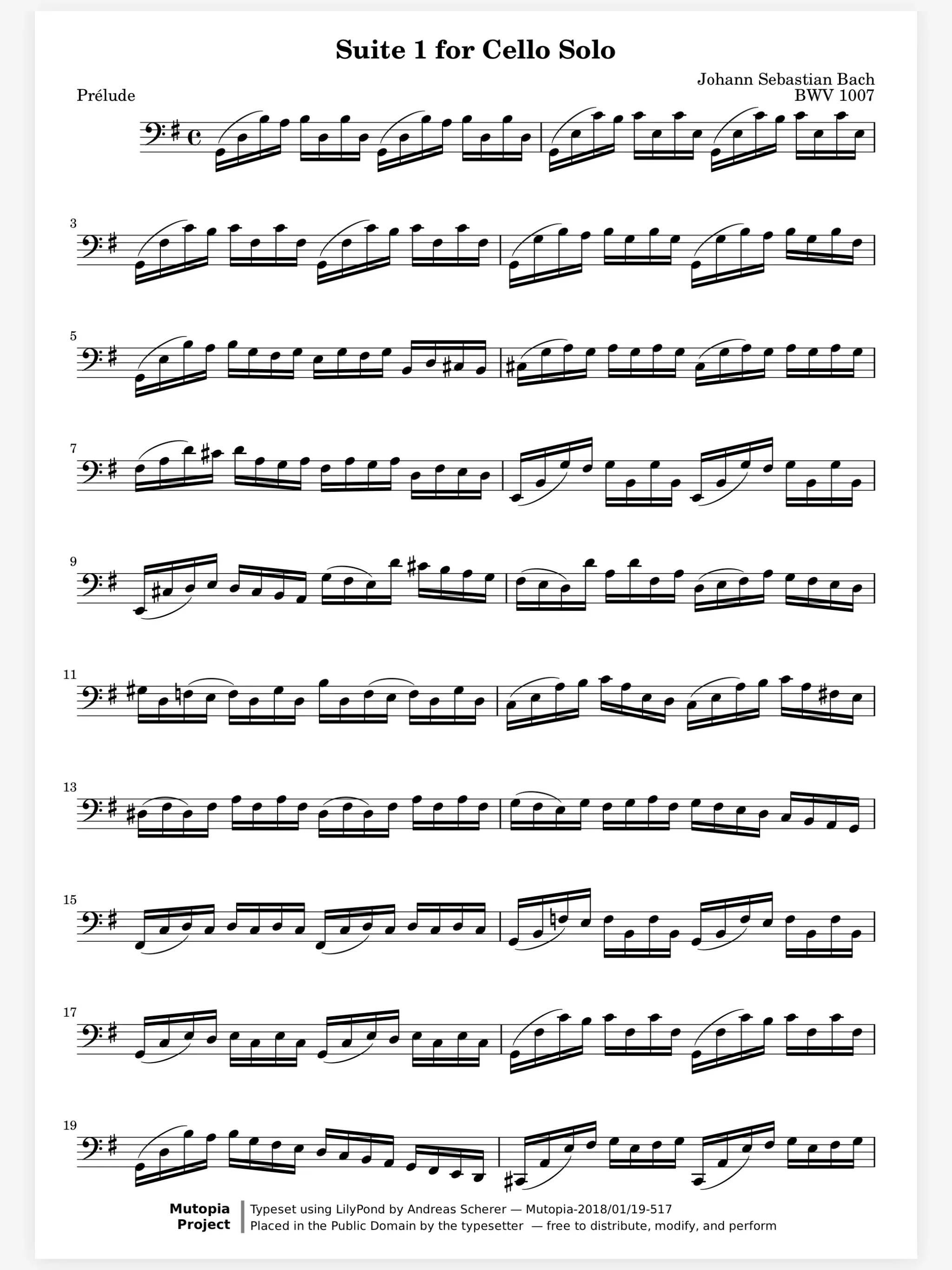
A finished page hides how it got that way: the fingering first, then the bowing, then the circled bar. Choose Replay Ink from the More menu and the page clears. Each marking grows back in order, at the speed you wrote it.

  • In the order you wrote it
  • Each stroke at its own speed
  • About 8 seconds a page
A score open in the Marcato reader with the toolbar hidden

Only the page shows while you film.

A screen recording usually catches the toolbar too. During a replay only the page and the ink show. Tap anywhere to stop, and every marking is back.

A score open in the Marcato reader with the toolbar hidden

And all the little things.

  • Only what you see

    Hidden layers stay hidden during a replay, so you choose what plays back.

  • Stamps and text too

    Stamped symbols and typed words replay along with your handwriting.

  • Nothing changes

    A replay never moves, adds or removes a stroke. It only shows your ink again.

Replay Ink questions.

Where do I find Replay Ink?

In the reader, open the More menu at the top right on a page with ink and choose Replay Ink.

Can I stop it halfway?

Yes. Tap the page and the replay stops, with all of your markings back in place.

Does it record a video?

No. Replay Ink plays the page back on screen. Use your iPad's screen recording to save it as a video.

Goes well with.

Apple Pencil. Pencil ink that stays sharp at any zoom.

An Apple Pencil writing on a sheet of music. It writes a slur and a fingering, then you can write with it.
fingering 3

Layers. Keep each kind of marking on its own layer.

Acetate layers on a stand. Each layer lifts in turn.
all layers · down

Music Symbols. Place engraved dynamics, bowings, fingerings.

Engraved symbols dropping onto a staff. Each symbol drops onto the staff.
fermata

Put your first score on the shelf.

Open a PDF, move your forScore library or scan the score on your stand. You don't need an account to start.

For iPad and iPhone with iPadOS 26 or iOS 26.